

The hardest part of choosing an AI video summarizer in 2026 is that “summarize this video” can mean several different jobs.
You might want to skim a YouTube video before watching it. You might have a 3GB lecture file with no captions. You might need the slides from a technical tutorial, not just the transcript. Or the real goal may be to ask questions about twenty videos you are collecting for a project.
Those workflows need different tools.
The fastest way to choose well is to stop comparing feature lists for a minute and ask what has to happen before, during and after the summary.
Start With the Source, Not the Summary
Before comparing AI models or summary styles, ask where the video comes from.
If You Mostly Summarize YouTube Links
A YouTube-first tool should make the path from URL to useful result very short.
Eightify is built around in-page YouTube summaries, key insights, transcripts and timestamped navigation. Its current official site also emphasizes browser and mobile access and summaries in 40+ languages: Eightify.
Glasp combines YouTube summaries with transcript highlighting, timestamps, notes and exports into a broader reading/highlighting library: Glasp YouTube Summary.
NoteGPT can summarize single YouTube videos, playlists and multiple links, and its current YouTube summarizer supports batch workflows and videos without existing subtitles within stated limits: NoteGPT YouTube Video Summarizer.
If your only question is “What is this YouTube video about?”, one of these streamlined workflows may be enough.
For a deeper YouTube-only comparison, see 6 Best YouTube Summarizers in 2026.
If You Also Upload MP4s, Lectures or Recordings
This is a different category.
A tool that works beautifully from a YouTube caption track may be less useful when the source is a local MP4, a recorded lecture or a screen recording with no captions.
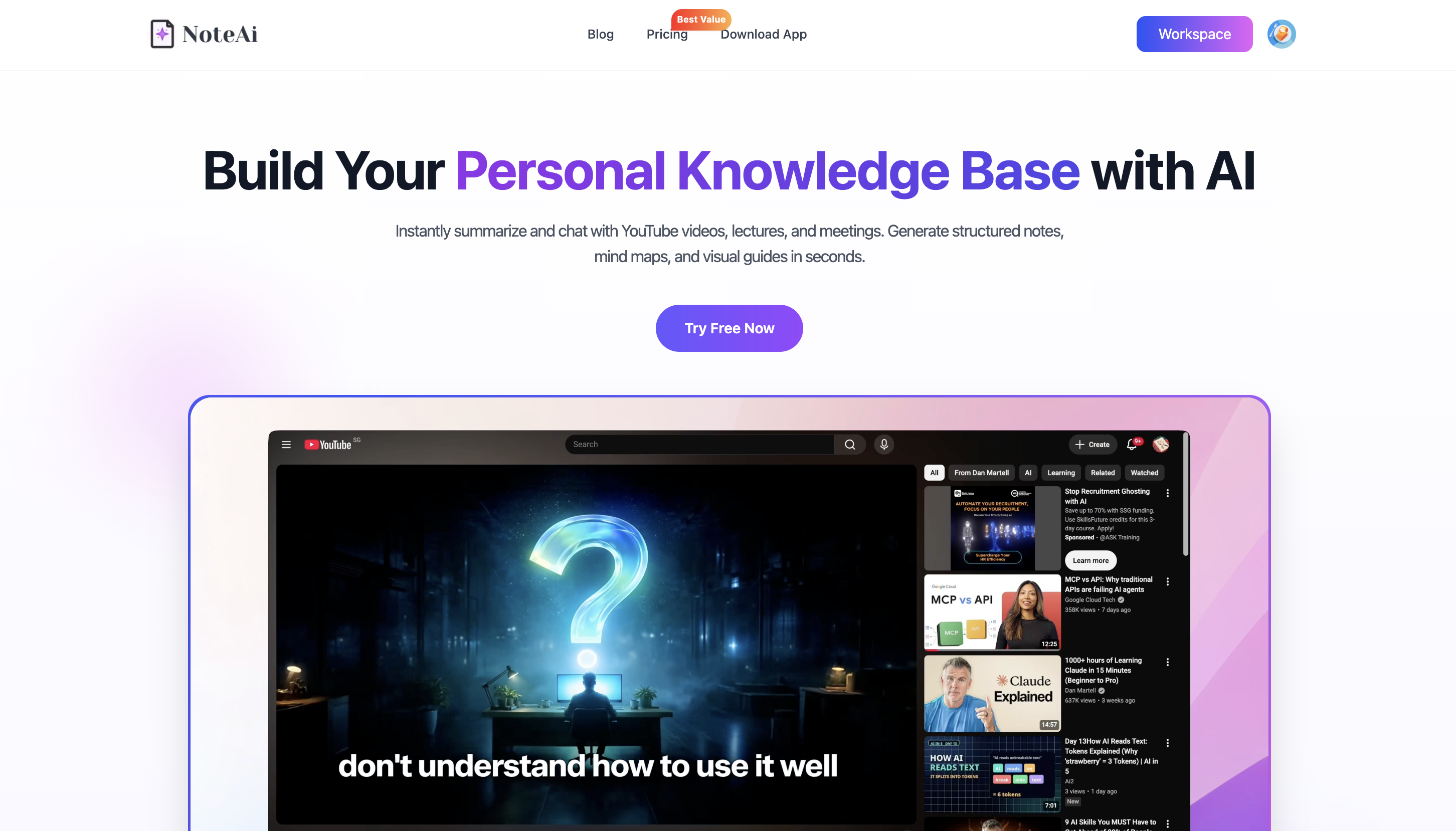
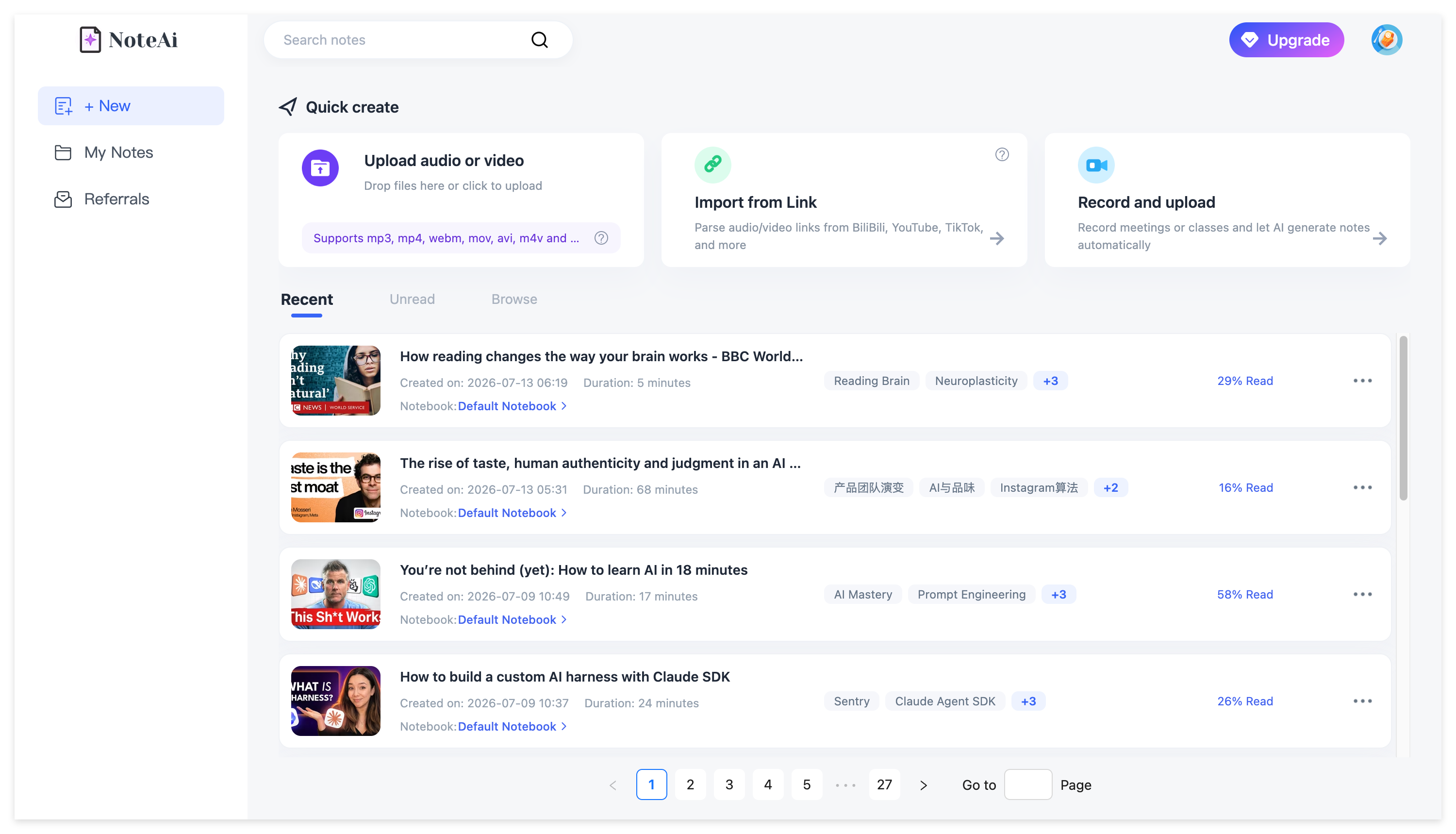
NoteAi accepts supported online-video links plus local video/audio and recorded content. Local media can be up to 7 hours and 4GB, and up to 15 links or files can be added in one batch.
Notta accepts uploaded video files and links from sources such as YouTube, Google Drive and Dropbox, then creates editable transcripts and AI summaries: Notta Video to Text.
Descript is a stronger fit when the video is also something you need to edit. Its AI summarizer sits inside the same project as the transcript, audio and video editor: Descript Video Summarizer.
If local files are your main problem, the comparison should start with upload limits, supported formats and what the tool does when a caption track does not exist. The uploaded-video summarizer guide goes deeper into that workflow.
Ask Whether the Video Is Mostly Speech or Also Visual
This is one of the biggest differences between video summarizers.
A transcript-based summary can work well for a talking-head interview. It is less complete when the speaker relies on slides, diagrams, formulas, code or a software interface.
Google's current Gemini Notebook help makes this distinction unusually clear: when you add a public captioned YouTube URL, only the video's text transcript is imported as a source. That makes Gemini Notebook useful for grounded research and chat, but the YouTube import itself is transcript-based rather than full visual extraction: Gemini Notebook source types.
If the screen matters, ask a different question:
Does the tool keep what was shown, or only what was said?
NoteAi can capture useful PPT slides, charts, diagrams, formulas, code, software interfaces and key frames, then keep those visuals beside the related transcript or summary content.
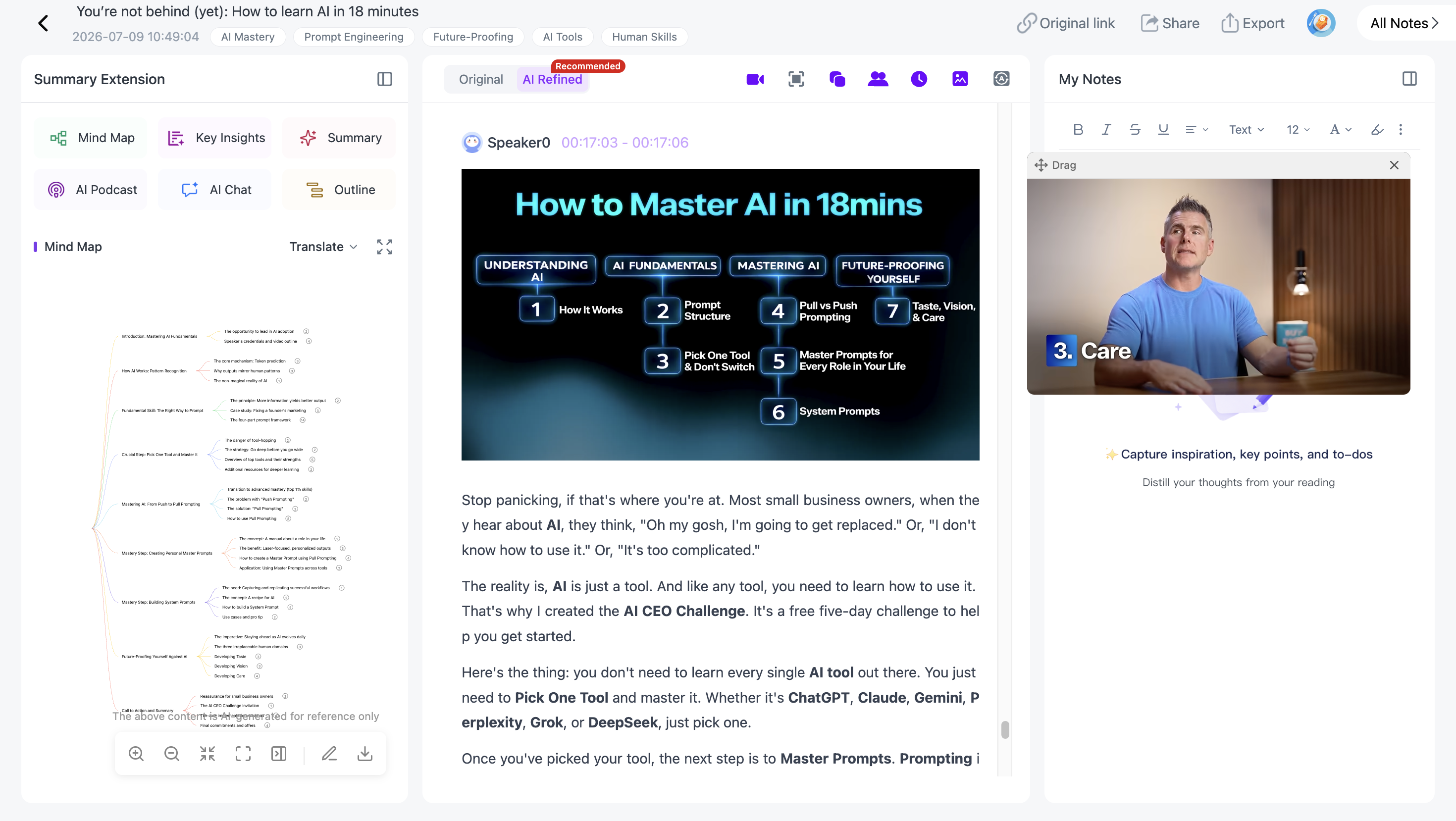
That is most useful for:
- lecture recordings;
- technical tutorials;
- software walkthroughs;
- presentations;
- visual explainers;
- courses built around slides.
If this is your main requirement, see Video to Notes: Turn Videos Into Visual Notes With AI.
Check What Happens to the Transcript
The summary is downstream of the transcript, so transcript handling matters more than many comparison pages admit.
Ask:
- Is there a full transcript?
- Are timestamps kept?
- Are different speakers identifiable?
- Can you search it?
- Can you clean up spoken repetition without losing the source-faithful version?
NoteAi keeps an original transcript with timestamps and speaker-aware text and can also create an AI-polished transcript that removes filler words and repeated spoken phrasing while leaving the original available for verification.
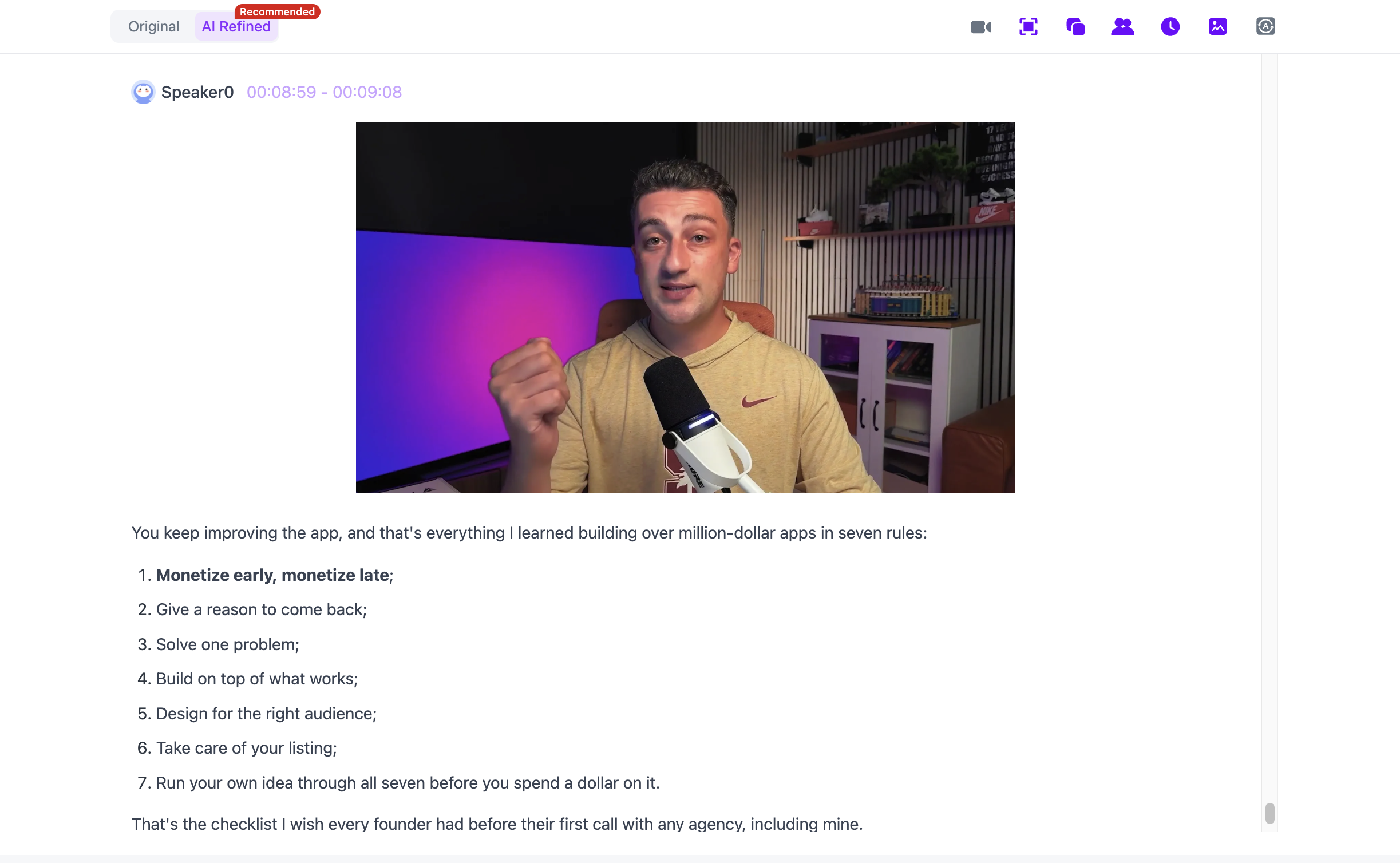
That two-view setup is useful when the same source needs to serve two jobs: easy reading and precise checking.
Notta also emphasizes searchable/editable transcripts, speaker identification and AI notes. Descript ties the transcript directly to media editing. Eightify and Glasp are stronger when the transcript is part of the YouTube viewing workflow.
For transcript-first needs, see YouTube to Text: 3 Ways to Get a Transcript With Timestamps.
Decide Whether You Need a Summary or a Way to Navigate the Video
A short summary answers:
What is this about?
A navigable note answers:
Where did this idea come from, and how do I get back to it?
That second question matters for long lectures, research videos and material you expect to reuse.
In NoteAi, the generated Mind Map is editable. With Smart Sync, clicking a Mind Map or outline node can take you back to the corresponding moment in the original source.
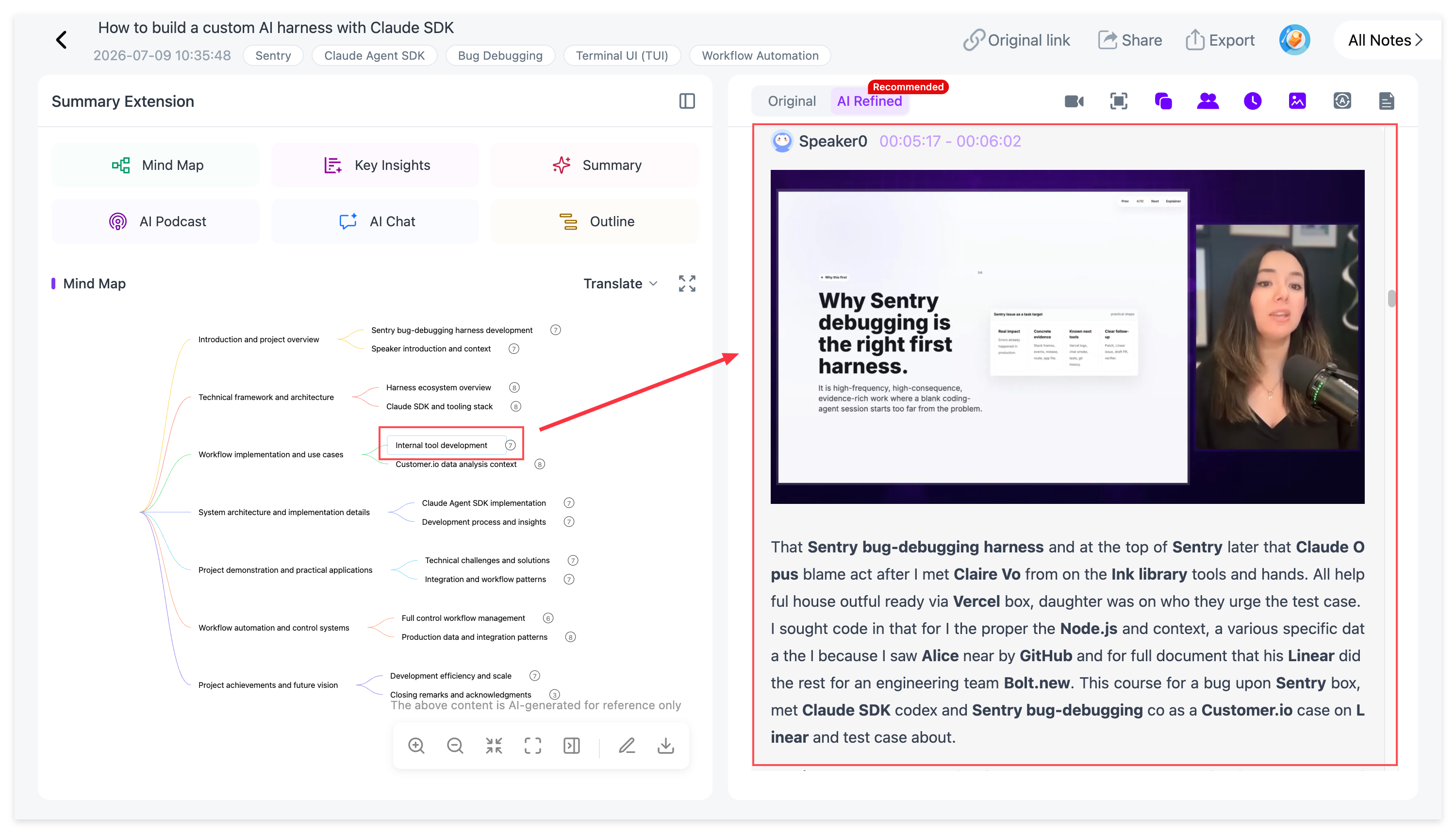
This changes the role of the summary. Instead of replacing the video, it becomes an index into it.
For the full workflow, see How to Turn a YouTube Video Into an Editable AI Mind Map.
Ask How Much Follow-Up You Expect to Do
Some users want a one-click TL;DR and then move on.
Others want to ask:
- “Where did the speaker explain this?”
- “Compare these two methods.”
- “What evidence supports this claim?”
- “Turn this section into review questions.”
- “Which part should I rewatch?”
If follow-up matters, AI chat should be part of the selection criteria, not an afterthought.
Gemini Notebook is especially strong when the video sits beside PDFs, webpages, Docs, Slides and other sources. Its chat is grounded in notebook sources and provides citations back to those sources: Gemini Notebook chat.
NoteAi keeps AI Chat / Personal AI Tutor connected to the processed media, so the transcript, note structure and source can stay in the same workflow.
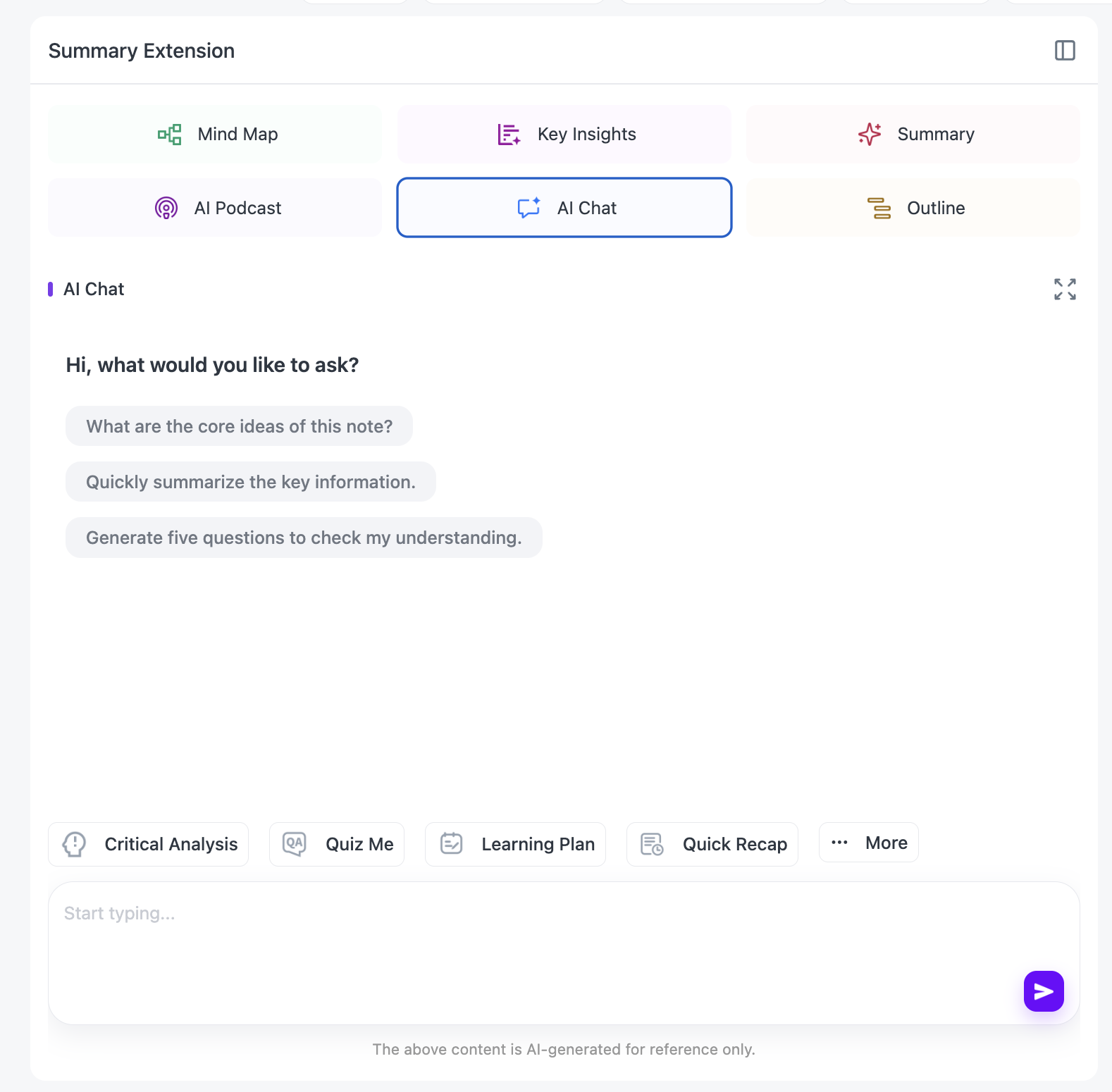
Glasp is useful when your follow-up grows from highlights and a personal reading library. NoteGPT also includes AI chat in its broader summary workflow.
Think About What Happens a Week Later
A surprisingly good way to choose a summarizer is to imagine the second time you need the information.
Do you want to:
- export the transcript?
- move the note into Notion or Obsidian?
- keep a searchable video library?
- find one topic across many videos?
- turn the summary into a study guide?
- reuse the same source with a different prompt?
If none of that matters, a lightweight YouTube summarizer is often enough.
If it does, the downstream workflow becomes part of the product choice.
NoteAi supports general-note exports to DOCX, PDF, HTML and Markdown, Mind Map exports to XMind, PDF, SVG, Markdown, JSON and TXT, and continuation into Notion / Obsidian. Its built-in knowledge base adds three-level organization, global search and batch note management.
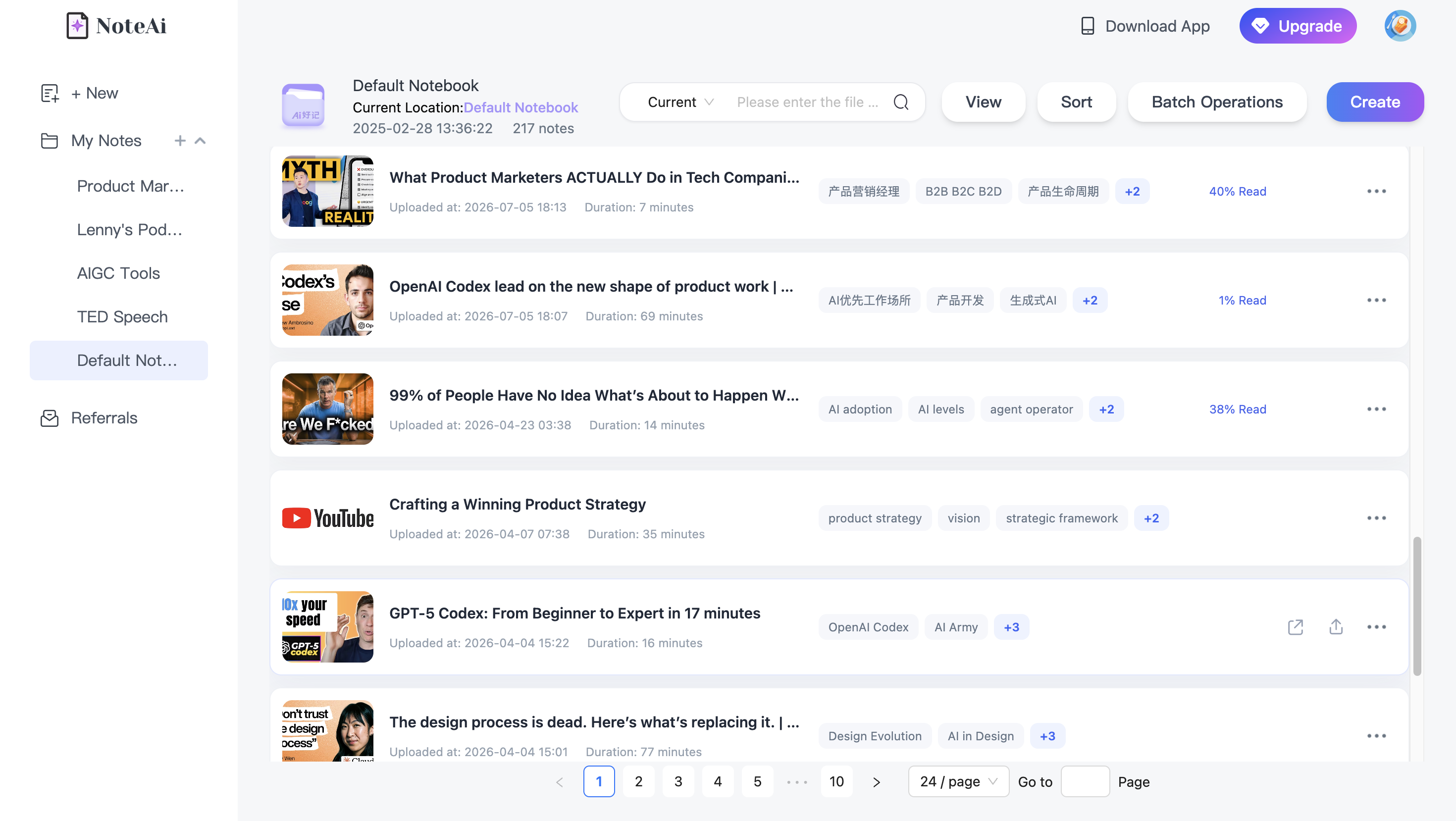
Glasp also has a strong export/PKM angle, with Notion, Obsidian and multiple text/data formats. Gemini Notebook is designed around a multi-source notebook rather than a traditional exported video note. Descript makes more sense when the next step is editing or publishing media.
A Practical Decision Matrix
| Your main workflow | Start by looking at | Why |
|---|---|---|
| Quick YouTube skim | Eightify | Fast in-page key insights and timestamped navigation |
| YouTube highlights + PKM | Glasp | Transcript highlighting, notes, exports and reading library |
| Batch YouTube / playlists | NoteGPT | Strong multi-video and batch-oriented summarization workflow |
| Visual lectures / tutorials | NoteAi | Visual Notes + transcript + editable Mind Map + Smart Sync |
| Research across video + PDFs/web | Gemini Notebook | Grounded multi-source chat and notebook workflow |
| Uploaded meetings / recordings | Notta | Transcription + AI notes + meeting-oriented workflow |
| Creator editing | Descript | Transcript, summary and video editing in one workspace |
This is not an accuracy ranking. It is a workflow map based on what the current products are built to do.
The Five Questions I Would Ask Before Paying for Any Video Summarizer
1. What sources will I actually use?
If the answer is “only YouTube,” do not pay for upload, meeting and knowledge-base features you will never touch.
If the answer includes local MP4s, recordings and multiple platforms, source flexibility matters much more.
2. Does the video depend on the screen?
If yes, a transcript-only workflow may leave out too much.
3. Will I need to verify the source later?
Look for timestamps, transcripts, source links and navigable structure.
4. Will I ask follow-up questions?
If yes, compare the AI chat experience and whether answers stay grounded in the source.
5. Is this a one-time summary or part of a knowledge workflow?
The right tool for “Should I watch this?” may be completely different from the right tool for a semester, research project or creator reference library.
FAQ
What is the most important feature in an AI video summarizer?
It depends on the source. For a YouTube clip, speed and timestamps may matter most. For a lecture or tutorial, transcript quality, visual context and source return can matter more than a shorter summary.
Do all AI video summarizers analyze the actual video frames?
No. Some workflows are primarily transcript-based. For example, Google's current Gemini Notebook documentation says that a YouTube URL imports only the video's text transcript as a source.
What should I use for videos without captions?
Choose a tool that can transcribe the audio itself rather than relying only on the existing subtitle track.
What is the difference between an AI video summarizer and an AI video note taker?
A summarizer primarily compresses the content. A fuller video-note workflow can also keep transcripts, timestamps, visuals, source navigation, editable structure and downstream exports.
Is NoteAi only for YouTube?
No. NoteAi supports compatible online-video links, local video/audio and recorded content in addition to YouTube.
Should I choose one video summarizer for every workflow?
Not necessarily. A lightweight YouTube summarizer can be ideal for daily skimming, while a different tool may make more sense for long visual lectures, uploaded recordings or research libraries.