

“Lecture summarizer” can mean three different things depending on when you ask.
During class, you may need live capture. After class, you need the recording turned into something readable. Before an exam, you need to find the concepts you still do not understand without replaying every lecture.
The best fit depends on whether you are capturing the class, reviewing it later or preparing for an exam.
How this comparison was prepared: We reviewed each tool's current official product or help pages for the workflow described here. We do not publish controlled accuracy rankings unless the products have been tested under the same conditions.
What does a student actually need from a lecture summarizer?
For recorded classes and online courses, I would look for:
- transcript and timestamps;
- a cleaner reading version;
- a useful lecture overview;
- PPT and key-frame notes;
- a topic structure;
- source-linked navigation;
- AI explanations and review questions;
- translation;
- course organization and exports.
5 AI Lecture Summarizers to Compare
| Tool | Lecture stage / sources | Study outputs | Visual or source-linking strengths | Best fit |
|---|---|---|---|---|
| Otter | Live in-person or virtual lectures; real-time capture | Transcript, summary, highlights, searchable notes | Automated slide capture in virtual sessions | Students who need live lecture capture |
| NoteAi | Recorded / online lectures from supported links, local video/audio and recordings | Summary, original + polished transcript, Visual Notes, editable Mind Map, AI Tutor, custom study outputs | Captures PPT/key frames and uses Smart Sync to return from notes or Mind Map nodes to the source | Students reviewing recorded, slide-heavy lectures |
| Scholarly | PDF, audio recording, YouTube video and slides | TL;DR, key concepts, flashcards, quizzes and podcast | Study-output focused rather than source-navigation focused | Fast active-recall materials |
| Mindgrasp | Recorded video/audio, text, slides and YouTube/course material | Notes, summaries, study guides, quizzes, flashcards and AI tutor | Reuses the same course material across multiple study tools | Students who want a broad study toolkit |
| Gemini Notebook | YouTube, audio, PDFs, webpages, Docs, Slides and other sources | Grounded chat, study guides, reports, mind maps, flashcards, quizzes and audio/video overviews | Strong mixed-source research; YouTube import is transcript-based rather than full video-visual extraction | Courses that combine video with readings and documents |
Comparison note: This table uses current official product/help pages to describe workflows and study outputs. It does not claim a controlled 'best' or transcription-accuracy ranking.
During class, capture comes first
If the lecture is happening live, a real-time transcription tool such as Otter is a natural starting point. Official site: Otter.
Once the lecture exists as a platform video or recording, the job changes. You no longer need to capture the class; you need to study from it.
After class, NoteAi turns the recording into study material
Import a Full Course
Paste supported links from YouTube, TikTok, Bilibili and other video platforms, upload local video/audio, or add recorded and screen-captured material.
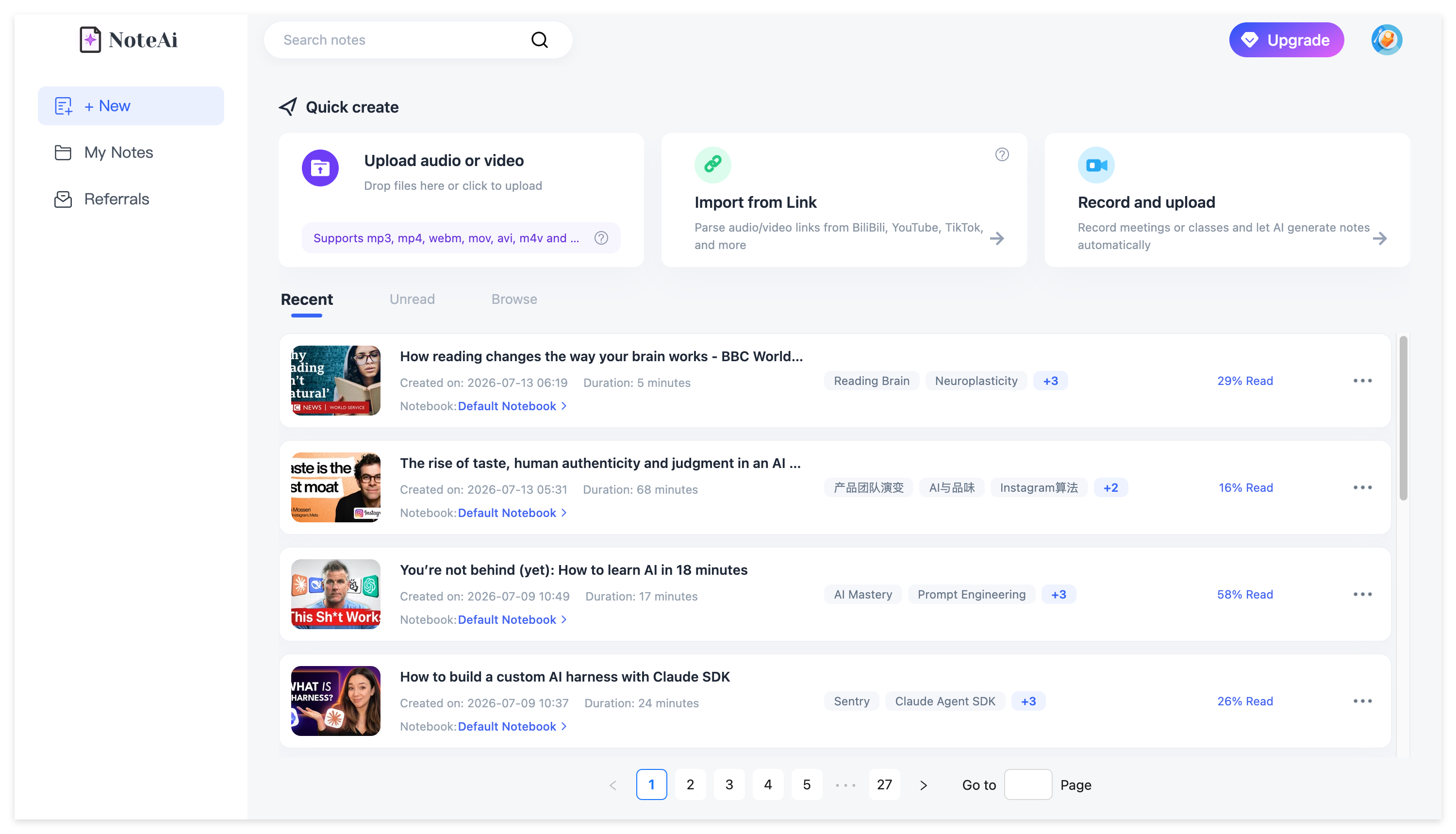
You can add up to 15 links or files in one batch. Local media can be up to 7 hours and 4GB.
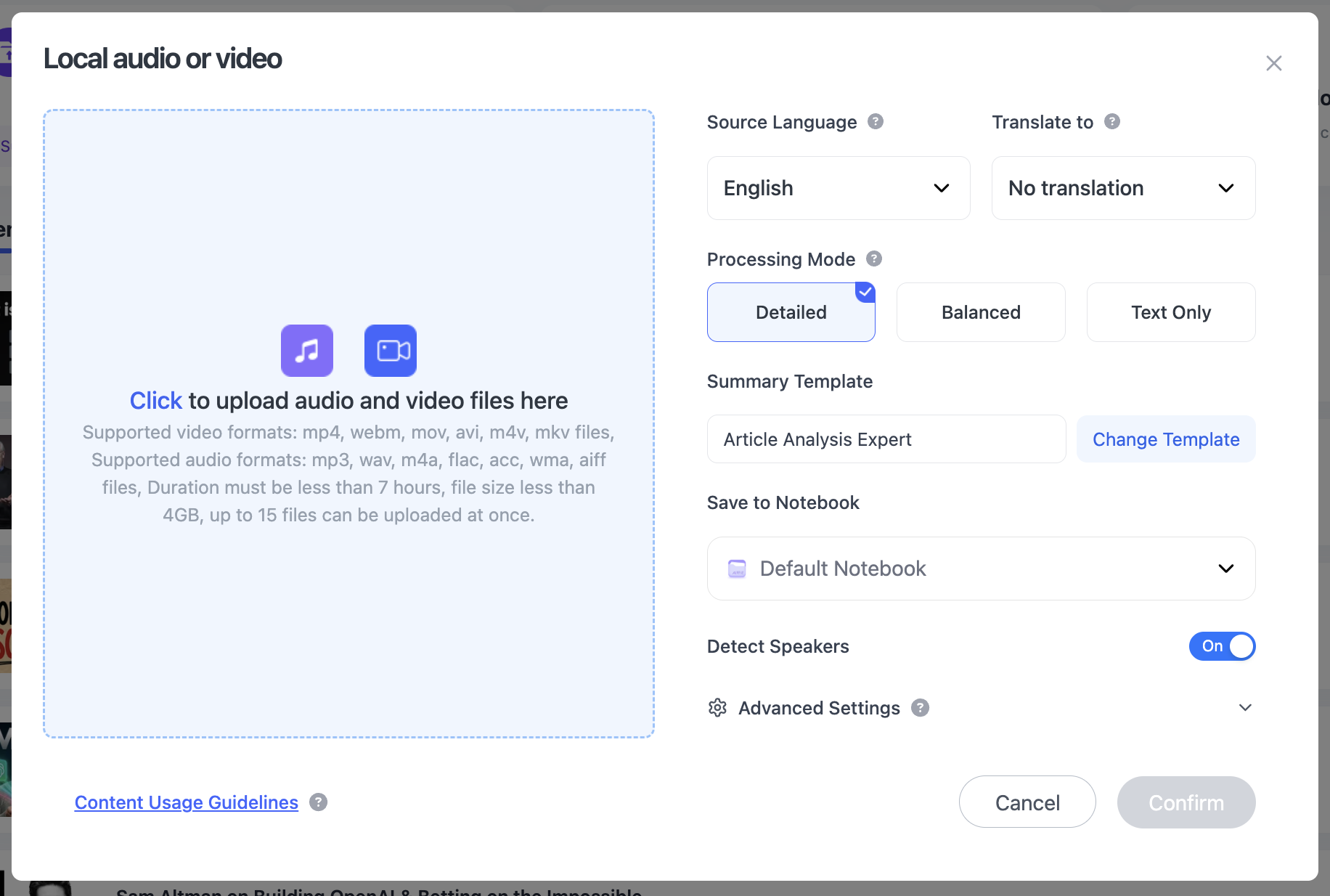
That matters for a course because you are rarely dealing with one isolated five-minute clip.
Start With the Lecture Overview
AI Summary / Insights gives you the overall structure first.
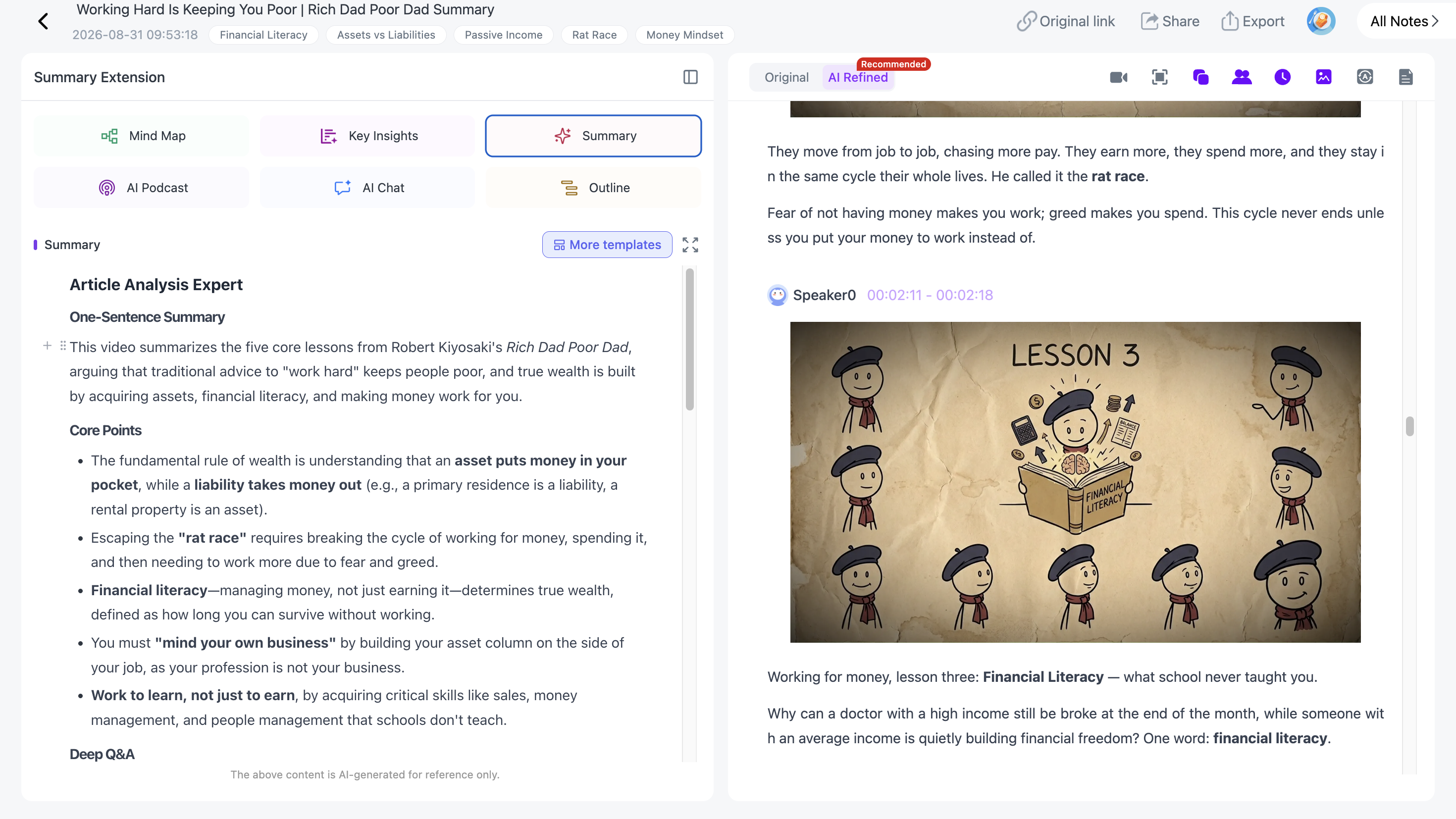
Use it to see what the lecture covers, where the important sections are and what you already understand.
Then move into the transcript when the exact definition, formula or explanation matters.
Use the Clean Transcript for Review and the Original for Checking
For revision, I would usually read the AI-polished transcript because it removes filler and repeated spoken phrasing. For a definition, formula or quote that may matter on an exam, the original transcript still keeps the timestamped source wording and speaker context.
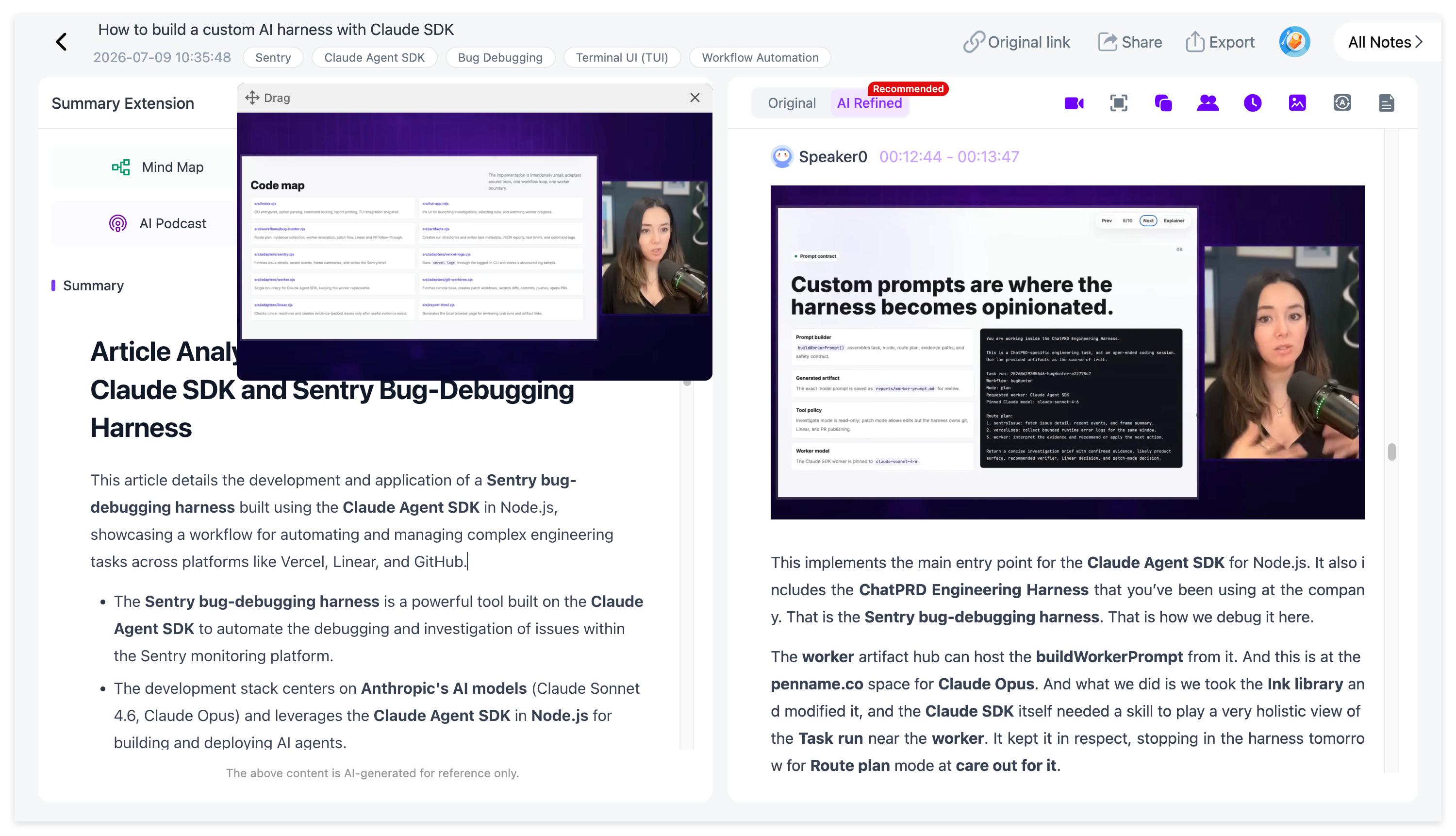
Keep the PPT With the Explanation
A lecture is often half speech, half screen.
NoteAi can automatically capture useful PPT slides, equations, charts, diagrams, code and key frames and place them beside the related transcript or summary content.
That means the note keeps both what the lecturer said and what the class was looking at.
Generate a Mind Map for Revision
The editable Mind Map turns the lecture into a high-level course outline.
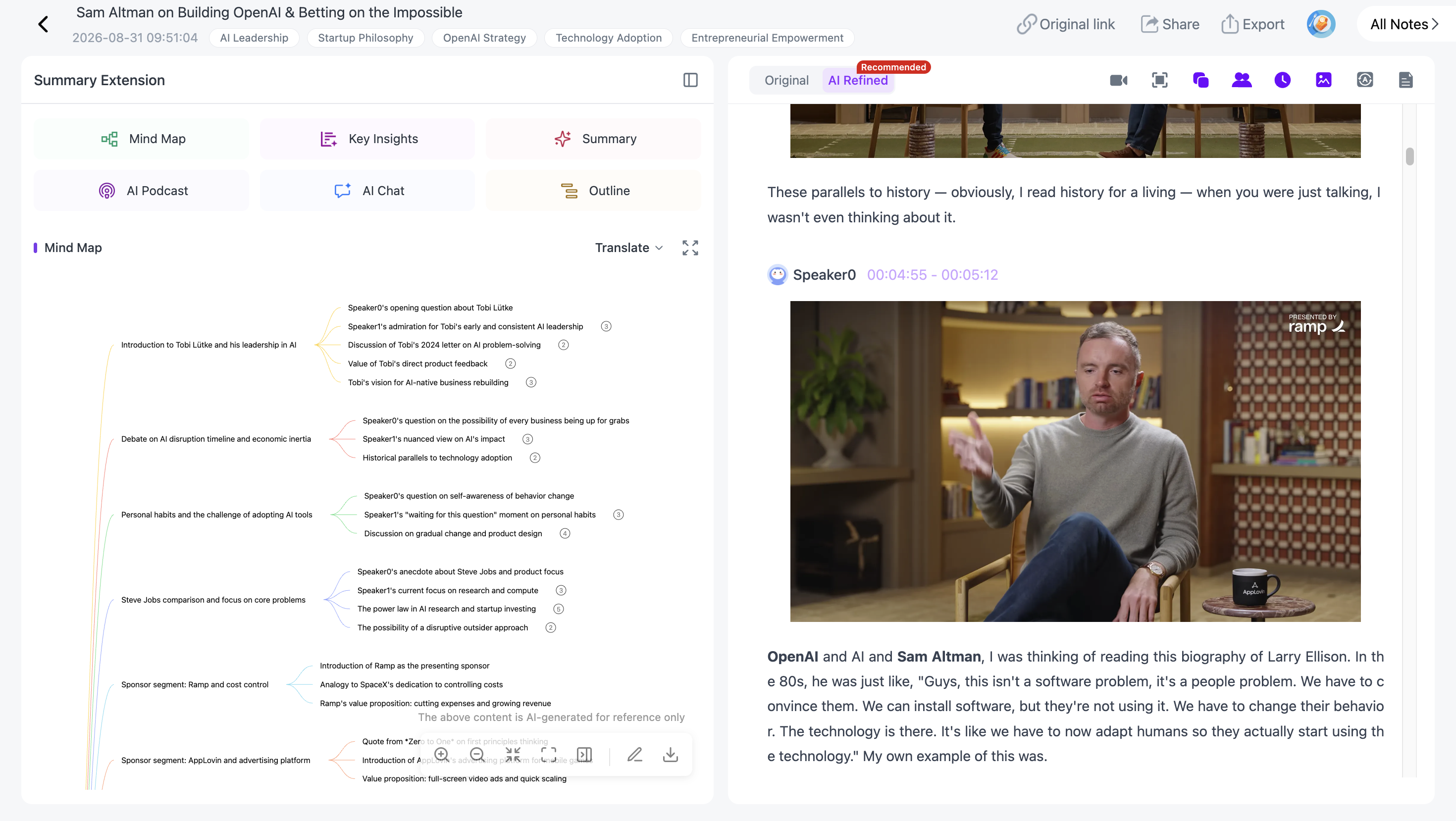
Rename branches, remove what is not relevant and reorganize the material around the way you understand it.
Smart Sync turns the outline into navigation: click a concept to reopen the matching part of the lecture.
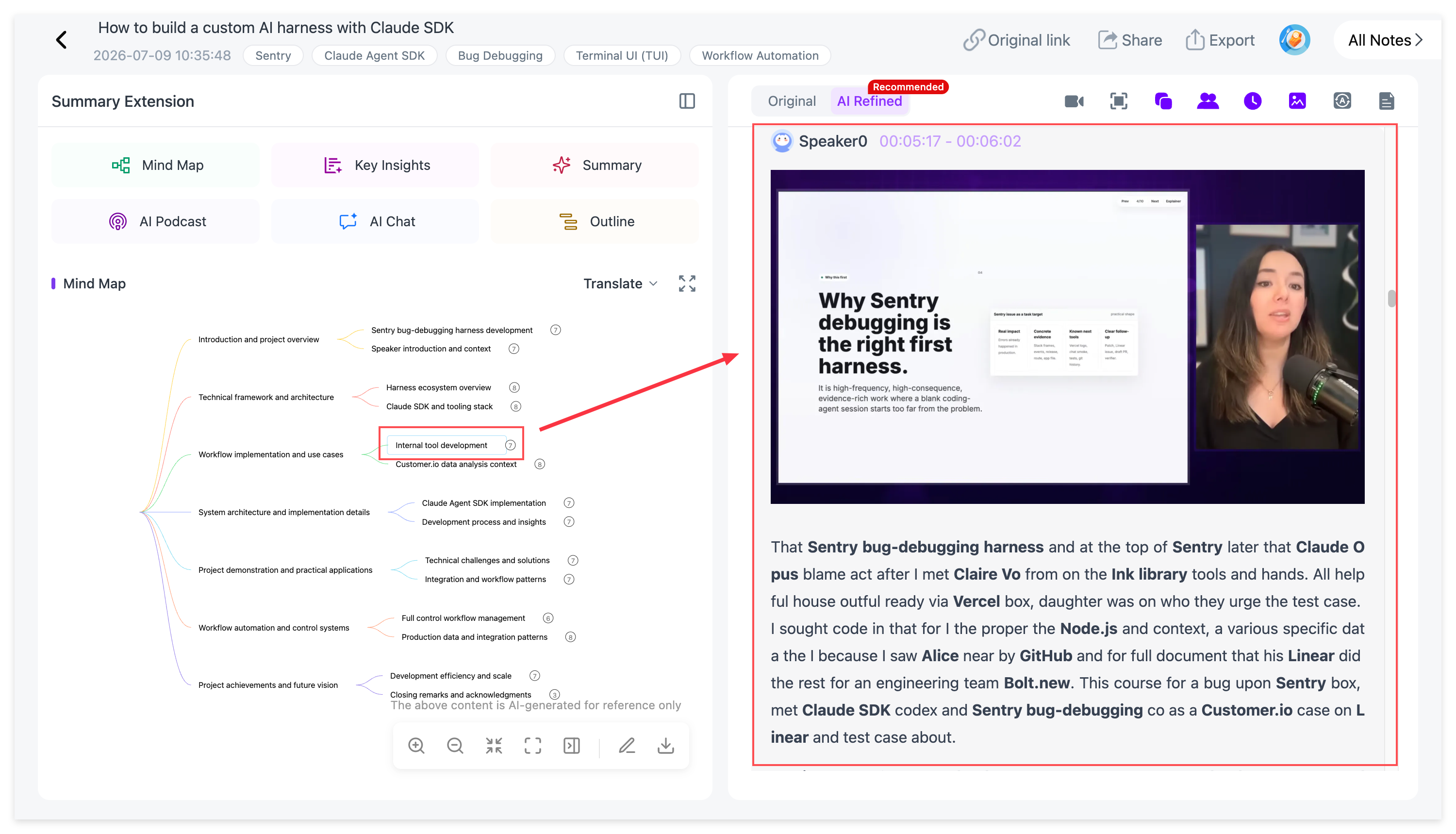
Mind Map exports include XMind, PDF, SVG, Markdown, JSON and TXT.
Ask AI About What You Still Do Not Understand
AI Chat / Personal AI Tutor can explain a concept more simply, compare terms, generate practice questions, quiz you on a chapter or find the part worth rewatching.
For exam review, this is more useful than repeatedly rereading the same short summary.
Use Templates or Write Your Own Study Prompt
Use Summary Templates or a custom prompt to turn the same lecture into Cornell notes, a formula sheet, chapter questions, a glossary, a study guide or another course-specific structure.
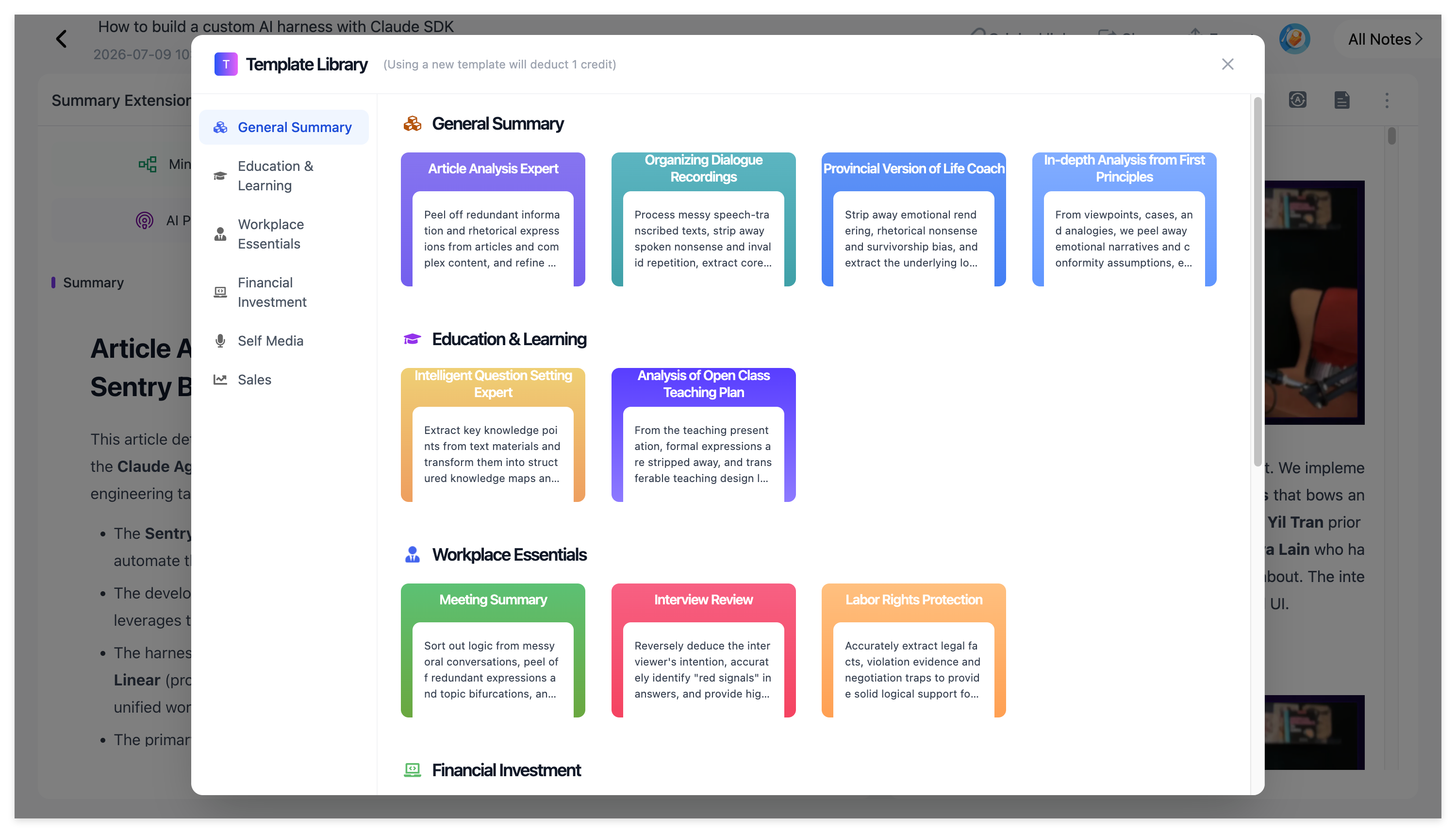
Foreign-language lectures can stay bilingual: NoteAi supports 22+ languages and keeps the translated content close to the source wording.
A structured note can also be turned into an AI Podcast with customizable speaker names and voice styles.
Keep the Semester Organized
General notes export as DOCX, PDF, HTML or Markdown, or continue in Notion / Obsidian.
Inside NoteAi, a three-level knowledge-base structure can be used for something as simple as:
semester → course → module
Global search helps you find a concept across old lectures. Batch note management helps when several class recordings need to be reorganized together.
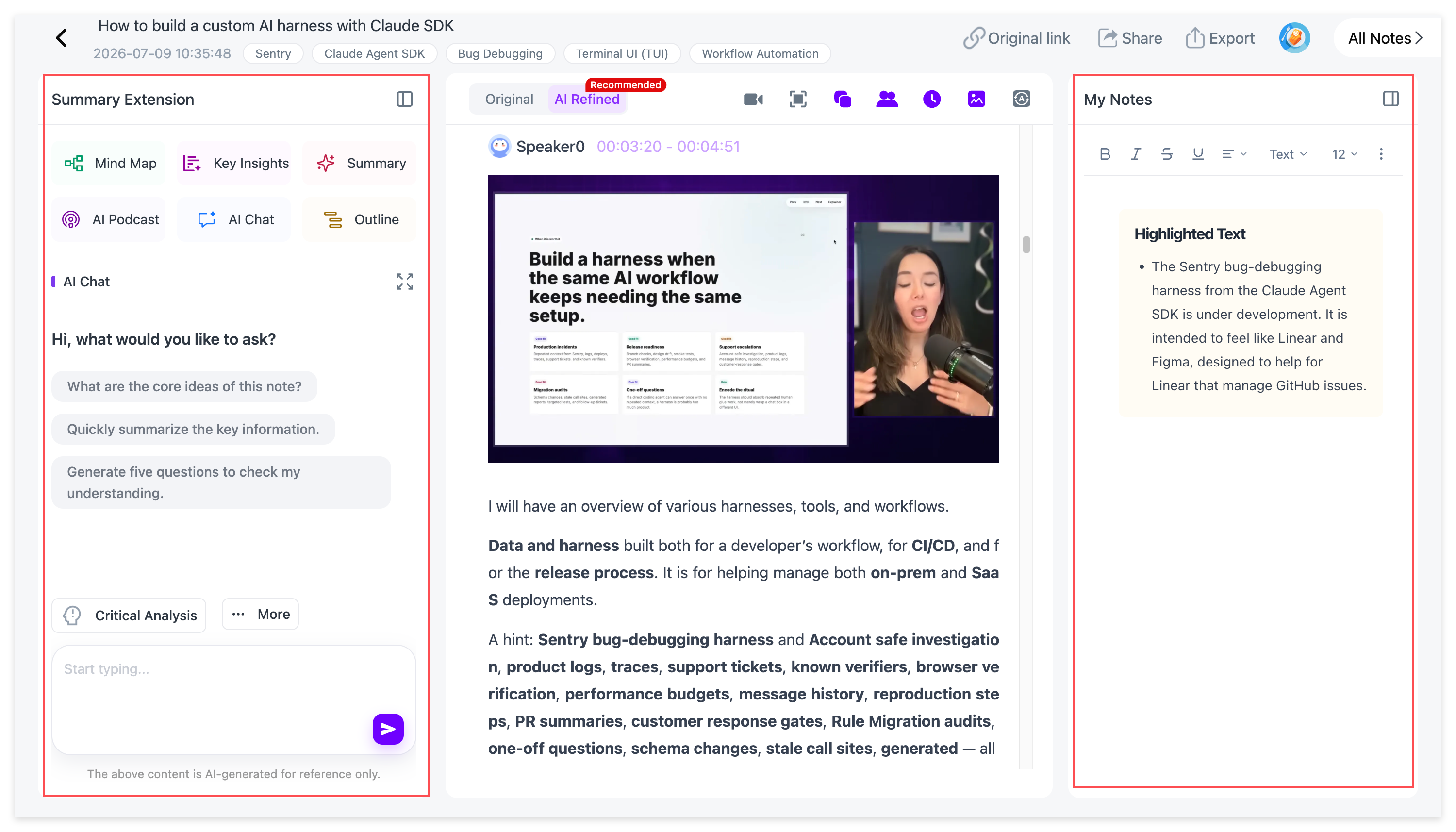
For long course videos, the long YouTube video guide covers the summary/transcript/visual workflow in more detail.
A simple exam-review loop
- Open the Mind Map.
- Try to explain each branch from memory.
- Mark what you cannot explain.
- Click those nodes to return to the lecture.
- Ask AI for a simpler explanation or a quiz.
- Keep the final note in the course library or export it.
The AI is most useful here as navigation and feedback, not as a replacement for actually learning the material.
FAQ
Is NoteAi for live lectures?
It is mainly useful once the lecture exists as a supported platform video, recording or local file.
Can NoteAi keep lecture slides?
Yes. Visual Notes can keep useful PPT pages and other key frames beside the related text.
Can students ask NoteAi questions about a lecture?
Yes. AI Chat / Personal AI Tutor supports source-based explanations, follow-up questions and review.