

A podcast summary is great when you only want the gist.
It is much less helpful when, three weeks later, you remember that the guest made a smart point about pricing but cannot remember where it was, what the exact wording was or which episode it came from.
For study or research, it is often more useful to keep the episode as a searchable source than to stop at a short summary.
That is the standard used for the six tools below: not just whether they can shorten an episode, but what they preserve alongside the summary.
What should a podcast summarizer keep?
For a casual listen, a short recap may be all you need.
If the episode matters later, it helps to keep:
- the full transcript;
- who said what;
- timestamps;
- a cleaner reading version;
- the episode's topic structure;
- a way back to the exact moment;
- AI follow-up;
- translation;
- exports or searchable storage.
6 AI Podcast Summarizers to Compare
The six tools below all approach podcast summarization differently. Some are built around listening, some around study and knowledge management, and others around creator repurposing.
| Tool | Podcast / audio workflow | Transcript & navigation | Summary / AI follow-up | Best fit |
|---|---|---|---|---|
| NoteAi | Upload podcast audio/video, recordings or supported links | Original + AI-polished transcript, speakers, timestamps, editable Mind Map + Smart Sync | Summary, custom templates/prompts, AI Q&A, translation, AI Podcast and knowledge base | Research, study and long-term reuse of podcast content |
| Snipd | Podcast listening app with AI features built into playback | Full transcripts, speaker identification, auto-chapters and saved snips | Mini summaries, chat with podcasts and custom AI prompts | People who want to learn while listening |
| Podwise | Turns podcast episodes into structured knowledge | Transcript + topic structure / Mind Map | Summaries, Q&A and other structured insights | Podcast-focused learning and knowledge extraction |
| Notta | Upload podcast audio/video or supported cloud / YouTube links | Transcript with editable text and timestamps | Summary templates, chapters and action items; export to TXT/PDF/DOCX | Podcast transcription and summary in a general note-taking workflow |
| Castmagic | Upload or import podcast recordings / RSS-based content | Speaker-labelled, timestamped transcript | Summaries, show notes and creator-oriented content assets | Podcasters and creators repurposing episodes |
| VOMO | Upload or record podcast/audio; video files also supported | Full transcript with speaker labels | Summary, key points, action items, AI follow-up and multiple export formats | Straightforward podcast/audio summarization with Q&A |
Comparison note: The table uses current official product pages and documentation to describe workflows. It does not claim a controlled accuracy ranking.
The rest of this article looks more closely at NoteAi's workflow because this is the official NoteAi blog.
How NoteAi turns a long episode into something you can research
Start With the Audio You Already Have
Upload local audio or video, add recorded content or bring in links from supported online platforms.
If you are working through a podcast series or several interviews, NoteAi can process up to 15 links or files in one batch.

Keep Speakers, Timestamps and Exact Wording
If you may quote the guest later, keep the original transcript. Speaker labels and timestamps make it clear who said what and where the exchange happened.
Read a Cleaner Version When the Conversation Gets Messy
If you are reading the whole episode rather than citing it, switch to the AI-polished transcript. It cleans up filler and repeated phrasing without removing the original source version you may need later.
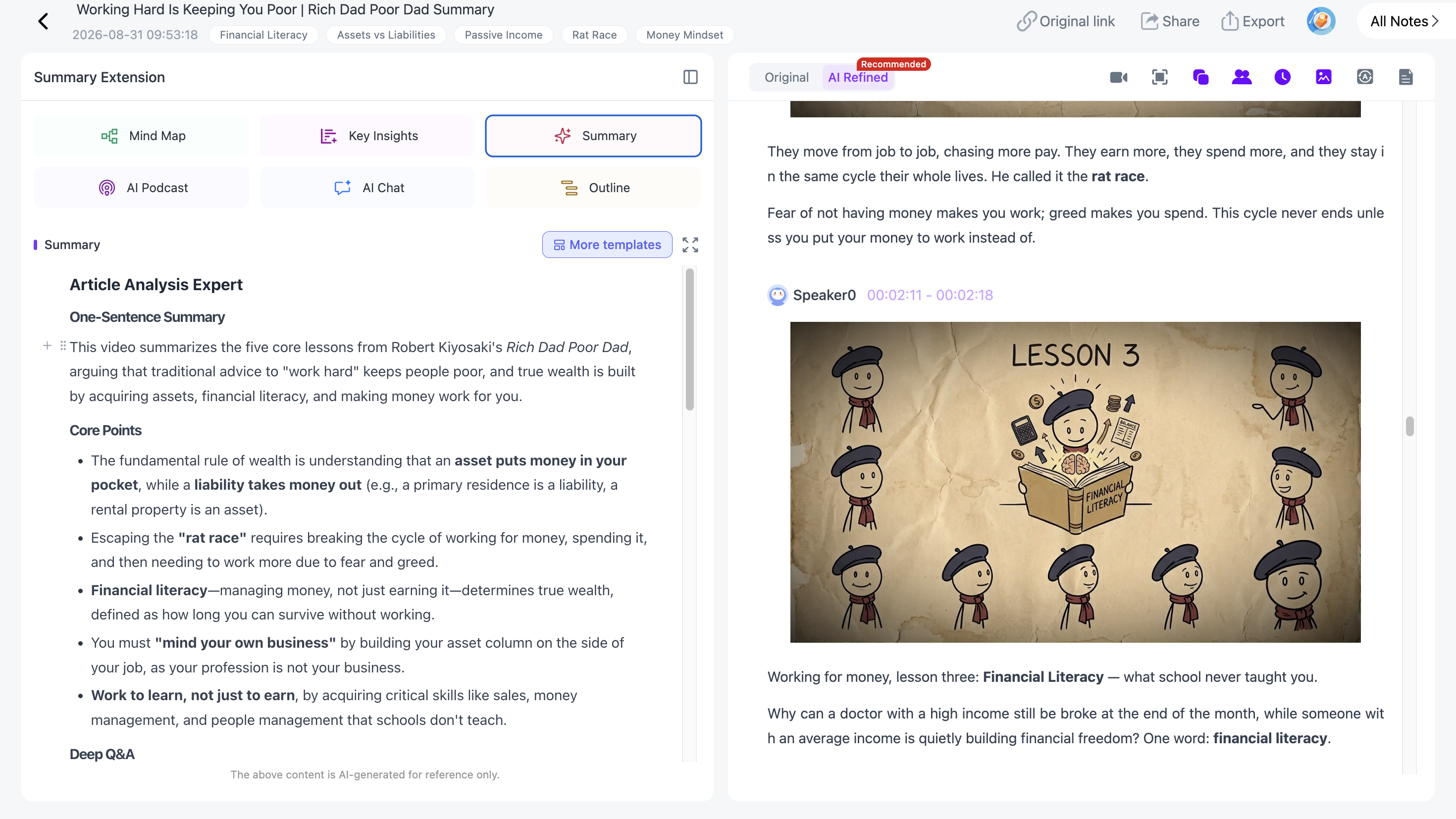
Generate a Mind Map for the Episode
A podcast is linear, but research often is not.
Generate an editable Mind Map to see the episode as topics and relationships rather than minutes.
With Smart Sync, click a node and jump back to the exact part of the source where that topic was discussed.

This is particularly useful when the same subject comes up several times across an interview.
Ask Questions About the Episode
AI Chat / Personal AI Tutor can help you find specific information without replaying the whole episode:
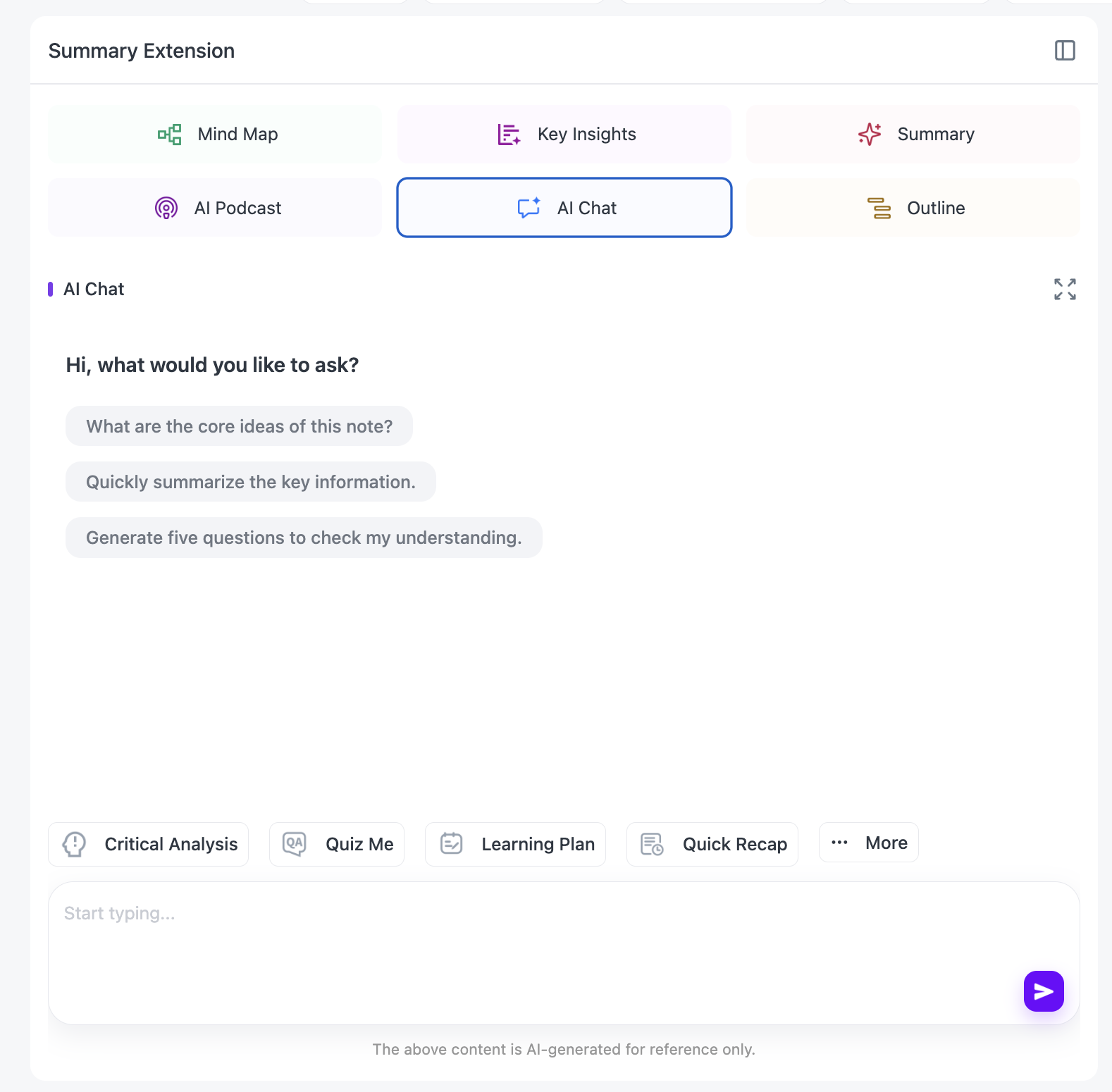
- “Where did the guest discuss pricing?”
- “What evidence did they give for this claim?”
- “Compare what they said in these two sections.”
- “Turn this into five research questions.”
- “Which quote should I verify before citing?”
The transcript and source are already connected, so you do not have to keep pasting chunks into a separate chat.
Translate Without Losing the Original Wording
For foreign-language podcasts, translation is available across 22+ languages, and the source text remains beside the translated version for reference.

That makes foreign-language interviews and podcasts easier to use without giving up the ability to check names and specialist terms.
Reuse the Episode With Templates or a Custom Prompt
A reusable Summary Template works well for common note formats. A custom prompt gives you more control when you need something specific.
The same episode can become:
- interview notes;
- a research brief;
- arguments and evidence;
- a glossary;
- study notes;
- creator research.
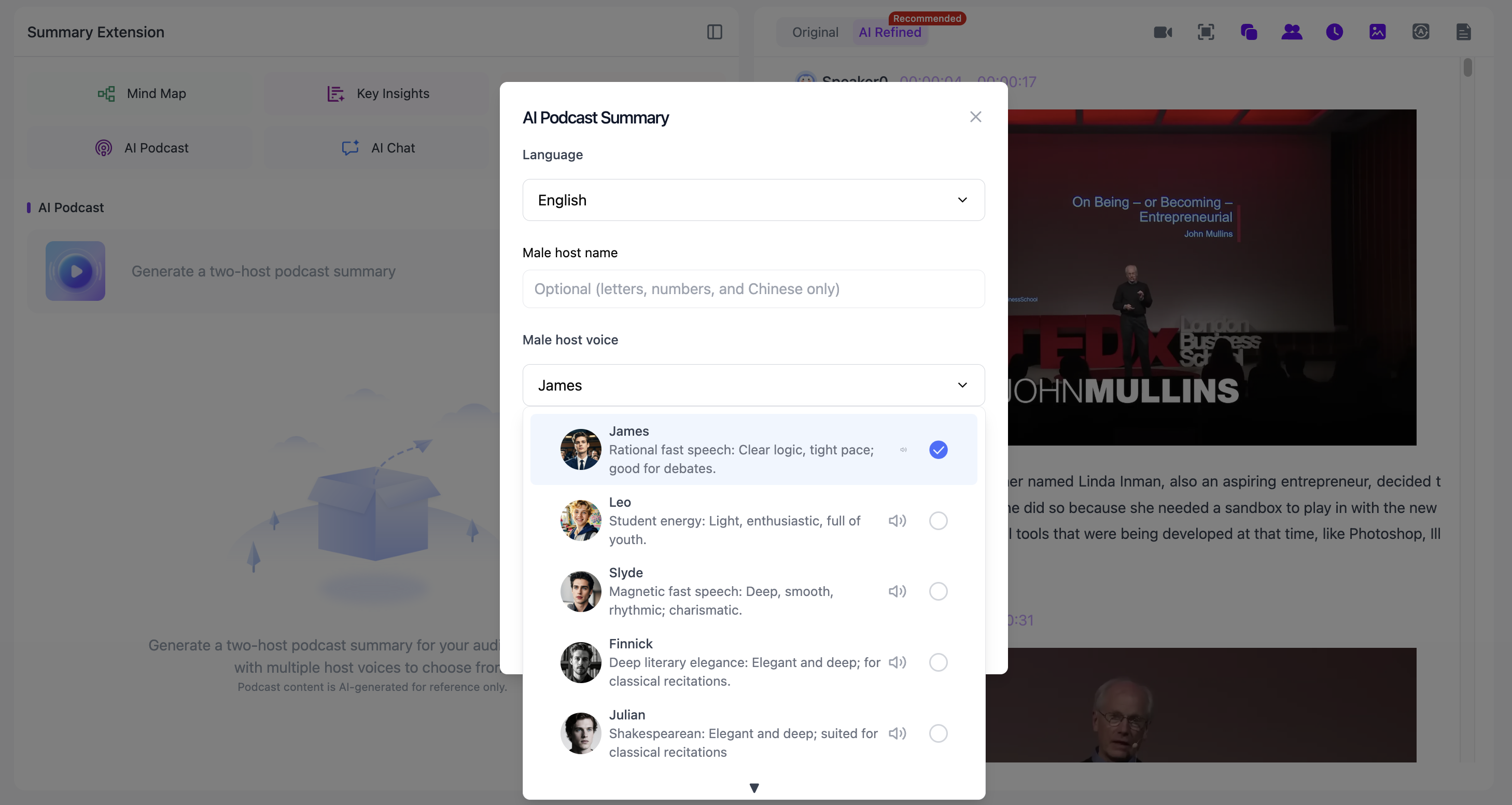
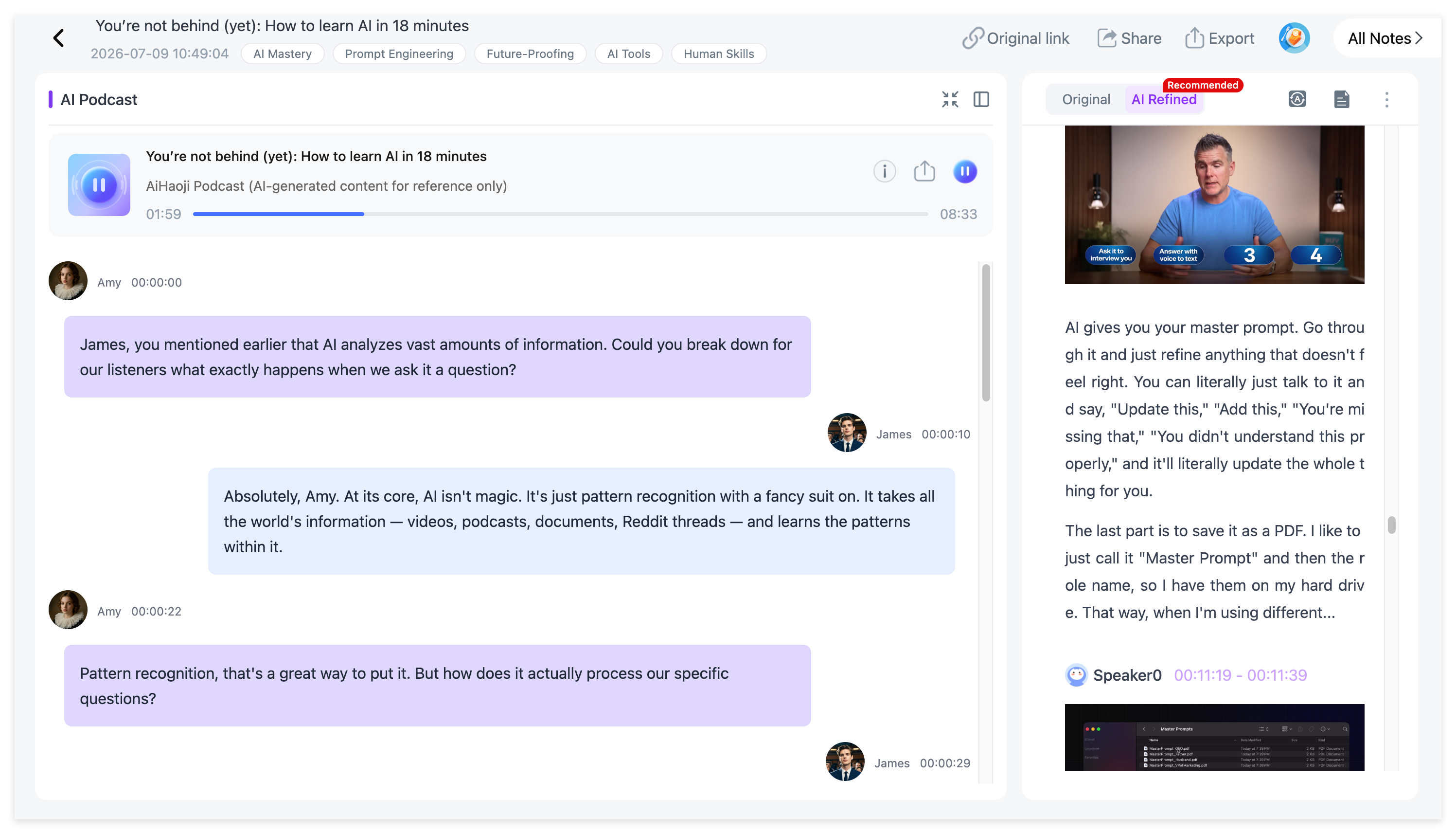
A structured note can also become a two-speaker AI Podcast. NoteAi lets you customize the generated speakers' names and voice styles, which gives you another way to review the material while commuting, walking or studying away from a screen.
Keep a Podcast Research Library
Export general notes as DOCX, PDF, HTML or Markdown, or continue in Notion / Obsidian.
If the episodes stay inside NoteAi, use three-level organization, global search and batch note management to keep a growing archive manageable.
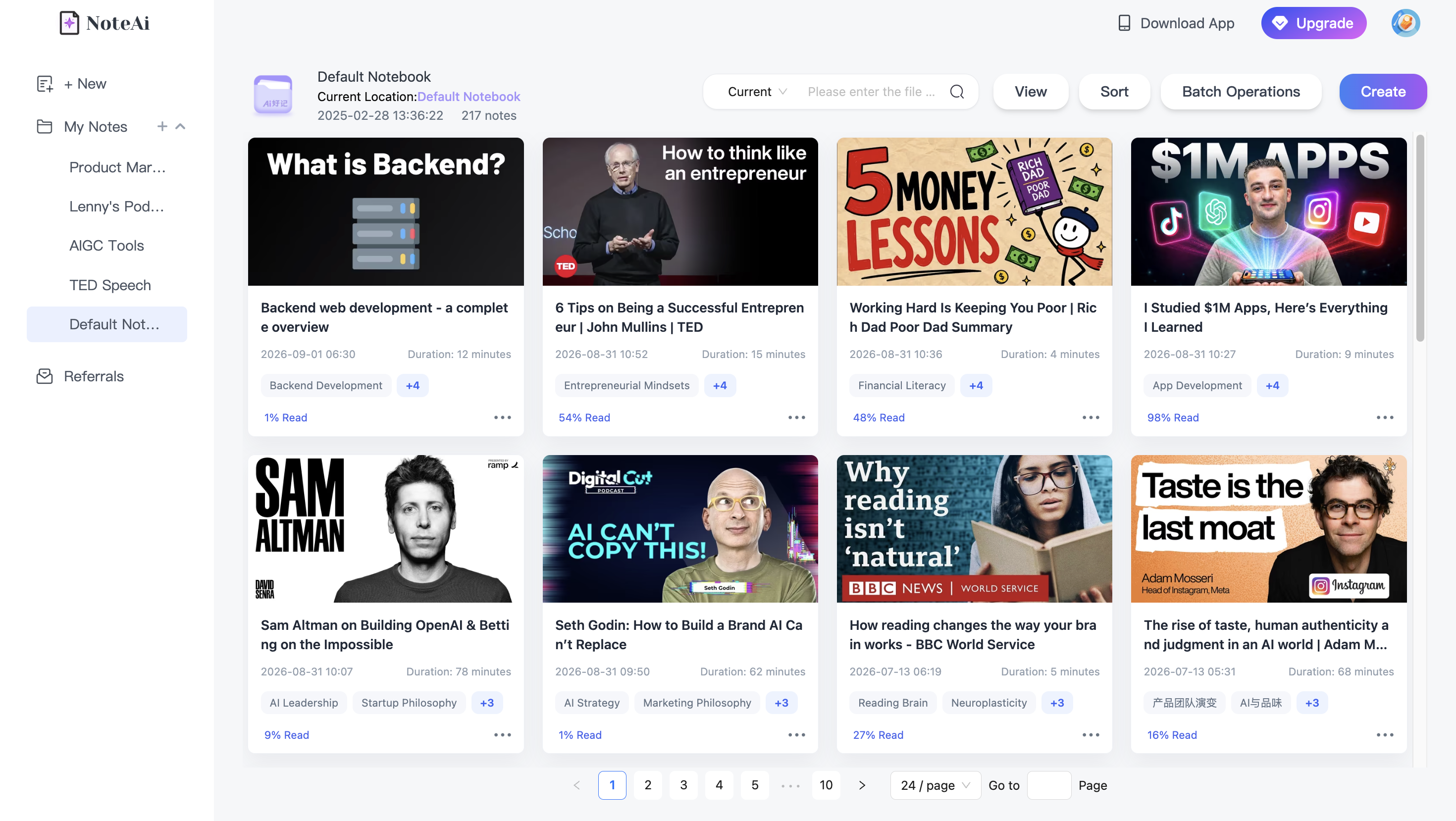
The result is easier to return to later when you need a quote, argument or topic from an older episode.
Who is this workflow useful for?
Researchers need attribution and source return. Students may want the episode turned into study material. Creators care about ideas, quotations and reusable themes. Language learners can combine transcript, translation, AI questions and audio review.
For all of them, the useful thing is not that the podcast became shorter. It is that the content became easier to find and use.
FAQ
Can NoteAi keep different podcast speakers separate?
Speaker-aware transcription helps keep multi-person episodes readable and attributable.
Can NoteAi translate podcasts?
Yes. Smart Translation supports 22+ languages.
Can NoteAi turn notes into an AI Podcast?
Yes. Structured notes can become a two-speaker AI Podcast with customizable speaker names and voice styles.