Upload Your Audio
Choose an audio file from your device and select the spoken language.

Turn audio into accurate transcripts with timestamps and speaker detection. Upload a file — no software required.
Convert your audio recordings into readable text in three simple steps.
Choose an audio file from your device and select the spoken language.
NoteAi converts speech into text with timestamps and speaker labels.
Sign in to open the generated transcript in NoteAi, then view, copy, and export it from the note detail page.
Edit, summarize, search, and ask questions—all from one transcript in NoteAi.
Edit transcripts with timestamps and speaker labels in NoteAi.
Turn long audio into clear summaries and key insights.
Search transcripts to find important details in seconds.
Ask questions and get answers based on your audio transcript.
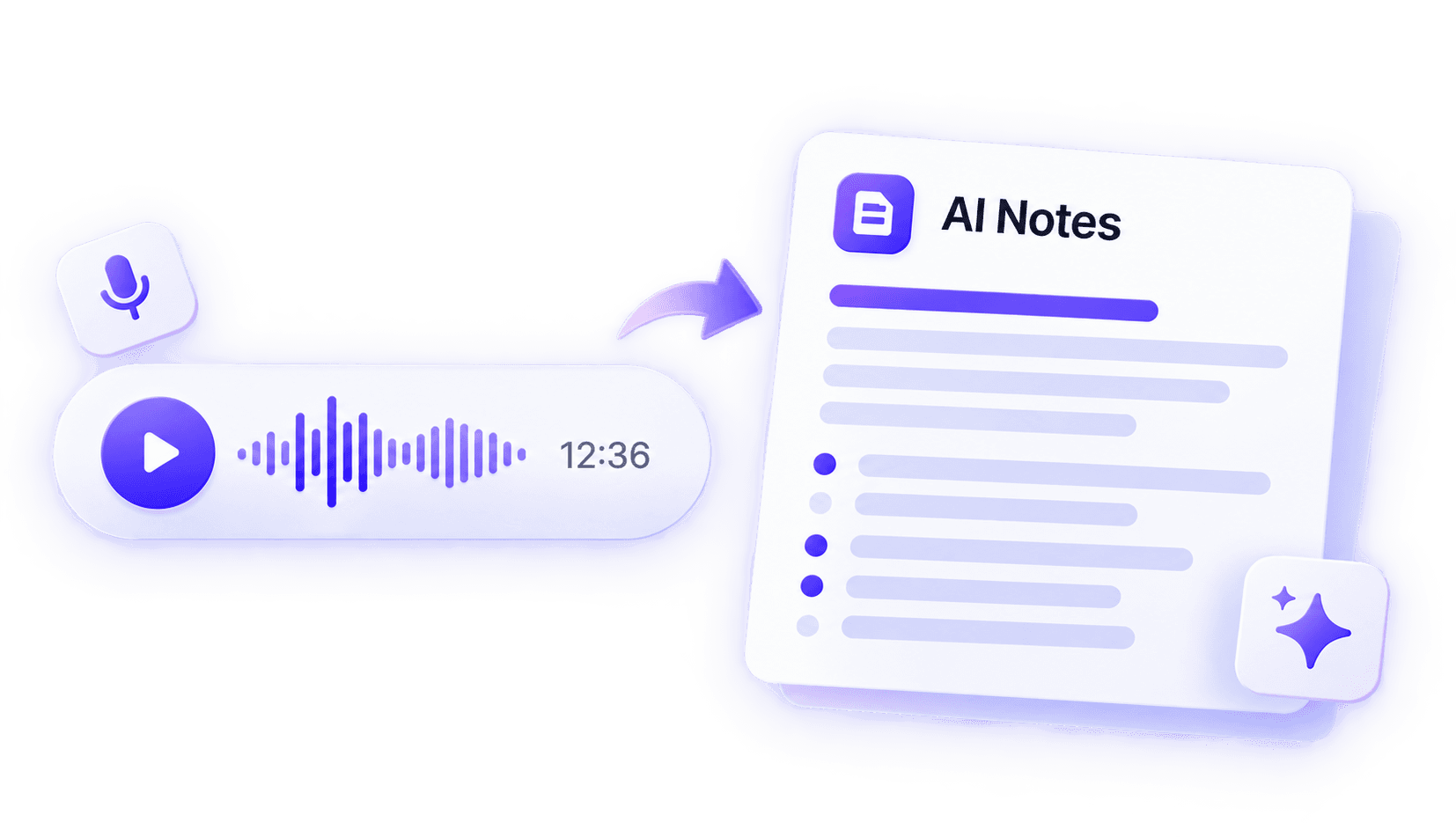
Turn audio transcripts into structured notes with NoteAi. Quickly review the main ideas, explore Key Insights, and ask AI questions about your content.
Understand the main ideas without replaying the entire recording.
Find the important points worth remembering.
Ask questions and explore details based on your transcript.





Graduate Student
I use NoteAi to transcribe lecture recordings into text. The timestamps make long classes much easier to review, especially when I only need to revisit one topic.
UX Researcher
I use it for interview transcription. Speaker detection makes it much easier to separate speakers, search the transcript, and find a specific answer without replaying the whole recording.
Product Manager
For meeting recordings, I can get a searchable transcript instead of going back through an hour of audio. The summary also helps me find decisions and next steps much faster.
Podcast Producer
I use NoteAi to turn podcast recordings into text. Being able to search the transcript makes it much faster to find quotes or revisit a specific part of the conversation.
Content Creator
I often work with recorded interviews and audio content before writing. Turning spoken content into editable text makes it much easier to find quotes and organize the parts I need.
Marketing Consultant
For webinars and recorded calls, I start with the transcript and use NoteAi to pull out the main points. It saves me from taking notes manually or replaying the entire recording.
Choose the plan that fits your needs. All plans include core features with different usage limits.
Join thousands of learners and pros building their knowledge base with NoteAi.
No credit card required. Cancel anytime.