NoteAi

Free YouTube Summarizer

Paste a YouTube link to generate Key Insights, then sign in to open and save the summary in your NoteAi note.

Summarize a YouTube Video

First summary free

Works with publicly accessible YouTube videos up to 1 hour.

Video LanguageLanguage spoken in the video
Auto-detect
Summary LanguageLanguage for your Key Insights
English

Sign in after processing to view and save Key Insights.

HOW IT WORKS

How to Summarize a YouTube Video

Get a quick overview of a YouTube video in three simple steps.

01

Paste a YouTube Link

Copy the URL of a public YouTube video and paste it into the summarizer.

02

Generate Key Insights

Choose the video language and your preferred summary language, then let NoteAi summarize the main ideas.

03

Open Your Note

Sign in to open the generated Key Insights in the NoteAi note detail page and keep the points you want to revisit.

Get the Main Ideas Without Watching Every Minute

Quickly understand what a YouTube video covers, pick out the useful points, and keep the takeaways for later.

Summarize from a Link

Paste a YouTube URL to get an AI-generated summary without downloading the video.

Clear Key Insights

Open the generated main ideas and useful takeaways in your NoteAi note after signing in.

Video and Summary Side by Side

Read the takeaways beside the video and revisit the original explanation whenever you need it.

Copy What Matters

Copy useful takeaways into your class notes, work documents, or research materials.

DO MORE WITH NOTEAI

Go Further with Your YouTube Summary

Once you know the main takeaways, go deeper in NoteAi. Read the full transcript, connect ideas in a mind map, browse an outline, or ask questions about the video.

Explore More in NoteAi
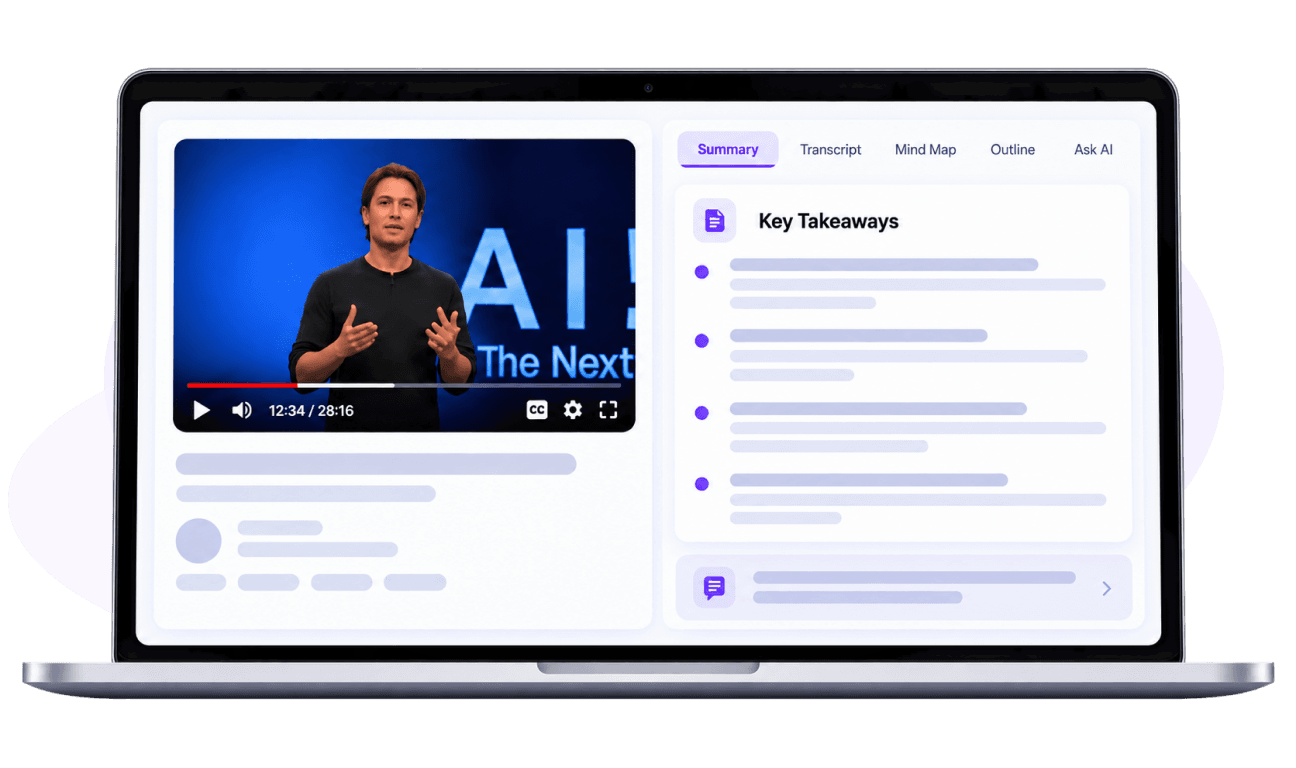
NoteAi YouTube summary on a laptop
01

Full Transcript

Read the spoken words with timestamps when you need details beyond the summary.
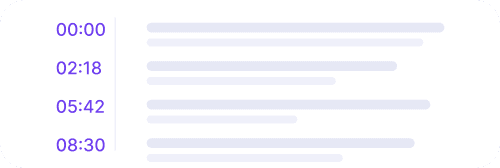
Transcript preview
02

Mind Map

See how the video's ideas connect in a visual map.
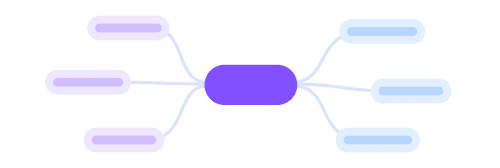
Mind map preview
03

Structured Outline

Organize the main points into sections you can scan, review, and revisit.
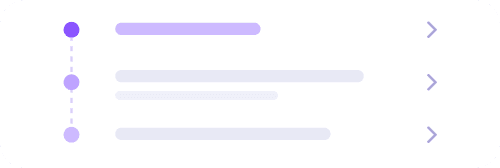
Structured outline preview
04

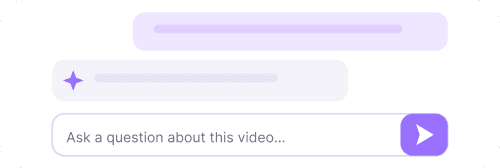
Ask AI Questions

Ask about something you want to understand better, using the video as context.
AI questions preview
WHAT USERS SAY

How People Use YouTube Summaries

★★★★★Customer rating

Maya Brooks

Graduate Student

A 55-minute YouTube lecture isn't always worth rewatching from the beginning. NoteAi helps me skim the Key Insights before class, then I open the video only when I need an example explained in full.

Ethan Miller

Product Manager

Our team shares a lot of product talks on YouTube. A quick summary makes it easier to tell which ones are worth discussing in our weekly meeting instead of adding every video to another watch-later list.

Leah Chen

Freelance Writer

When researching an interview, the first thing I need is a sense of what was actually covered. The summary gives me that outline of ideas, so I can decide which parts deserve a closer listen before I start drafting.

Marco Silva

Software Developer

Not every hour-long tutorial explains something new. Being able to skim the takeaways first helps me decide whether to watch the full walkthrough or jump straight into trying the technique.

Olivia Grant

Marketing Coordinator

Industry panels can run well over an hour. NoteAi helps me pull out the main takeaways for our team update, then I use the video window to double-check anything that sounds especially relevant.

Nadia Rahman

Language Learner

For longer English talks, NoteAi makes the topic much easier to follow. I read the Key Insights first, then watch the video knowing which ideas to listen for instead of trying to catch everything at once.

Powerful Features, Affordable Plans

Choose the plan that fits your needs. All plans include core features with different usage limits.

Frequently Asked Questions

A YouTube summarizer turns a video's main ideas into a shorter, easier-to-read overview. NoteAi generates Key Insights so you can understand the important points without watching every minute.
Paste a public YouTube video link into NoteAi's YouTube Summarizer and click Generate Summary. You can read the generated Key Insights on the page without creating an account, within the available free usage allowance.
You'll get Key Insights with a short overview and the main takeaways from the video. Read them beside the player to decide which parts you want to watch in more detail.
NoteAi can work from a video's spoken audio when accessible, even if the video has no existing captions. Clearer audio usually gives better results. This depends on whether the video's audio can be processed.
Visitors can summarize publicly accessible YouTube videos up to 1 hour long. Signed-in users see the maximum duration available with their NoteAi plan above.
Yes. Within the available free allowance, you can read and copy Key Insights directly on this page. Mind Map, Outline, and Transcript are available from this page after signing in to NoteAi.
After reading the Key Insights, you can continue in NoteAi to create a mind map, organize an outline, read the full transcript, or ask AI questions about the video. Select the option you need and sign in to continue.
Yes. Choose the language spoken in the video under Video Language, then select the language you want for Key Insights under Summary Language. For example, you can summarize an English YouTube video in Chinese. NoteAi supports transcription in 22 languages; the available summary languages are shown in the Summary Language menu.
A transcript contains the spoken words from the video, while a summary brings together its main ideas and takeaways. This YouTube Summarizer starts with Key Insights; choose the Transcript tab to continue in NoteAi for the full text. You can also try the separate YouTube Transcript Generator to generate and copy a transcript within its free usage allowance.
A link may lead to a private, deleted, age-restricted, or region-restricted video. Check that it opens publicly and try again. Some videos may also be unavailable for processing because of access or media restrictions.

Ready to Build Your Second Brain?

Join thousands of learners and pros building their knowledge base with NoteAi.

No credit card required. Cancel anytime.