NoteAi

Free Video to Text Converter

Turn video into accurate transcripts with timestamps and speaker detection. Upload a file — no software required.

Upload Your Video File

First transcript free

MP4, MOV, WEBM, MKV, AVI, M4V

Up to 1 hour · Maximum 1 GB

Files are uploaded securely and used only to create your transcript.

Video language
Auto-detect
Speaker detection
Off

Your first completed transcript is free. Sign in after processing to save it to your NoteAi account.

HOW IT WORKS

How to Convert Video to Text Online

Turn video recordings into readable text in three simple steps.

01

Upload Your Video

Choose a video file from your device and select the spoken language.

02

AI Transcribes

NoteAi turns spoken video content into text with timestamps and speaker labels.

03

Open Your Note

Sign in to open the generated transcript in NoteAi, then view, copy, and export it from the note detail page.

More Than a Video Transcript

Turn spoken video content into readable text, then organize, summarize, and explore it with NoteAi.

Editable Transcripts

Review timestamps and speaker labels, then edit and save your transcript in NoteAi.

Instant Summaries

Turn long videos into clear summaries and key insights in NoteAi.

Search Every Word

Find important details in your transcript without replaying the video.

Ask Your Content

Ask questions and get answers based on your video transcript in NoteAi.
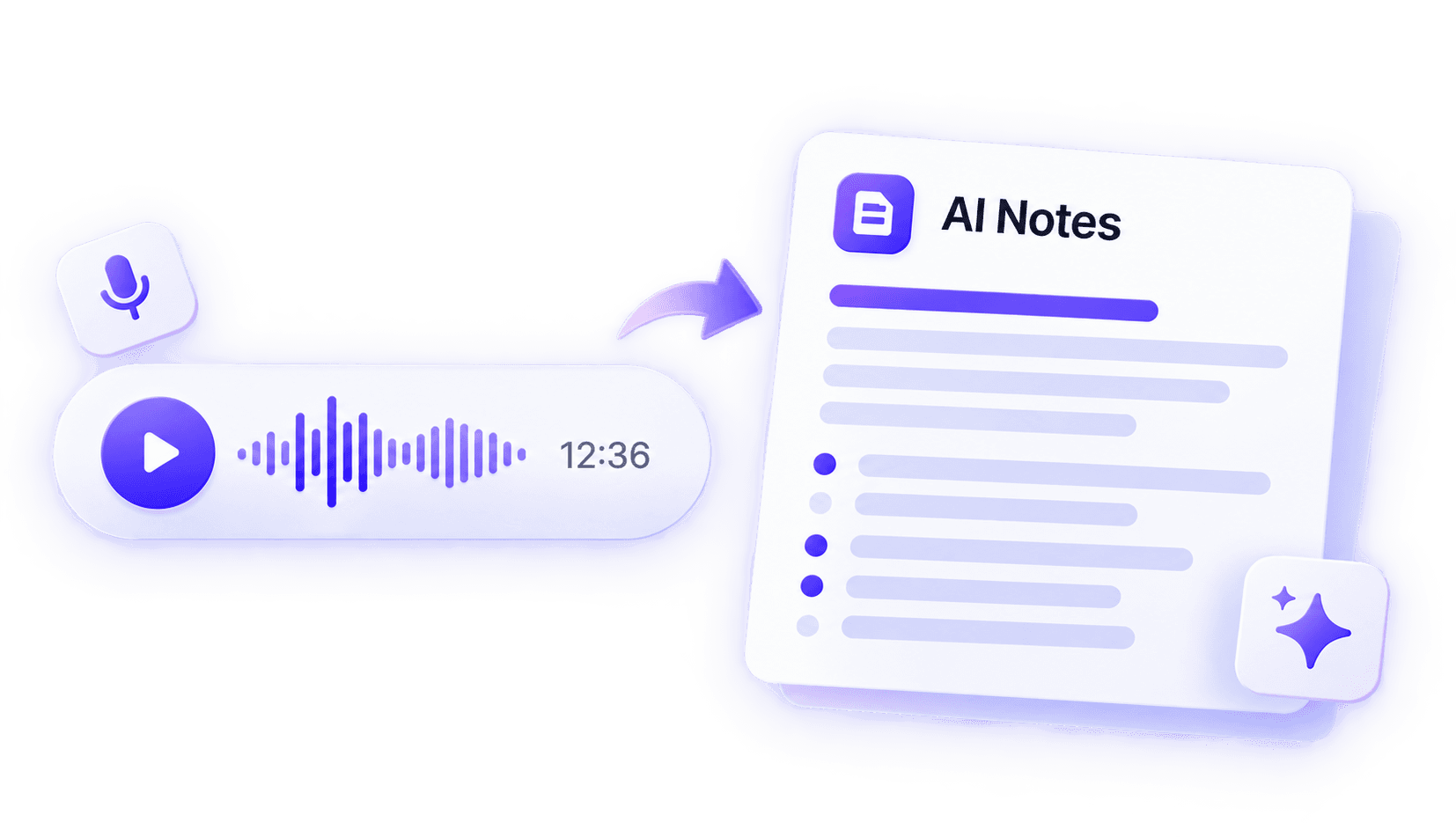
EXAMPLE
Video player converted into a transcript and AI notes with NoteAi

Turn Your Video Transcript into AI Notes

Turn video transcripts into structured notes with NoteAi. Review the main ideas, explore Key Insights, and ask AI questions about your content.

01

Structured Summary

Get a clear overview of your video without watching it all over again.

02

Key Insights

Capture the important ideas and takeaways worth remembering.

03

Ask AI Questions

Ask about specific topics and get answers based on your video.

Continue in NoteAi
WHAT USERS SAY

Loved by Students, Creators and Professionals

★★★★★Customer rating

Mia Wilson

University Student

For long lecture recordings, a transcript makes it much easier to review a class without replaying the entire video. NoteAi helps me find the sections I need.

Ethan Miller

Content Creator

I upload video recordings and turn the spoken parts into text. It saves time when I need quotes or ideas for a script.

Sophie Chen

UX Researcher

Video interview recordings are much easier to work with once they are transcribed. Speaker detection helps me follow the conversation and find specific answers.

Lucas Martin

Podcast Producer

Recorded video interviews contain plenty of useful details. Having the text makes it quicker to find key moments and prepare show notes.

Daniel Brooks

Marketing Manager

For webinars and product demos, I turn the recording into text first so I can find important points without rewatching the entire session.

Olivia Parker

Online Educator

Turning course videos into transcripts gives students another way to review lessons. In NoteAi, I can also create summaries and study notes.

Powerful Features, Affordable Plans

Choose the plan that fits your needs. All plans include core features with different usage limits.

Frequently Asked Questions

A video to text converter turns spoken content in video recordings into written text. NoteAi lets you upload local video files and generate readable transcripts with timestamps and speaker detection.
Upload a video file from your device, select the spoken language, and click Create Transcript. Once processing is complete, you can view and copy your transcript directly on the page.
No. You can upload a supported video file, view the complete transcript, and copy the text without signing up. Sign in to NoteAi to export the transcript or generate an AI summary.
The Video to Text tool supports MP4, MOV, WEBM, MKV, AVI, and M4V video files.
Yes. Click Copy Transcript to copy the entire transcript directly from the page without signing in.
Visitors can upload a video recording up to 1 hour long and 1 GB in size. Signed-in users see the maximum duration and file size available with their NoteAi plan above.
Yes. Enable speaker detection to distinguish speakers in lectures, interviews, meetings, and other recordings with multiple voices.
Accuracy depends on the clarity of the audio track, background noise, accents, and overlapping speech. Recordings with clear speech generally produce better transcripts.
You can view and copy your transcript on this page. Sign in to NoteAi to export it as a file or generate an AI summary, subject to your plan.
Continue in NoteAi to create structured summaries, explore Key Insights, translate supported content, ask AI questions, and organize videos in your personal knowledge base.

Ready to Build Your Second Brain?

Join thousands of learners and pros building their knowledge base with NoteAi.

No credit card required. Cancel anytime.