

Struggling to review 2-hour university lectures or technical webinars? Standard video to text converters only output raw text, missing crucial PPT slides and whiteboards. This guide evaluates top 2026 tools—including Otter and Eightify—and reveals why NoteAi is the ultimate all-in-one AI video summarizer and audio-visual knowledge base designed to bridge the gap between video consumption and permanent knowledge management.
The Hidden Inefficiency of Modern Video Learning
We live in a video-first era. From 3-hour academic tutorials on YouTube and Bilibili to industry Zoom webinars and remote engineering stand-ups, a massive portion of our daily professional and academic learning happens through video.
However, the human brain is not optimized to retain linear video playback. When you try to review a complex tutorial, you face three massive pain points:
-
The Time Sink: Pausing a video every 10 seconds to manually type notes turns a 30-minute session into a 2-hour ordeal.
-
Text Blindness: Traditional YouTube summarizer plugins only extract audio. If a professor points to an anatomical diagram or a developer displays a code block on screen, a plain text transcript completely misses it.
-
Data Fragmentation: Raw summary text files end up lost in local download folders, entirely disconnected from your personal knowledge management (PKM) apps like Obsidian or Notion.
To solve this, modern learners require a specialized AI video summarizer that goes beyond basic transcription.
The Alternative Landscape: Evaluating Current Tools
Before looking at the comprehensive solution, let us objectively evaluate what existing tools do well and where their boundaries lie.
| Tool | Primary Focus | Input Compatibility | Visual Capture (PPT/Slides) | Mind Map Navigation | Mini-Player (PiP) | Universal Export Formats |
|---|---|---|---|---|---|---|
| NoteAi | Complete Knowledge Base | YouTube, Bilibili, Local MP4/MP3, Screen Rec | ✅ Auto-detects & embeds inline | ✅ Clickable (Time-jump) | ✅ Yes (Dual-screen) | Markdown, PDF, Word, HTML |
| Otter.ai | Live Corporate Meetings | Zoom, Google Meet, Teams | Captures shared screens in live calls | ❌ No | ❌ No | TXT, DOCX, PDF |
| Eightify | Quick YouTube Skimming | YouTube links only | ❌ No | ❌ No | ❌ No | Plain text |
| NoteGPT | General Web Summaries | YouTube, Bilibili, Web pages | ❌ No | Static overview map | No | Plain text, PDF |
| Glasp | Web Text Highlighting | YouTube links, Web articles | ❌ No | ❌ No | ❌ No | Plain text / Notion sync |
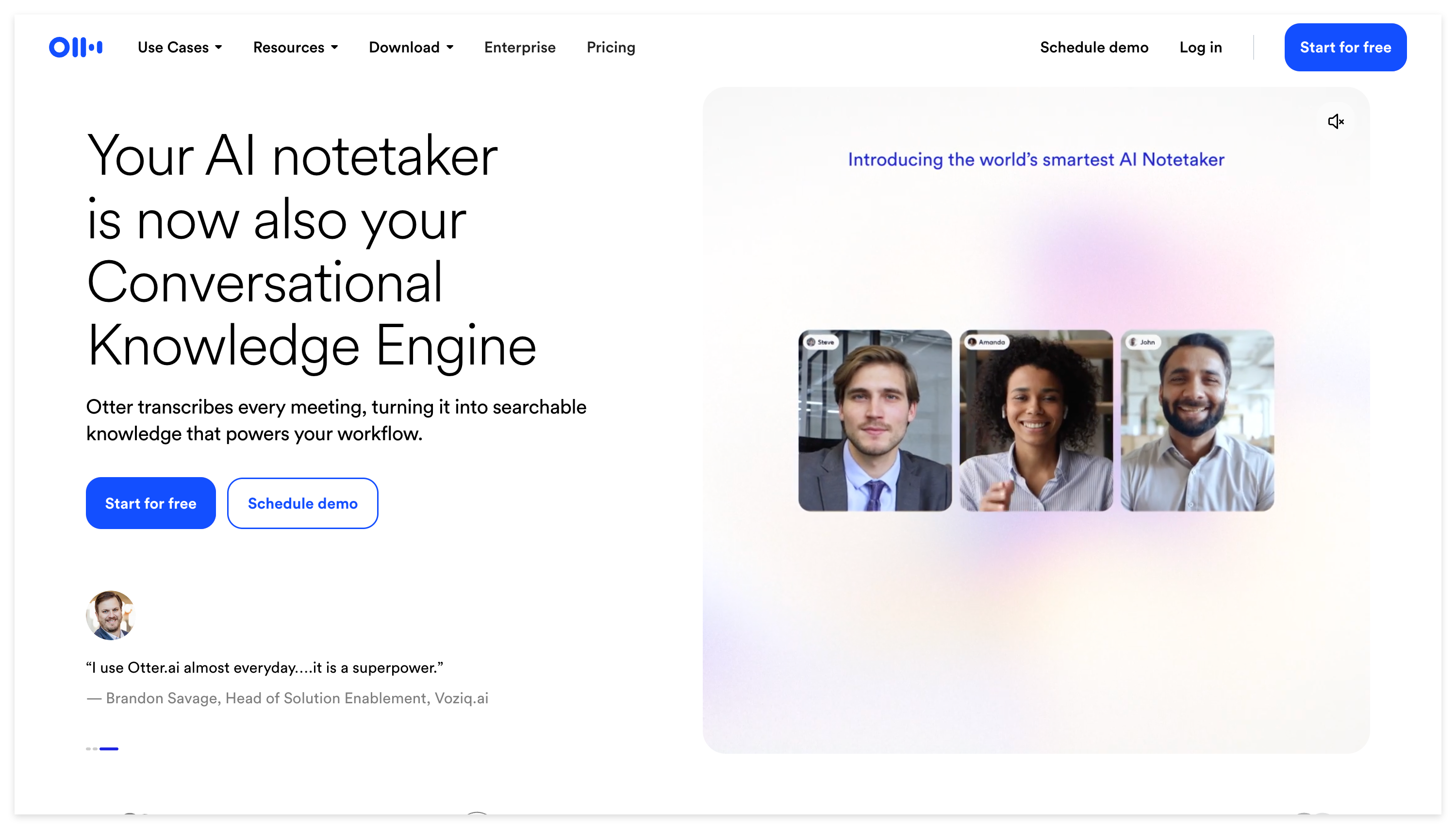
- Otter.ai: The undeniable heavyweight for live corporate calls. It connects to virtual calendars and handles real-time multi-speaker transcription. However, it cannot process offline video files or YouTube tutorial links asynchronously.
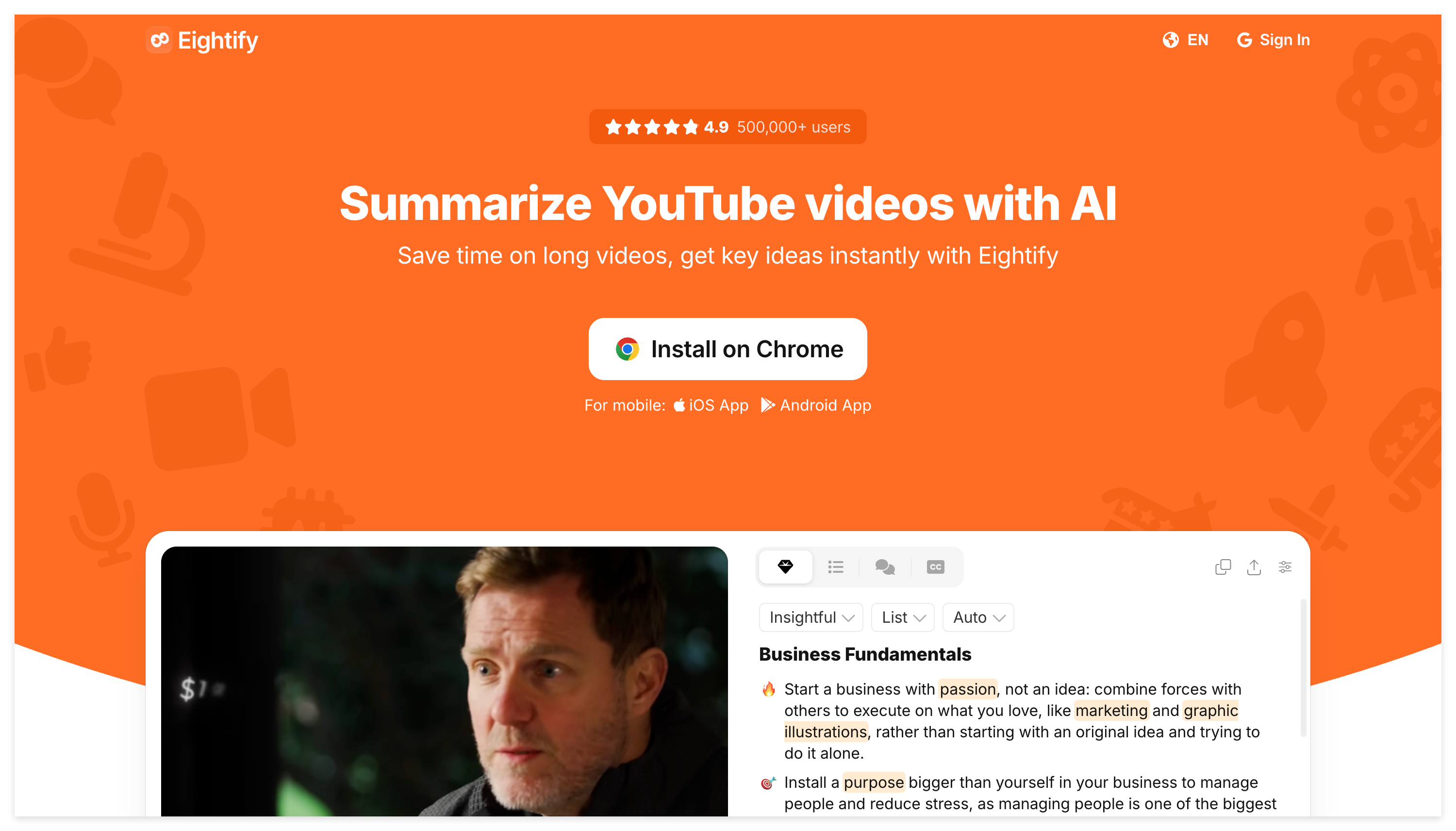
- Eightify: Perfect for casual viewers who want an 8-bullet-point TL;DR of a trending YouTube video. However, it is strictly locked to YouTube, ignores visual slides, and offers no permanent workspace.
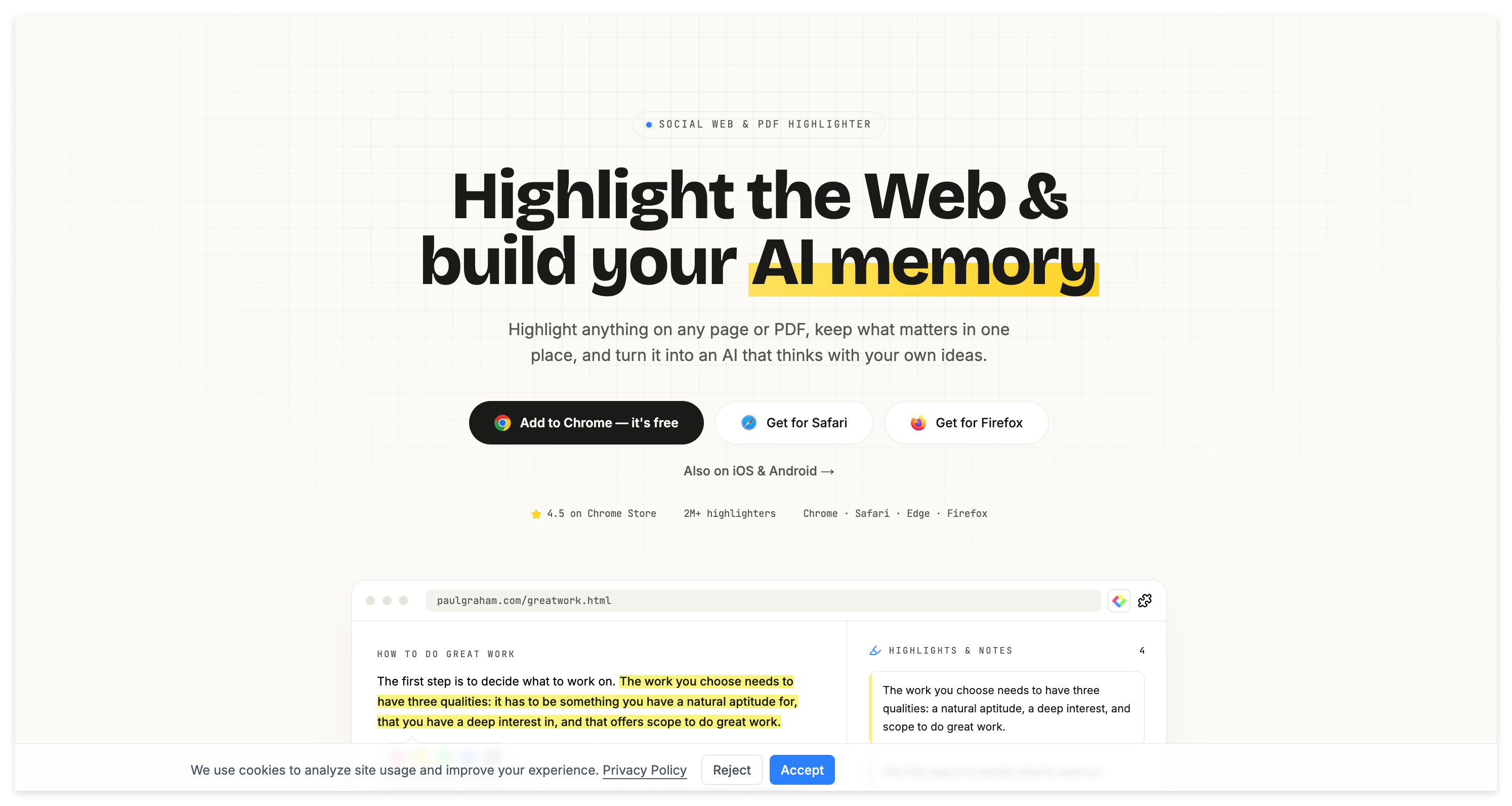
- Glasp & NoteGPT: Useful utility plugins for highlighting web text or generating basic summaries, but they lack multi-modal visual extraction and robust knowledge base architectures.
Introducing NoteAi: The Ultimate All-In-One Solution
While the tools above serve narrow, single-purpose functions, deep learners, academic researchers, and PKM power users require an ecosystem that bridges the entire learning lifecycle.
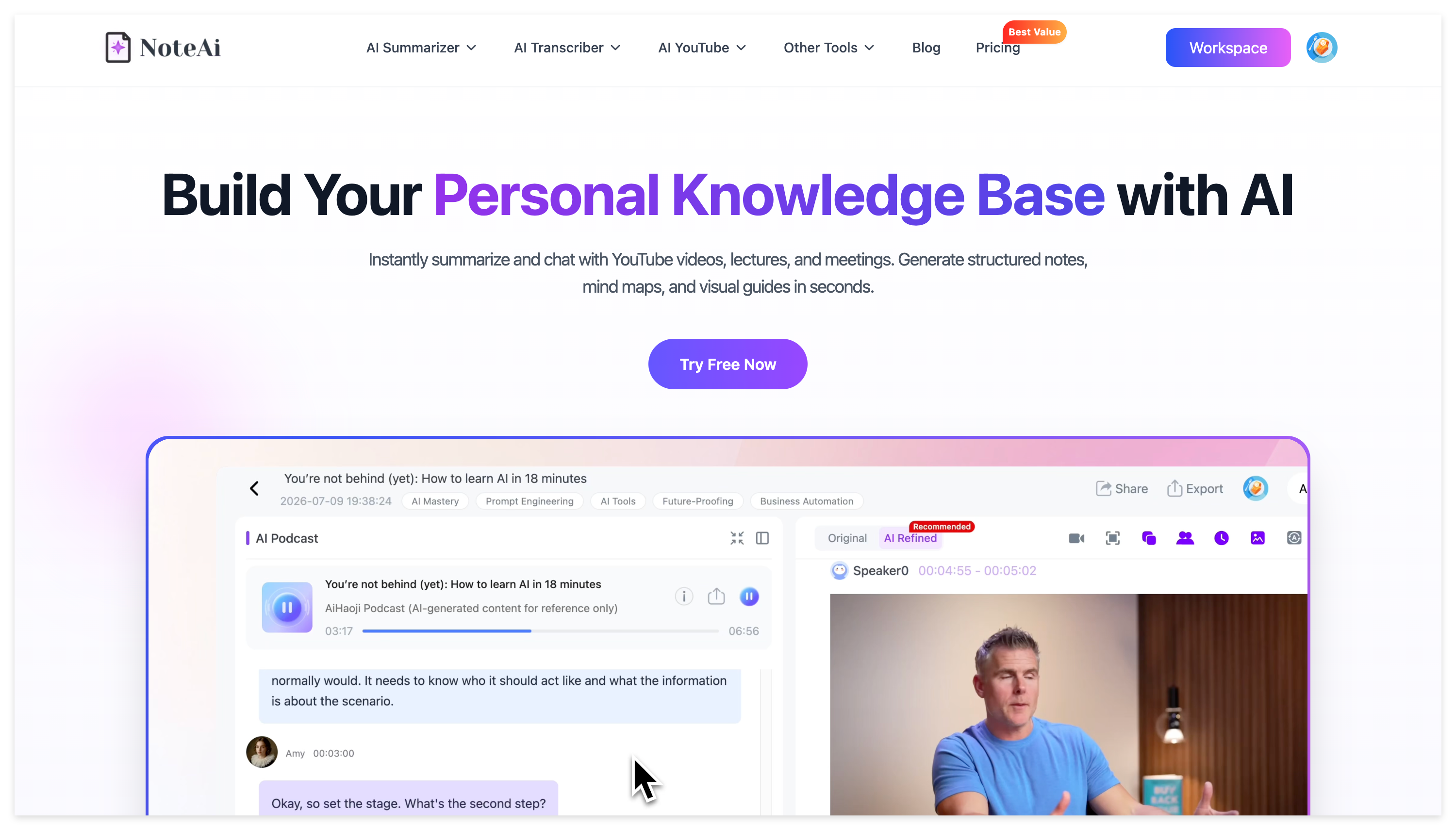
NoteAi is built from the ground up as a complete AI video summarizer, AI note-taking tool, and audio-visual knowledge base. It transforms passive video watching into active, searchable knowledge retention.
Comprehensive Breakdown of NoteAi’s Core Advantages
What separates NoteAi from every other tool on the market is its full-stack, multi-modal feature suite. Here is how it revolutionizes your study workflow:
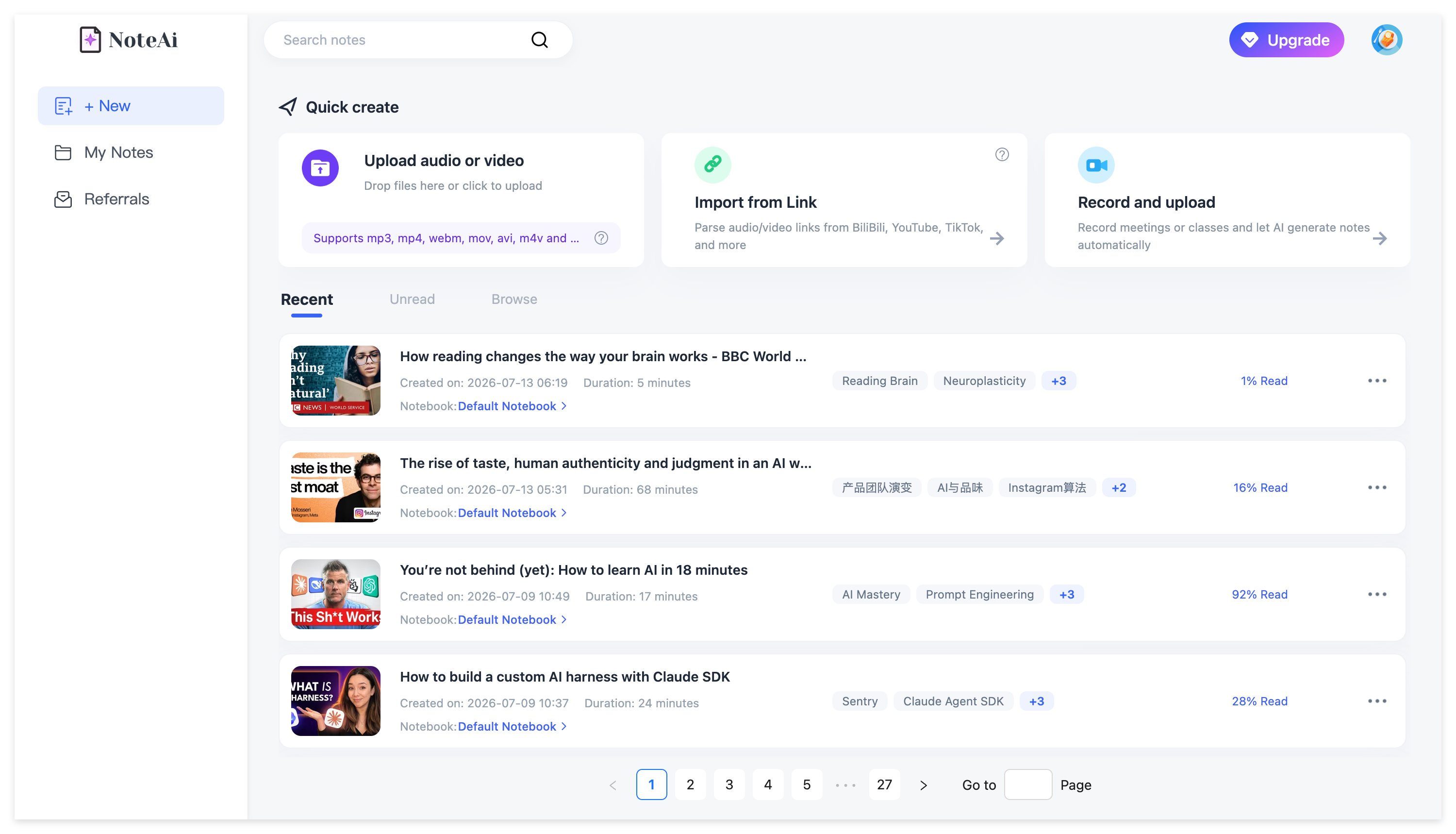
A. Universal Multi-Source Input Flexibility
You are never restricted by platform silos or proprietary file formats.
NoteAi is engineered to ingest virtually any educational or professional video medium you work with, and so on. Here are the specific input sources you can feed directly into the system:
- Online Video URLs: Instantly paste links from major streaming and educational platforms, including YouTube, Bilibili, and other web video links, allowing you to bypass clumsy manual downloading and get straight to summarizing.
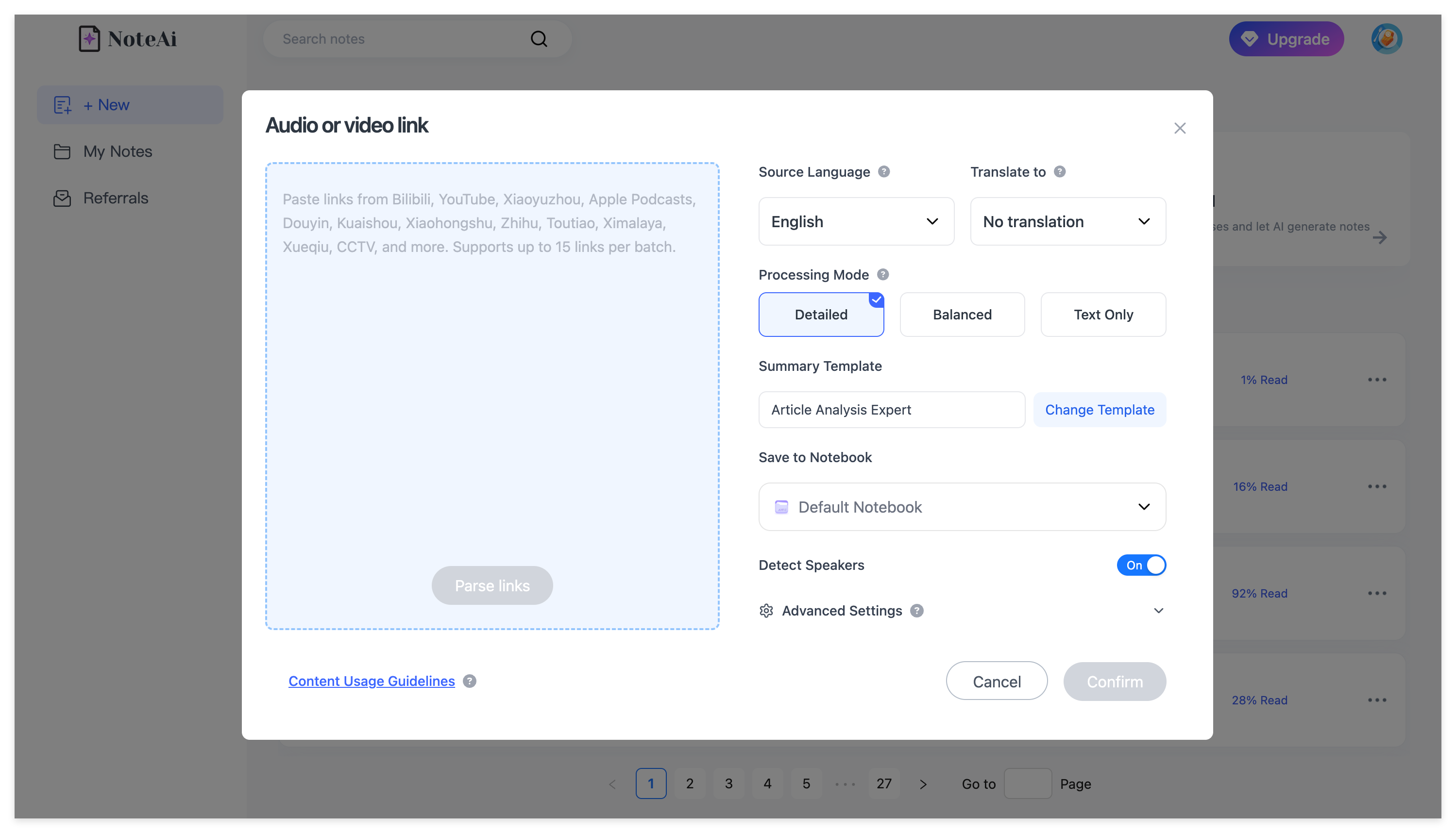
- Local Video & Audio Files: Full drag-and-drop support for your offline assets. Whether you are dealing with local
.mp4video recordings,.movfiles,.mkvarchives, or.mp3/.wav/.m4aaudio podcasts, NoteAi processes your local hard drive materials seamlessly without requiring external converters.
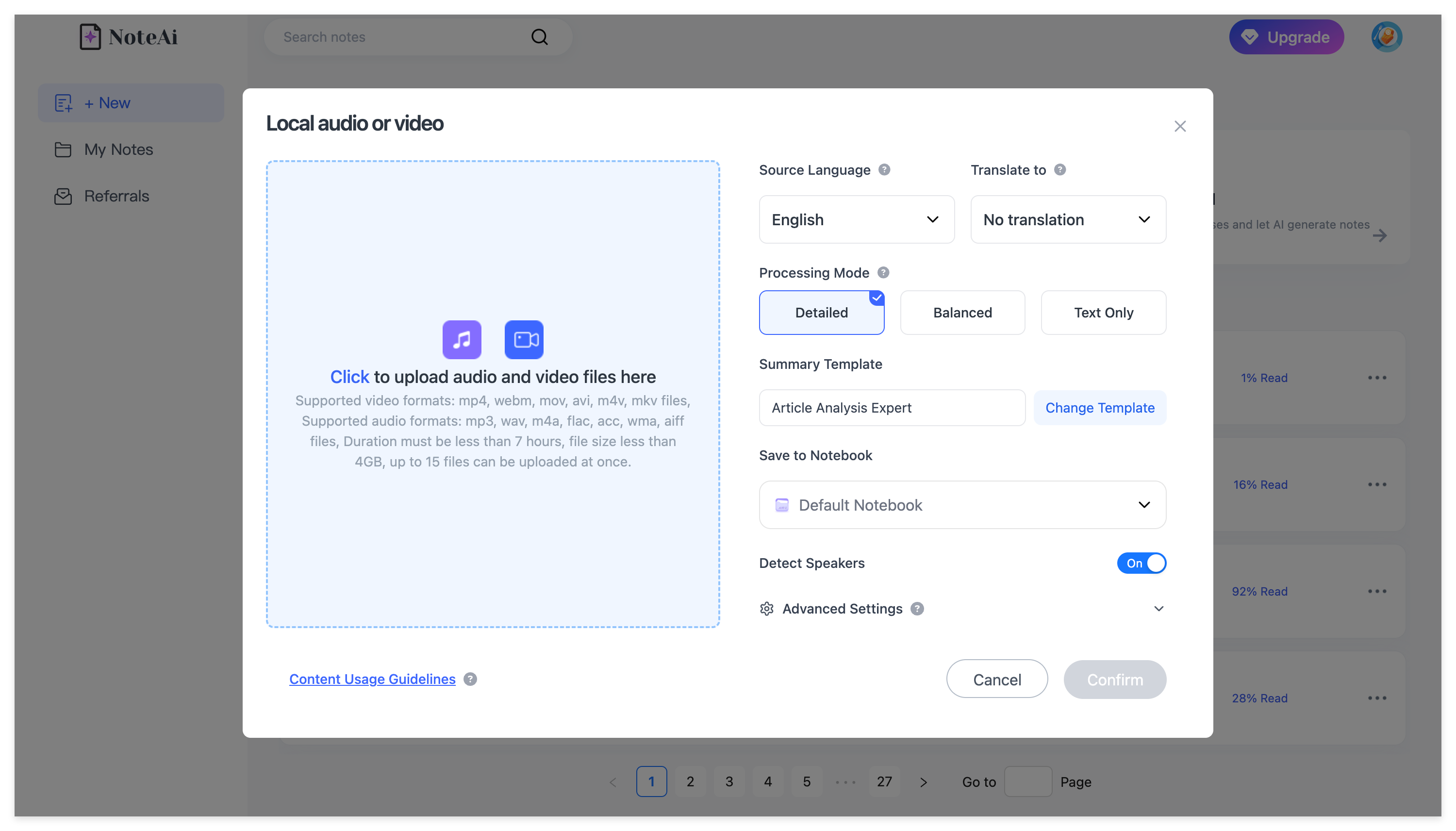
- A built-in Screen Recorder that parses live online webinars or software tutorials in real-time.
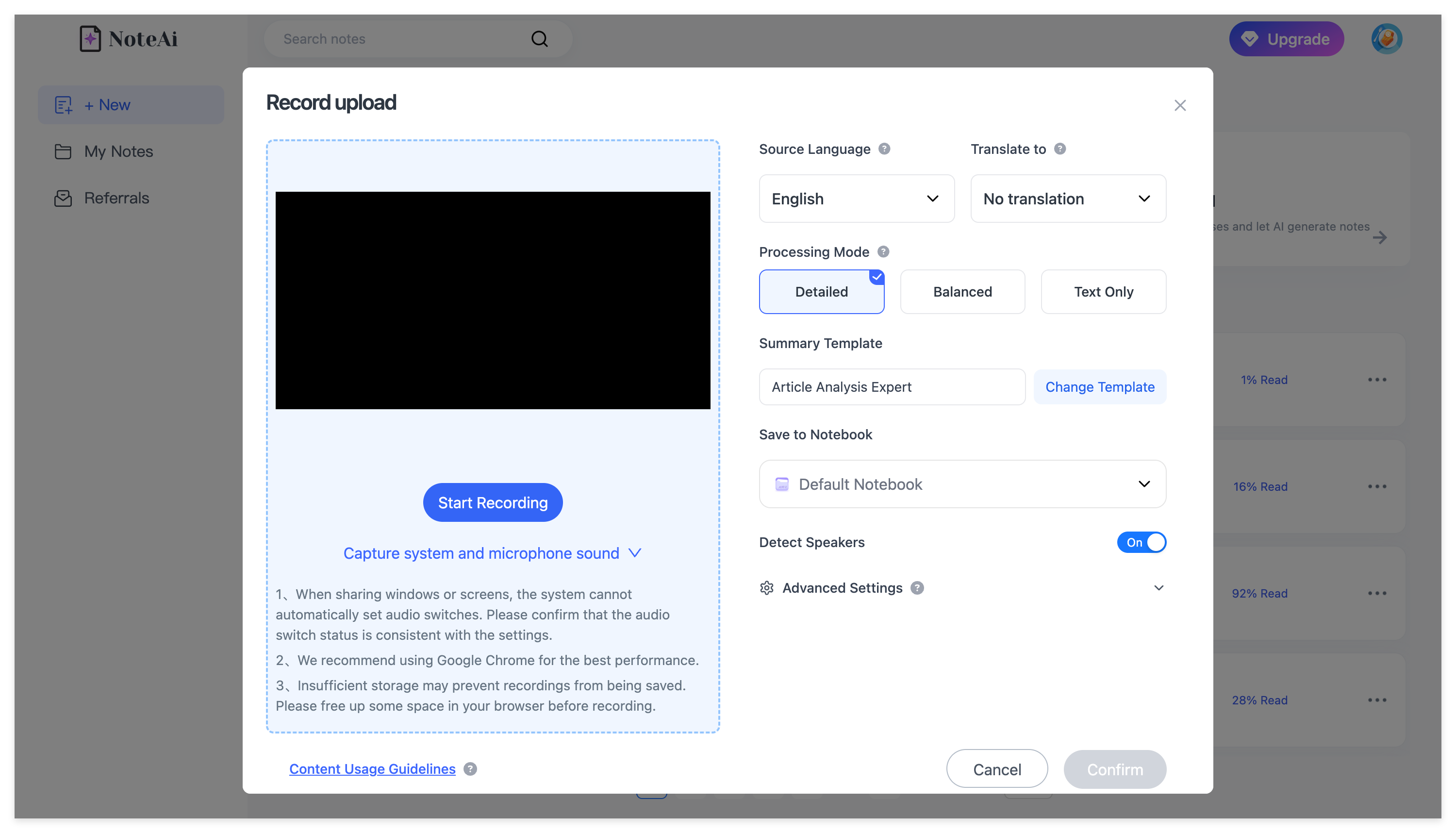
No matter whether your material lives in the cloud or directly on your computer, NoteAi pulls it into a unified, high-precision processing pipeline.
B. Automated Key Insights Extraction
Stop drowning in long-winded introductions and fluff. As soon as NoteAi finishes processing your video, its intelligent analysis engine instantly distills and surfaces Key Insights.
-
Instant Core Takeaways: Instead of reading every single transcript line, Key Insights provides a high-level, structured overview of the speaker's main arguments, critical data points, and actionable conclusions in seconds.
-
Accelerated Decision Making: Perfect for researchers and busy professionals who need to evaluate whether a 2-hour webinar or tutorial contains the exact information they are looking for before diving into deep note-taking.
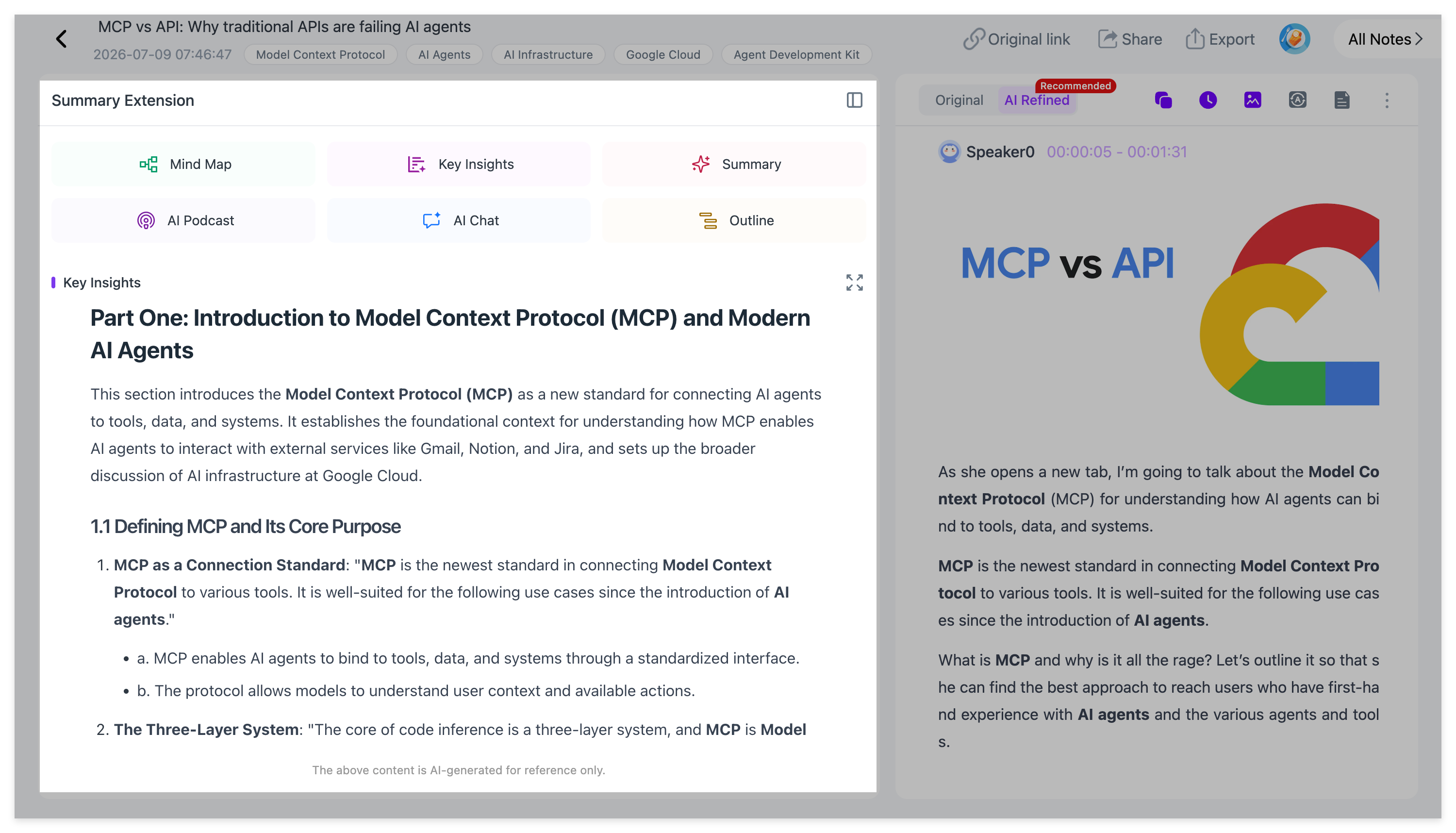
C. Multi-Modal Vision AI: Frame-by-Frame PPT Capture
NoteAi eliminates "text blindness."
While performing high-accuracy video to text transcription, NoteAi’s vision engine monitors screen transitions. Whenever a presenter switches to a new PowerPoint (PPT) slide, chart, or whiteboard, NoteAi automatically takes a high-resolution screenshot and embeds it inline with the corresponding transcript text.
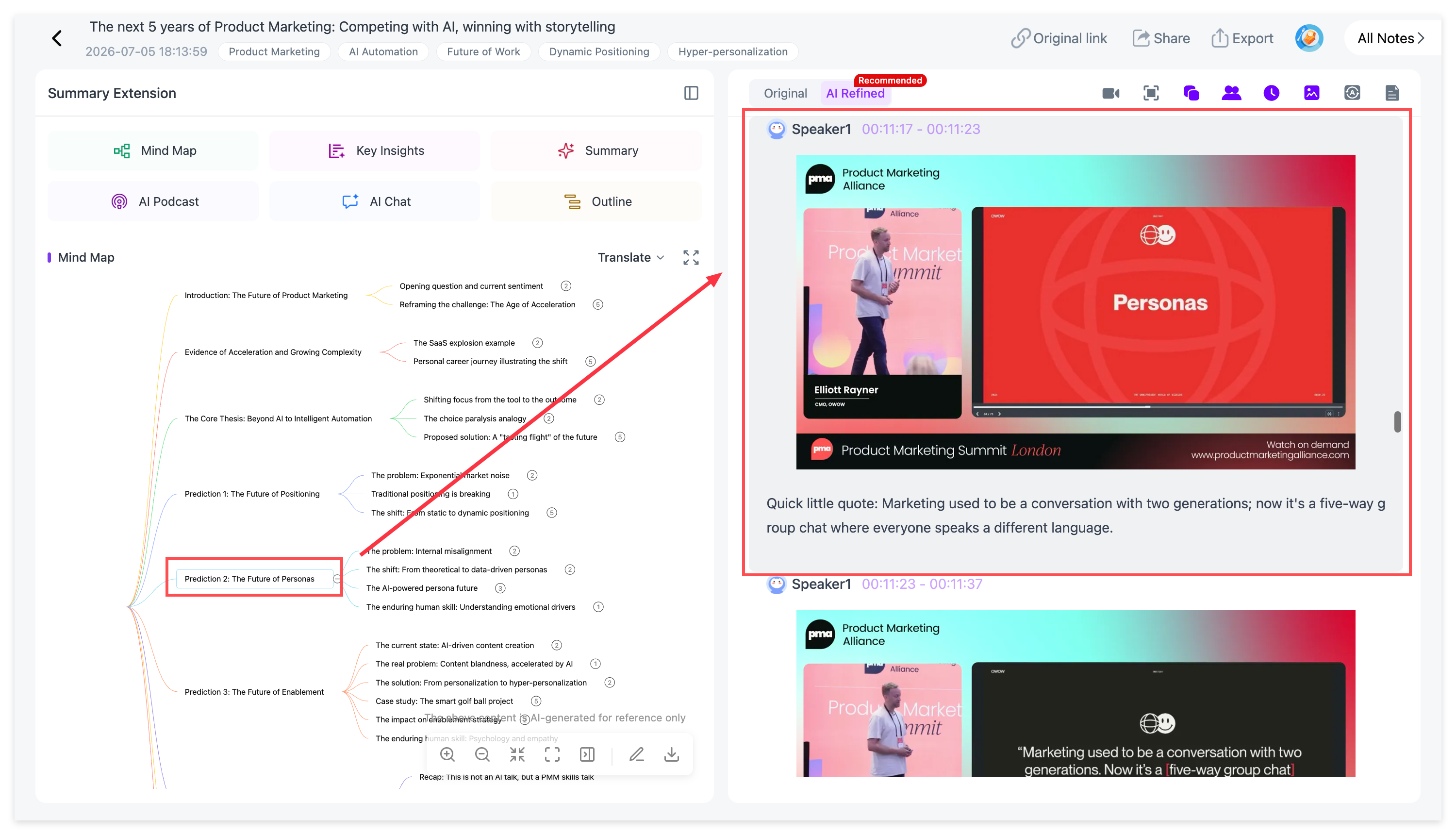
D. Interactive Mind Maps with Click-to-Jump Navigation
Visual learners no longer need to scrub blindly through a 2-hour progress bar.
NoteAi generates a timeline-synced mind map of the entire video. Clicking any node on the mind map instantly jumps the video player to that exact timestamp.
E. Floating Mini-Player (Picture-in-Picture)
Eliminate tab-switching fatigue. NoteAi features a sleek floating PiP mini-player, allowing you to watch the video in the corner of your screen while reading transcripts, reviewing mind maps, and typing notes on the exact same interface.
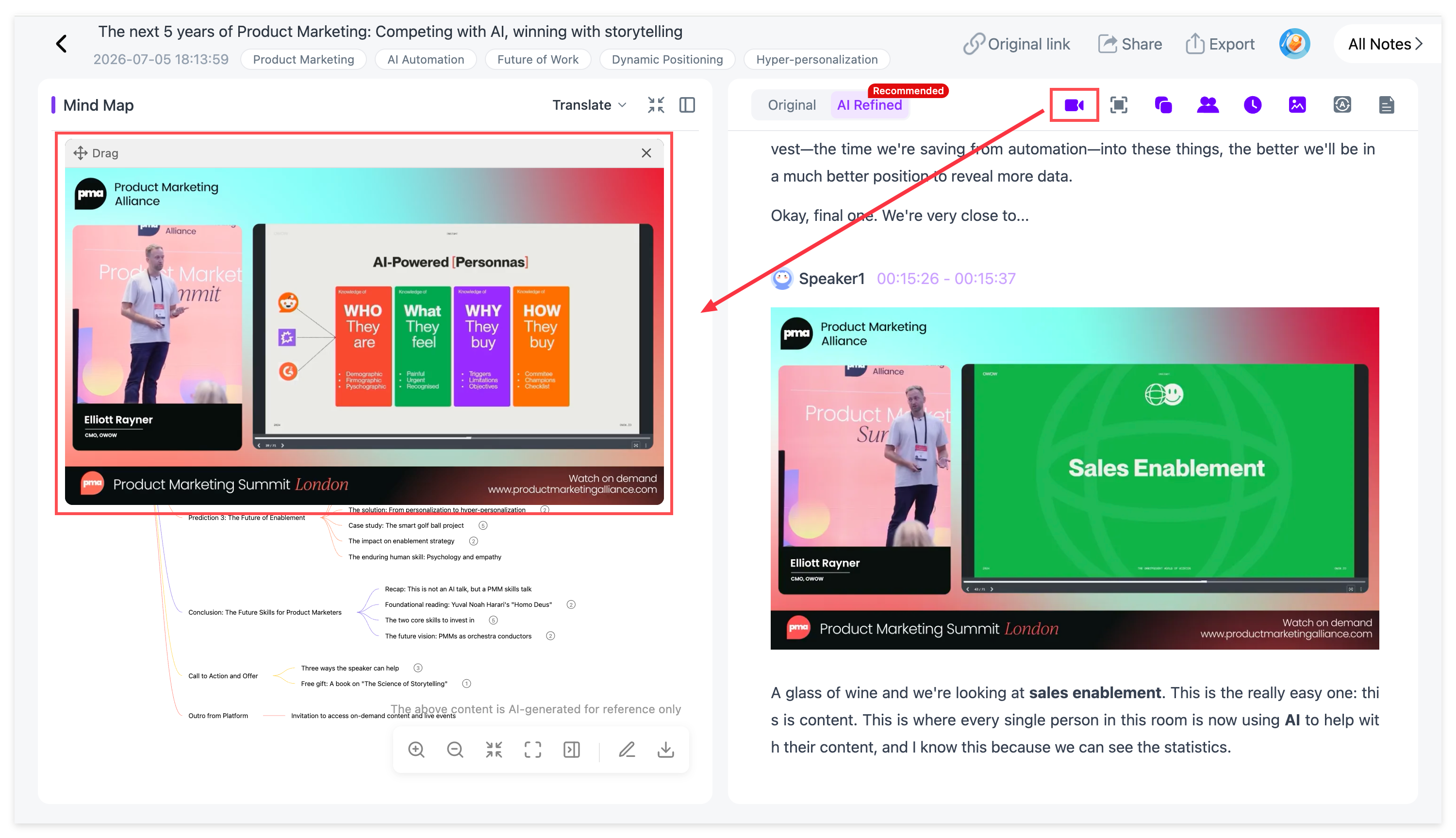
F. Real-Time Interactive AI Chat Grounded in Video Context
Have a complex question about a specific segment? Use NoteAi’s built-in conversational AI. You can prompt the assistant in real time (e.g., "Summarize the core argument presented at minute 30"), and it will answer strictly based on the video's data.
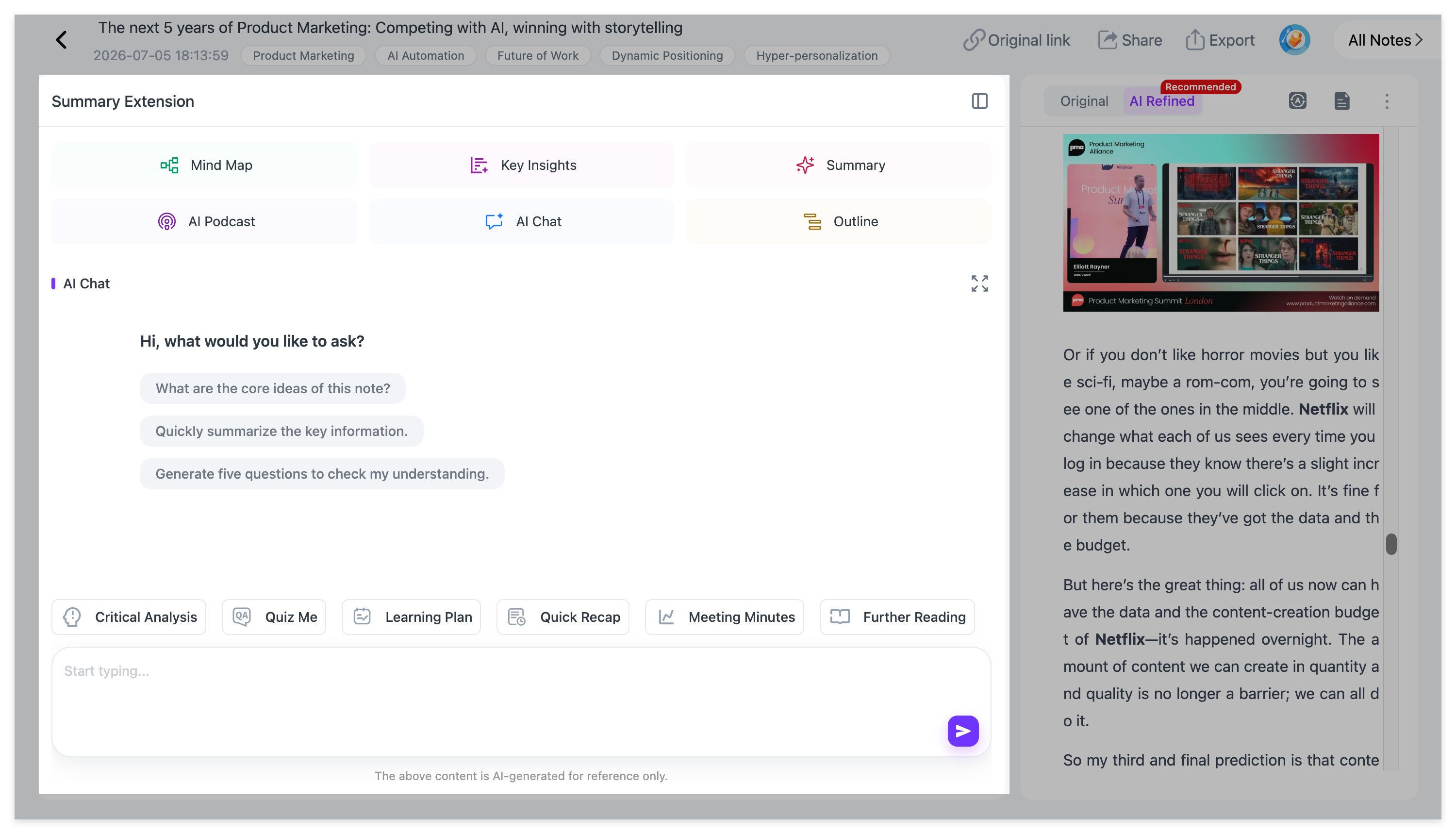
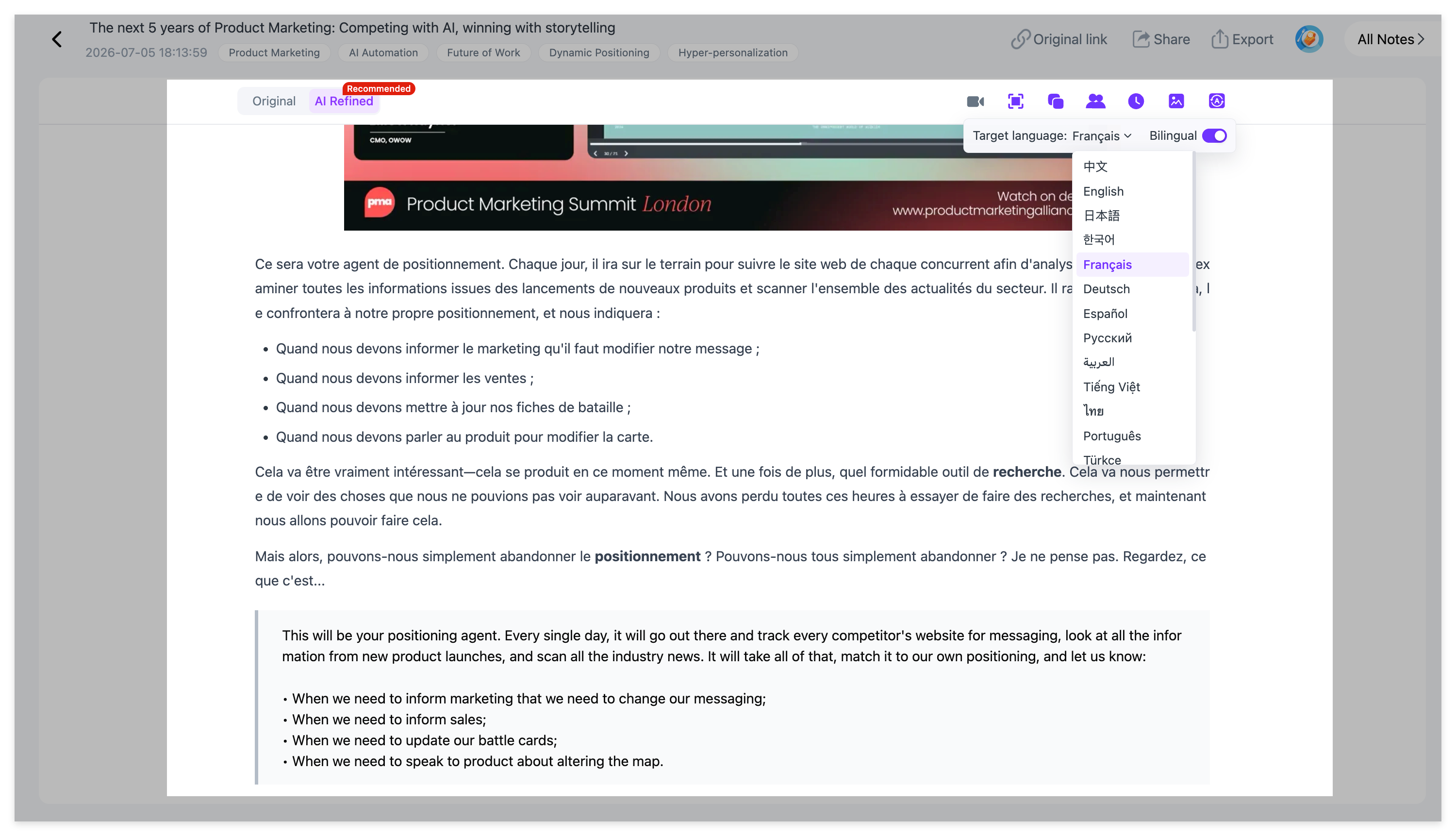
G. 22-Language Dual-Track Translation & AI Podcast Generator
- Dual-Track View: Read original transcripts and translated text side-by-side across 22 supported languages, ensuring zero comprehension loss for international content.
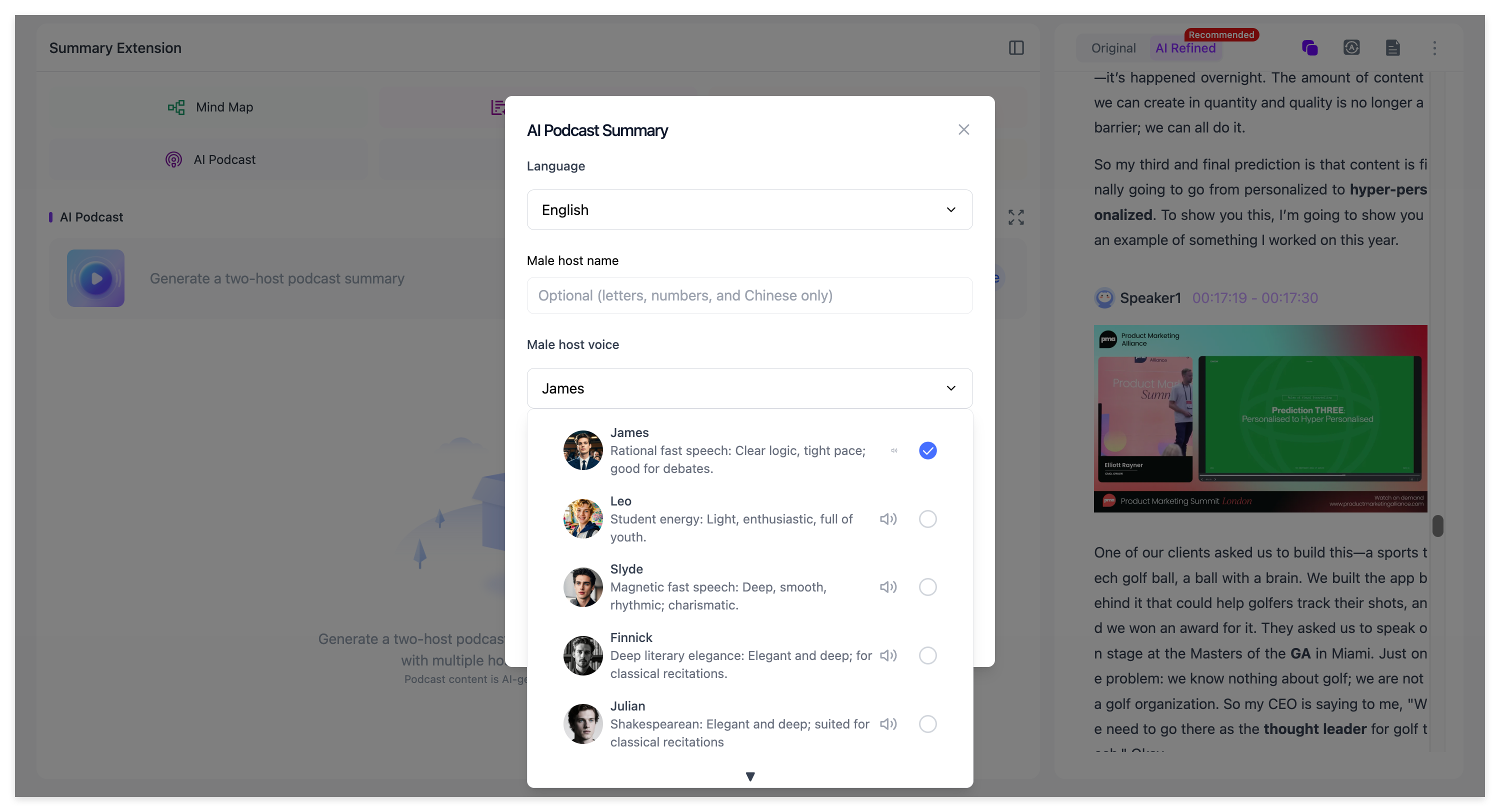
- AI Podcast Generator: Turn static reading into an active auditory experience. The AI Podcast Generator converts dense technical transcripts and summaries into an engaging, two-person conversational audio podcast. You can listen to natural, multi-speaker discussions reviewing your study materials during your daily commute or workout.
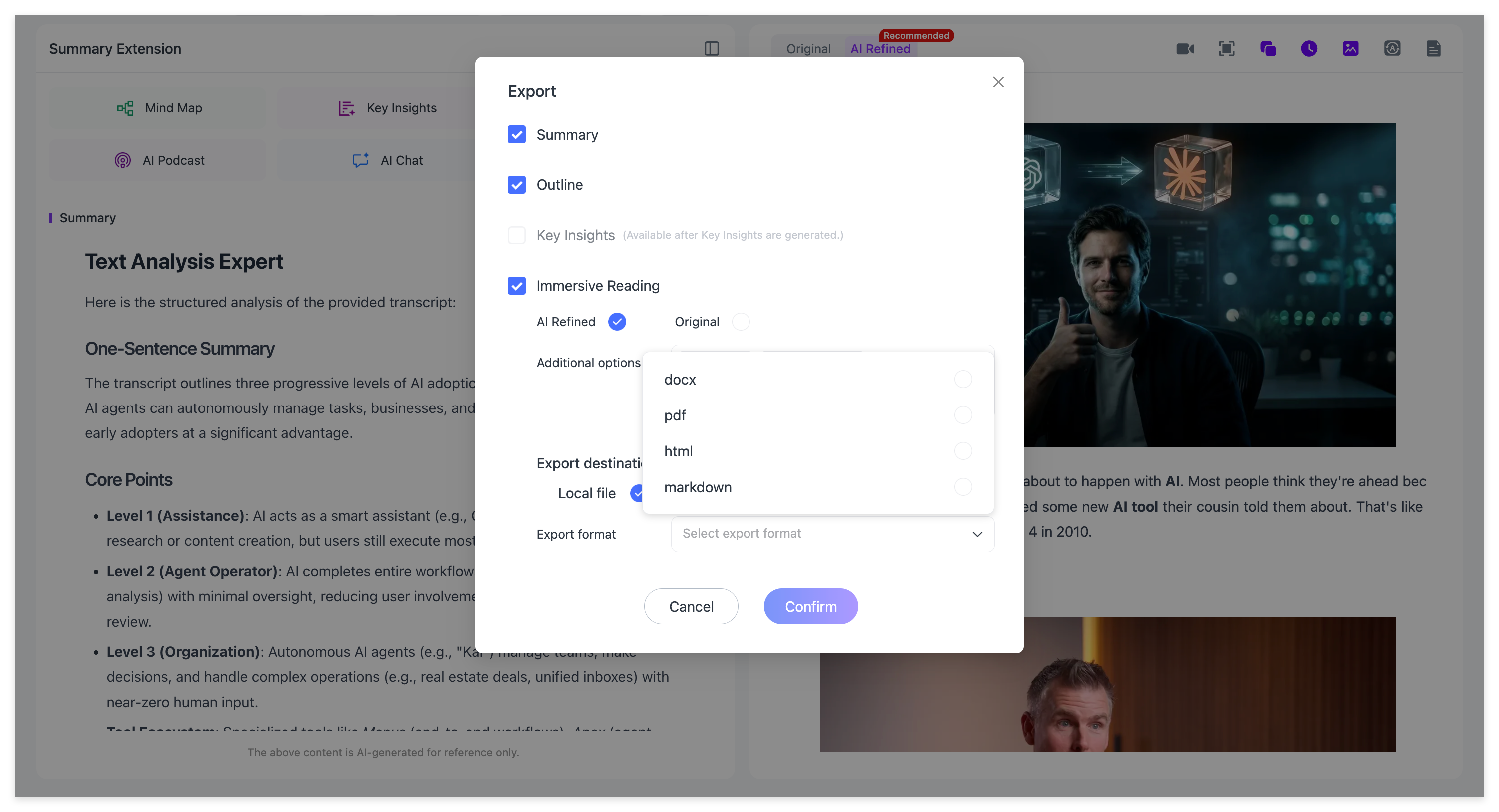
H. Universal Export Suite (Markdown, PDF, Word, HTML)
Unlike tools that trap your data, NoteAi acts as a permanent vault.
With custom tags and Global Search, you can query keywords across hundreds of saved videos instantly.
When ready, execute a 1-click export to Markdown (for Obsidian/Notion), PDF, Word, or HTML, perfectly preserving your headings and embedded slide screenshots.
Why Choose NoteAi? (Final Summary of Advantages)
If you rely on video for growth, juggling three or four fragmented tools—a transcription bot, a YouTube summary plugin, a mind-mapping app, and a separate converter—destroys your efficiency.
NoteAi replaces them all by providing:
-
Multi-Modal Intelligence: Capturing both audio words and visual slide graphics simultaneously.
-
Frictionless Navigation: Click-to-jump mind maps and floating video windows.
-
Complete Ecosystem Ownership: Universal input sources paired with multi-format exports (Markdown for PKM enthusiasts, PDF/Word for students and professionals).
It is not just a summarizer; it is your permanent audio-visual Second Brain.
Frequently Asked Questions (FAQ)
Q1: Can I use NoteAi to transcribe local video files and Bilibili links, or is it strictly for YouTube?
A: Unlike browser extensions like Eightify or Glasp that are locked exclusively to YouTube, NoteAi supports multi-source inputs. You can process Bilibili links, upload local .mp4 video and .mp3 audio files, or use its built-in screen recorder.
Q2: How does NoteAi's Click-to-Jump mind map save time during exam review?
A: When NoteAi processes a video, it generates a timeline-synced visual map. Instead of dragging a video scrubber back and forth, clicking any branch or sub-topic on the mind map automatically jumps the floating video player to that exact second.
Q3: Does NoteAi export embedded slide images directly into Obsidian and Notion?
A: Yes. When exporting to Obsidian or Notion, NoteAi produces pristine Markdown (.md) files that maintain your heading hierarchies, time-stamped quotes, and natively embeds all auto-captured PPT slide screenshots directly into your local vault.
Q4: Can I export my video notes as a formal PDF or Word document?
A: Absolutely. Beyond PKM Markdown formats, NoteAi allows you to export your structured notes, time stamps, and images directly into PDF, Word (DOCX), or HTML formats for easy printing or professional sharing.
Q5: How does the Real-Time AI Chat feature work with long video transcripts?
A: NoteAi features a contextual chatbot grounded entirely in your processed video content. You can ask it to extract specific lists, summarize technical arguments, or clarify difficult concepts without needing to re-watch the entire recording.
Ready to Upgrade Your Learning Workflow?
Stop wasting hours pausing videos, missing presentation slides, and losing your notes across random download folders. Turn passive video consumption into permanent, structured knowledge today.