

Long YouTube videos need more than a short TL;DR. For a two-hour lecture, podcast or tutorial, the useful tools also keep the transcript, timestamps and enough structure to help you find the part you need later.
This guide compares 9 popular free and paid YouTube summarizers for long videos: NoteAi, Recall, Eightify, NoteGPT, Glasp, Gemini Notebook, BibiGPT, ScreenApp and Notta.
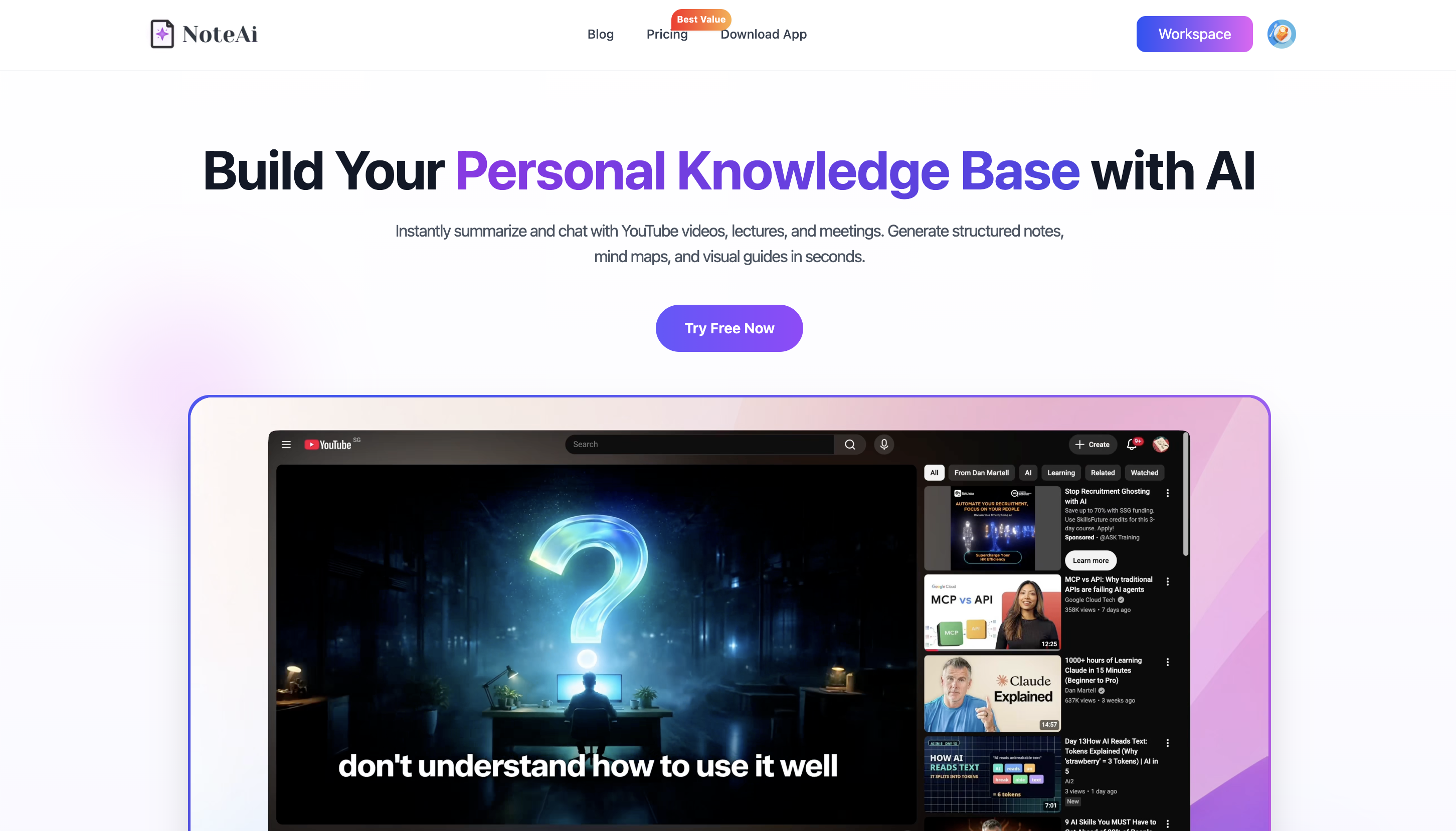
If you only want one recommendation, NoteAi is our pick for long-form learning and research because it does not stop at the summary.
It can continue into timestamped transcripts, Visual Notes with slides and key frames, an editable Mind Map, AI Q&A, translation and a searchable knowledge base.
Quick Comparison: 9 YouTube Summarizers for Long Videos
| Tool | Best for | Long-video workflow | Transcript & timestamps | What you can do after the summary |
|---|---|---|---|---|
| NoteAi | Long lectures, tutorials and reusable study notes | YouTube links + long-form media workflow | Yes | Visual Notes, Mind Map, Smart Sync, AI Chat, translation, knowledge base |
| Recall | Very long YouTube videos and a saved knowledge library | Up to 10 hours with a transcript; up to 5 hours without one | Yes | Save, search and chat across saved content |
| Eightify | Fast YouTube summaries inside the viewing workflow | Designed for long and multi-hour YouTube videos | Yes | Key insights, smart navigation, translation, sharing |
| NoteGPT | Long videos and batch YouTube processing | Long-video support + up to 20 videos in a batch | Yes | Summary, mind map, AI chat, translation |
| Glasp | Free YouTube summaries and transcript highlighting | Handles long lectures, podcasts and interviews | Yes | Highlight transcript, export to Notion/Obsidian/Markdown |
| Gemini Notebook | YouTube + PDFs + webpages in one research notebook | Public captioned YouTube sources | Source transcript + citations | Ask questions across multiple sources, create study materials |
| BibiGPT | Structured YouTube notes and follow-up questions | Works with long YouTube content and no-caption workflows | Yes | Key points, mind map, timestamped notes, Q&A, exports |
| ScreenApp | Chapters, transcript and AI chat from a YouTube link | Link-based workflow for long videos | Yes | Chapters, quotes, exports, source-based Q&A |
| Notta | Multilingual summaries and transcript-first workflows | Long or short YouTube videos | Yes | Summary + transcript, language support, sharing |
What Matters Most for a Long YouTube Video?
A short video can survive a short summary. Long-form content usually needs more.
For lectures, podcasts, interviews and tutorials, five things are especially useful:
-
A structured summary so you can understand the video before watching it.
-
A full transcript when you need the exact wording or a specific detail.
-
Timestamps so you can jump back to the source instead of scrubbing through two hours of video.
-
Visual context when slides, diagrams, formulas, code or software screens matter.
-
A way to keep using the content through notes, AI Q&A, exports or a searchable library.
That is the lens used for the nine tools below.
9 Best YouTube Summarizers for Long Videos
1. NoteAi — Best for Turning Long YouTube Videos Into Reusable Knowledge
NoteAi is the most complete fit in this list if your goal is not only to summarize a long YouTube video, but to keep learning from it afterward.
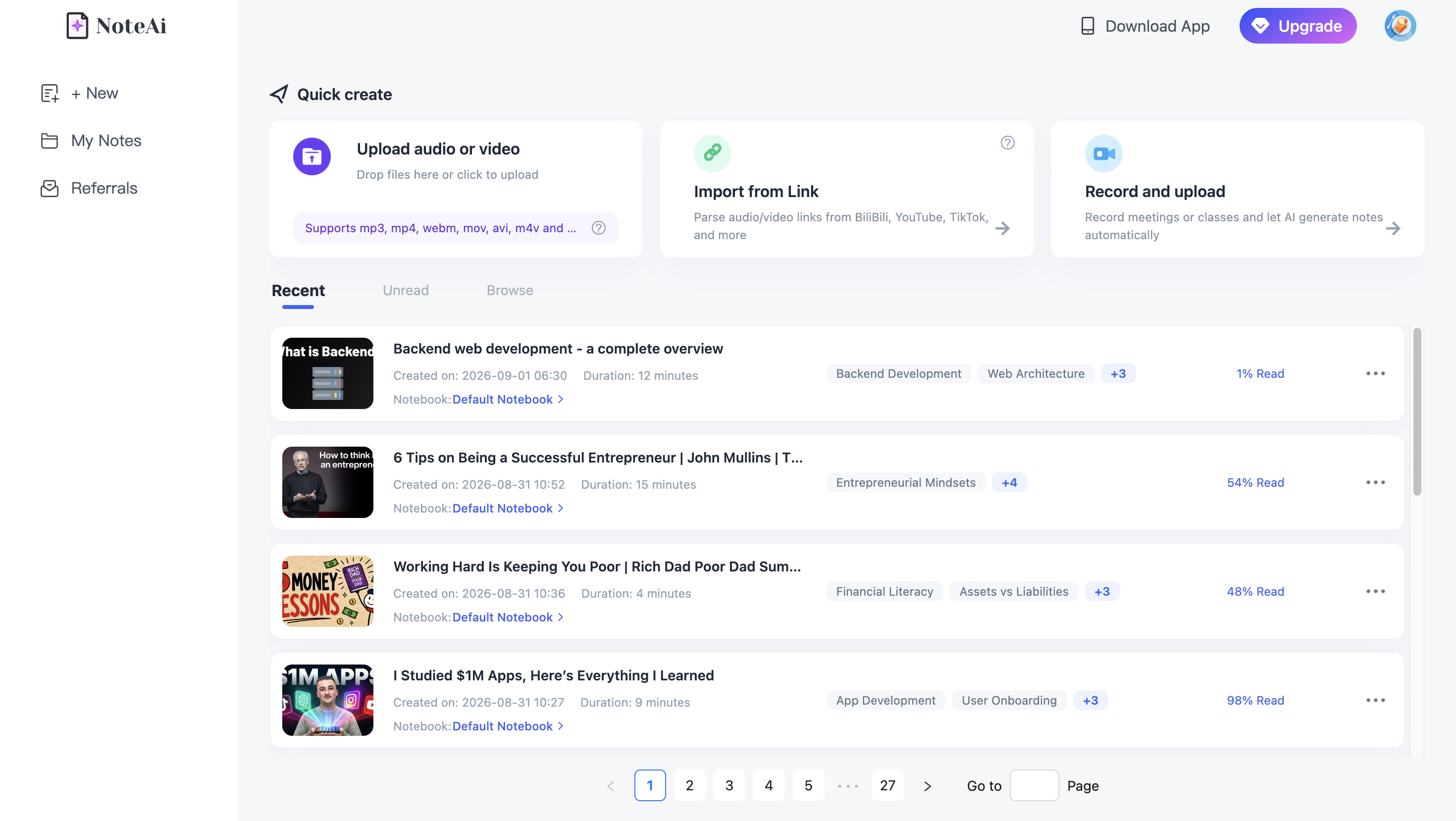
Paste a YouTube link and NoteAi can generate a structured summary, a full timestamped transcript, Visual Notes with useful slides and key frames, an editable Mind Map and source-based AI Chat.
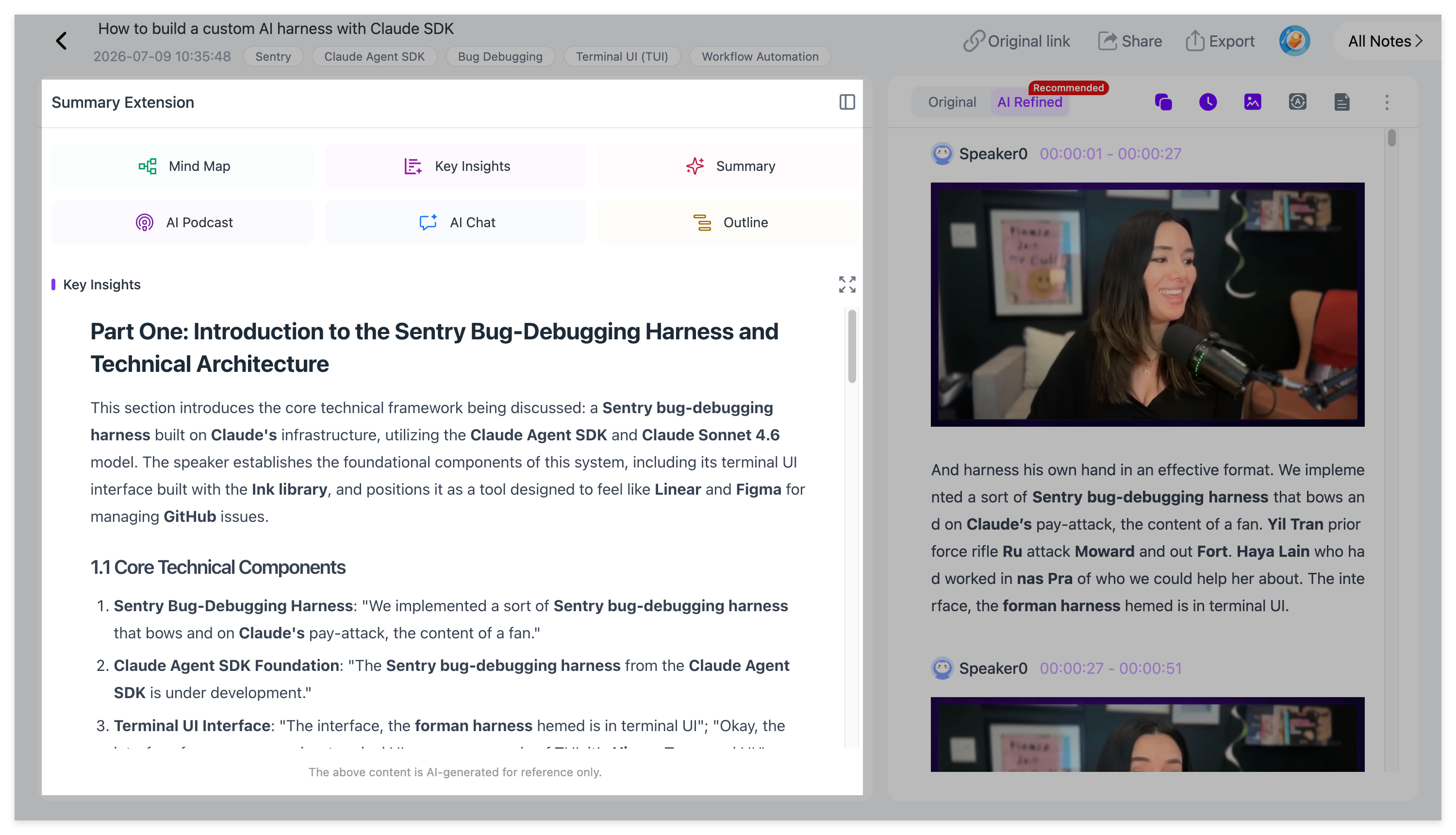
For a two-hour lecture, that gives you several ways to work with the same source. You can read the Key Insights first, open the full transcript when one point needs more detail, or use the Mind Map to understand the overall structure.
The result can also stay inside NoteAi's searchable knowledge base instead of disappearing after the first summary.
Best for: students, researchers, creators and professionals who regularly learn from long YouTube videos and want a complete note rather than a one-time recap.
2. Recall — Best for Very Long YouTube Videos and a Searchable Library
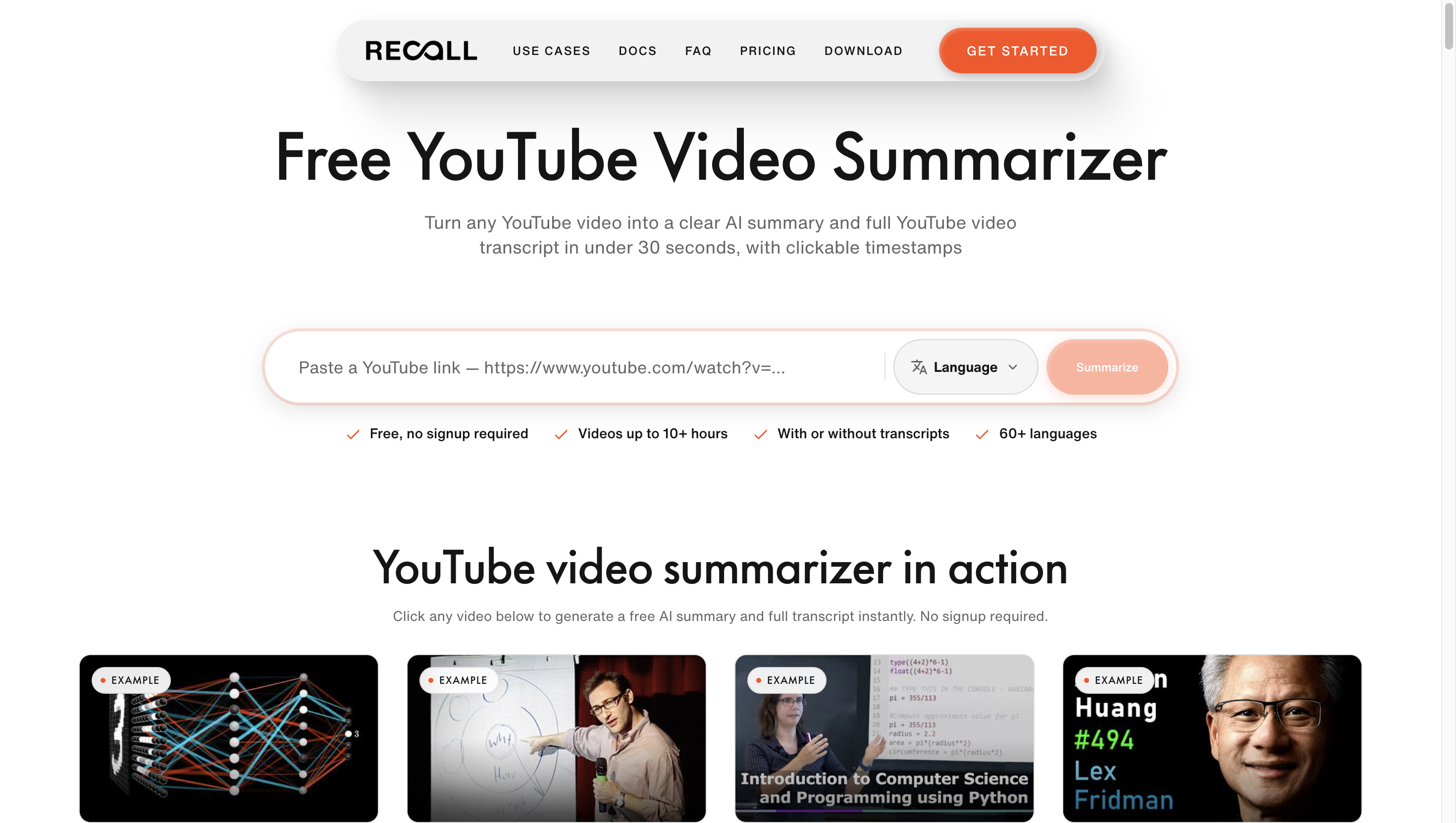
Recall is designed around long-form YouTube content and saving what you learn.
Its current official YouTube summarizer supports videos up to 10 hours when a transcript is available, and up to 5 hours when Recall needs to transcribe the audio itself.
Each summary includes a timestamped transcript, and saved videos become part of Recall's personal knowledge base.
You can then search saved content, chat with individual videos or work across the broader library.
For users who watch long podcasts, courses and explainers regularly, the saved-library approach makes each summary useful beyond the first read.
Best for: very long YouTube videos and people who want summaries to accumulate into a searchable research library.
3. Eightify — Best for Fast Long-Video Summaries Inside YouTube
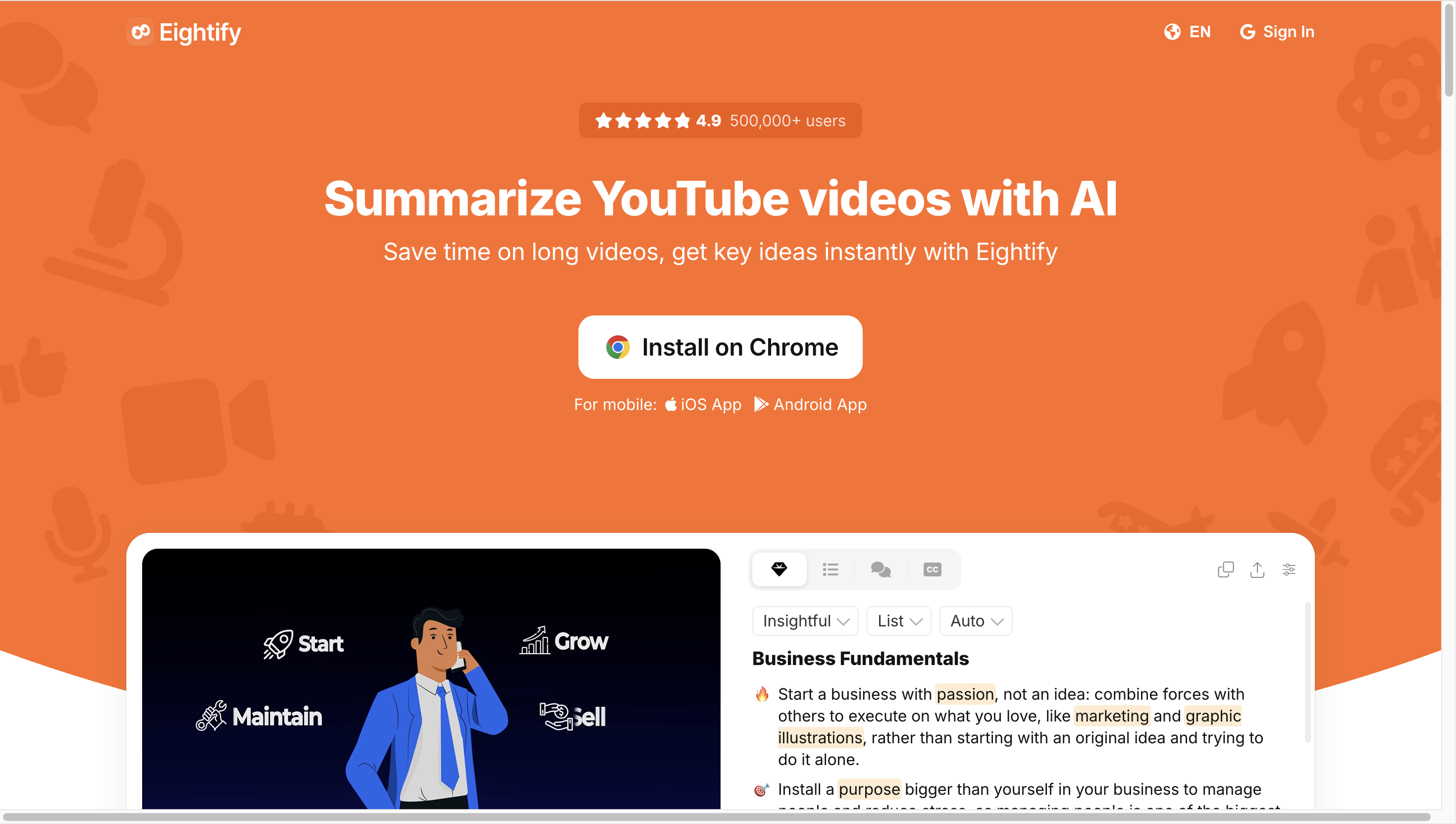
Eightify is built around a simple YouTube workflow: open a video, generate the key ideas, then use timestamped navigation to jump to the sections that matter.
Its official site specifically positions the product around long videos and multi-hour lectures, with AI-powered insights, Smart Navigation, Video to Text and summaries in 40+ languages.
Because the workflow stays close to YouTube, Eightify works well when you mainly want to scan a long video before deciding which sections deserve your attention.
It also offers mobile apps, which is useful if a lot of your YouTube watching happens away from a desktop.
Best for: fast summaries, timestamped navigation and mobile YouTube use.
4. NoteGPT — Best for Long Videos and Batch YouTube Summaries
NoteGPT is useful when you have more than one long video to process.
Its current YouTube Video Summarizer supports long videos and can batch summarize up to 20 videos at once. It also supports summarizing videos without subtitles, with audio-based processing available for no-caption videos up to 150 minutes.
After the summary, NoteGPT can continue into transcripts, mind maps, translation and AI chat.
That makes it practical for courses, playlists, competitor research or any workflow where you want to process several long videos before deciding which ones deserve a deeper read.
Best for: batch YouTube summarization and long-video study workflows.
5. Glasp — Best Free Option for YouTube Summaries, Transcripts and Highlights
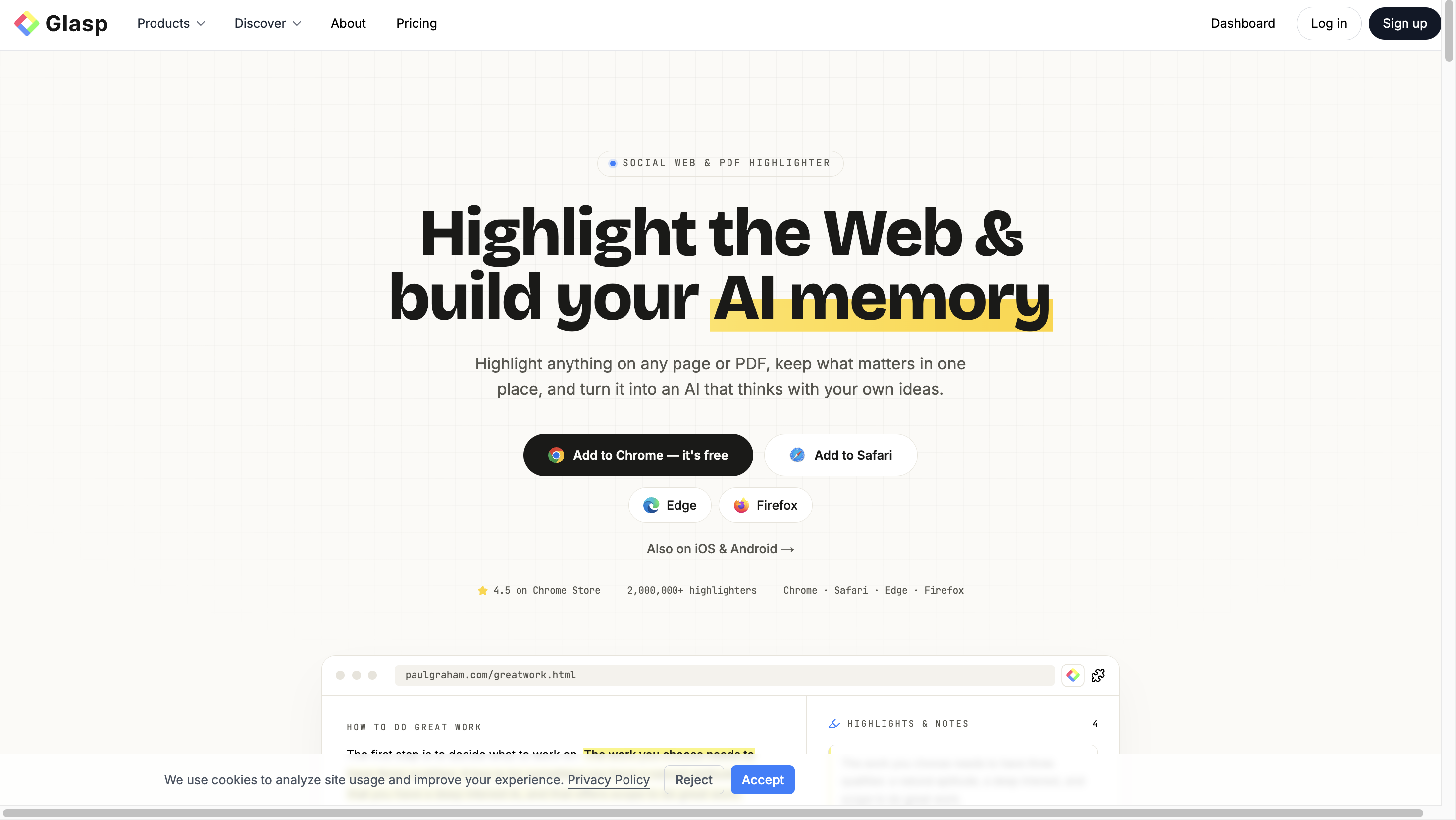
Glasp has one of the simplest free workflows in this list.
Paste a YouTube link and you can generate a summary and transcript without signing up. With the browser extension, the summary and full transcript sit beside the video, and the timestamps are clickable.
The transcript can also be highlighted, annotated and exported to Notion, Obsidian or Markdown. Glasp currently supports multiple AI models including ChatGPT, Claude, Gemini and Mistral.
For long lectures and podcasts, this combination of summary + transcript + highlights is useful when you want to pull a few important ideas into an existing note-taking system.
Best for: free YouTube summarization and users who already organize research in Notion, Obsidian or Markdown.
6. Gemini Notebook — Best for Combining YouTube With PDFs and Other Research Sources
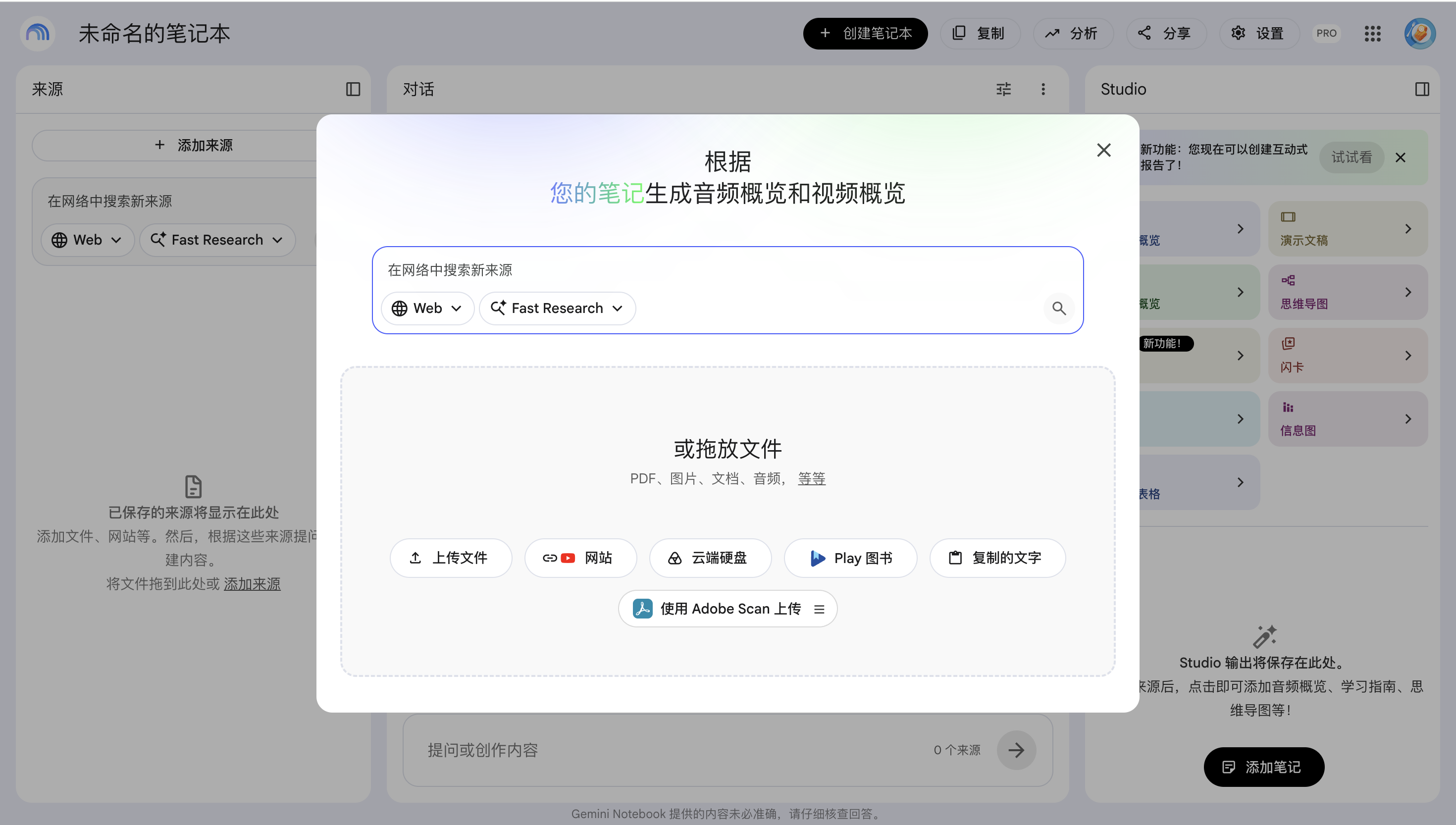
Gemini Notebook, formerly NotebookLM, is especially useful when a long YouTube video is only one source in a larger project.
Google currently supports public YouTube videos with captions as notebook sources. The YouTube transcript is imported into the notebook, where it can sit beside PDFs, webpages, Google Docs, Slides and other research material.
You can then ask questions across those sources, receive source-grounded answers and generate learning formats such as study guides and mind maps.
For a course or research project that mixes video with reading material, that multi-source structure is valuable.
Best for: research that combines YouTube with documents, papers and webpages.
7. BibiGPT — Best for Structured YouTube Notes and Follow-Up Questions
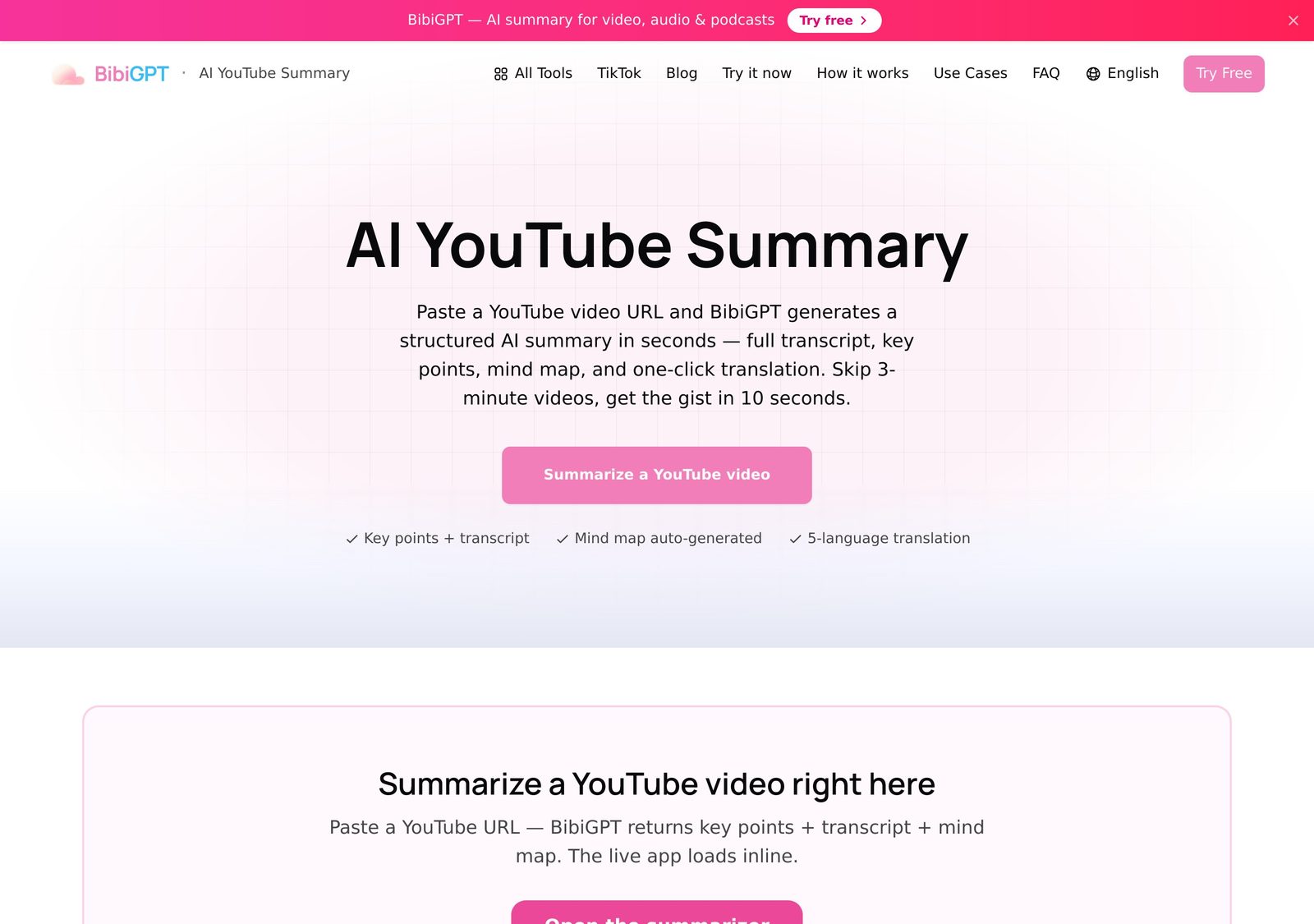
BibiGPT turns YouTube videos into more than one paragraph of summary.
Its current workflow includes structured key points, a visual mind map, timestamped takeaways and follow-up questions based on the transcript. It also supports videos without captions by transcribing the audio first.
The finished content can continue into notes and exports, including Notion and Markdown workflows.
For long educational videos, that gives you both a quick overview and a more structured set of notes to revisit.
Best for: structured summaries, mind maps and follow-up Q&A from YouTube.
8. ScreenApp — Best for Chapters, Quotes and a Full Transcript
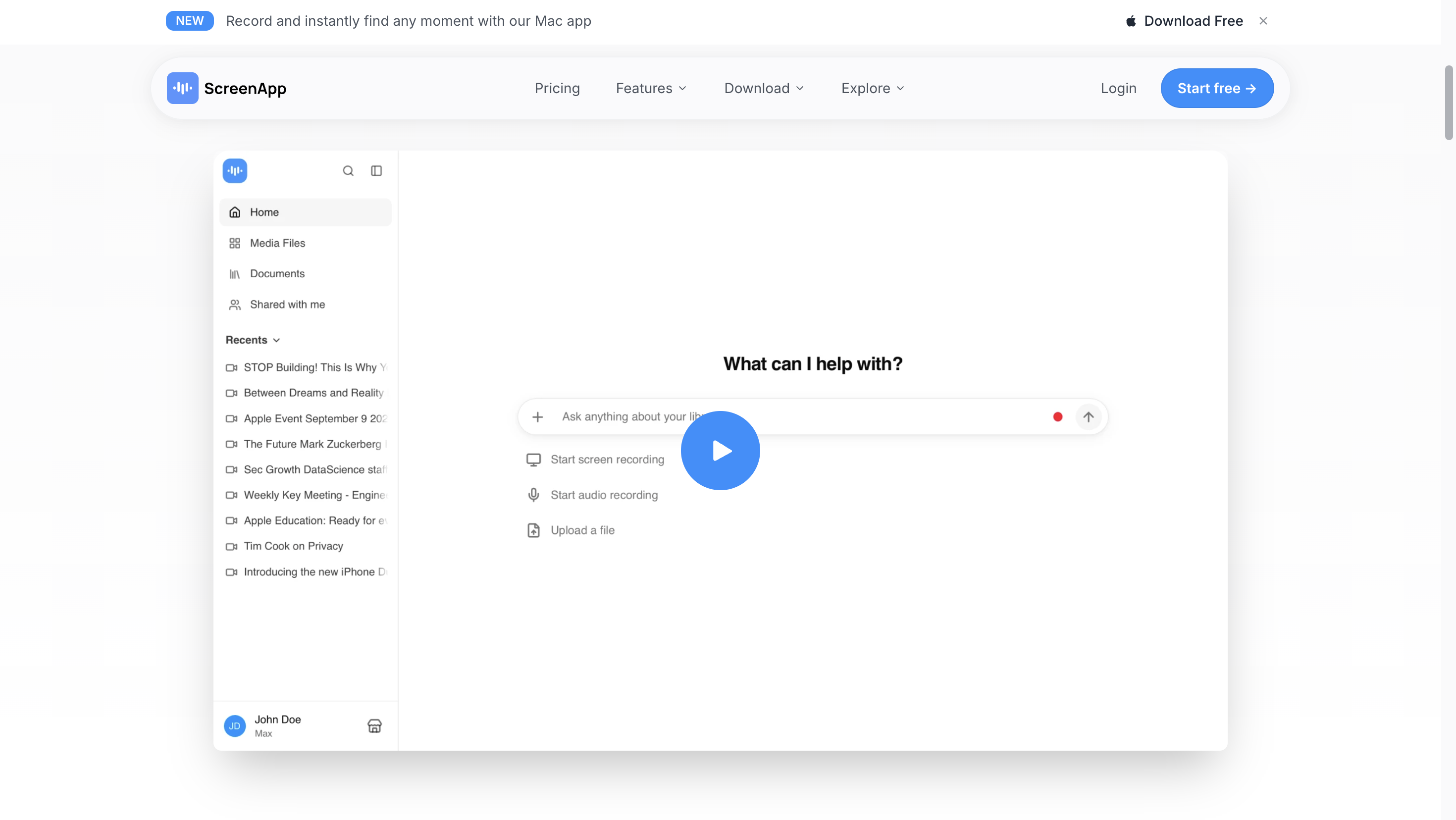
ScreenApp takes a YouTube link and returns a timestamped summary, chapters, key points and a full transcript.
It also includes speaker-attributed quotes and AI chat, so you can ask for a different type of summary after the first result — for example, five bullet points, action items or a section-by-section recap.
ScreenApp's current YouTube workflow supports exports and multilingual transcripts, making it useful when the summary is only the first pass over a long lecture or interview.
Best for: people who want a chaptered summary, searchable transcript and follow-up AI questions in the same workspace.
9. Notta — Best for Multilingual YouTube Summaries and Transcripts
Notta combines YouTube summarization with a broader transcription workflow.
Paste a YouTube link and Notta can generate a summary and transcript. Its current public tool supports summaries in 50+ languages, while the broader product supports 58 transcription languages and 42 translation languages.
The same account can also work with uploaded audio and video files, meetings and recorded conversations.
That makes Notta a natural fit if long YouTube videos are only one part of a larger multilingual transcription workflow.
Best for: multilingual YouTube content, interviews and transcript-first workflows.
If You Only Choose One: Why We Recommend NoteAi
All nine tools can help you get through long YouTube content faster.
The reason NoteAi is our single recommendation is the full path after the first summary.
For a long lecture or tutorial, you often move through several questions:
What is this video about?Where is the useful part?What exactly did the speaker say?What was on the slide?How do the ideas connect?Can I ask a follow-up question?Where do I keep this for later?
NoteAi handles those steps in one workflow.
Start With the Summary, Then Open the Detail You Need
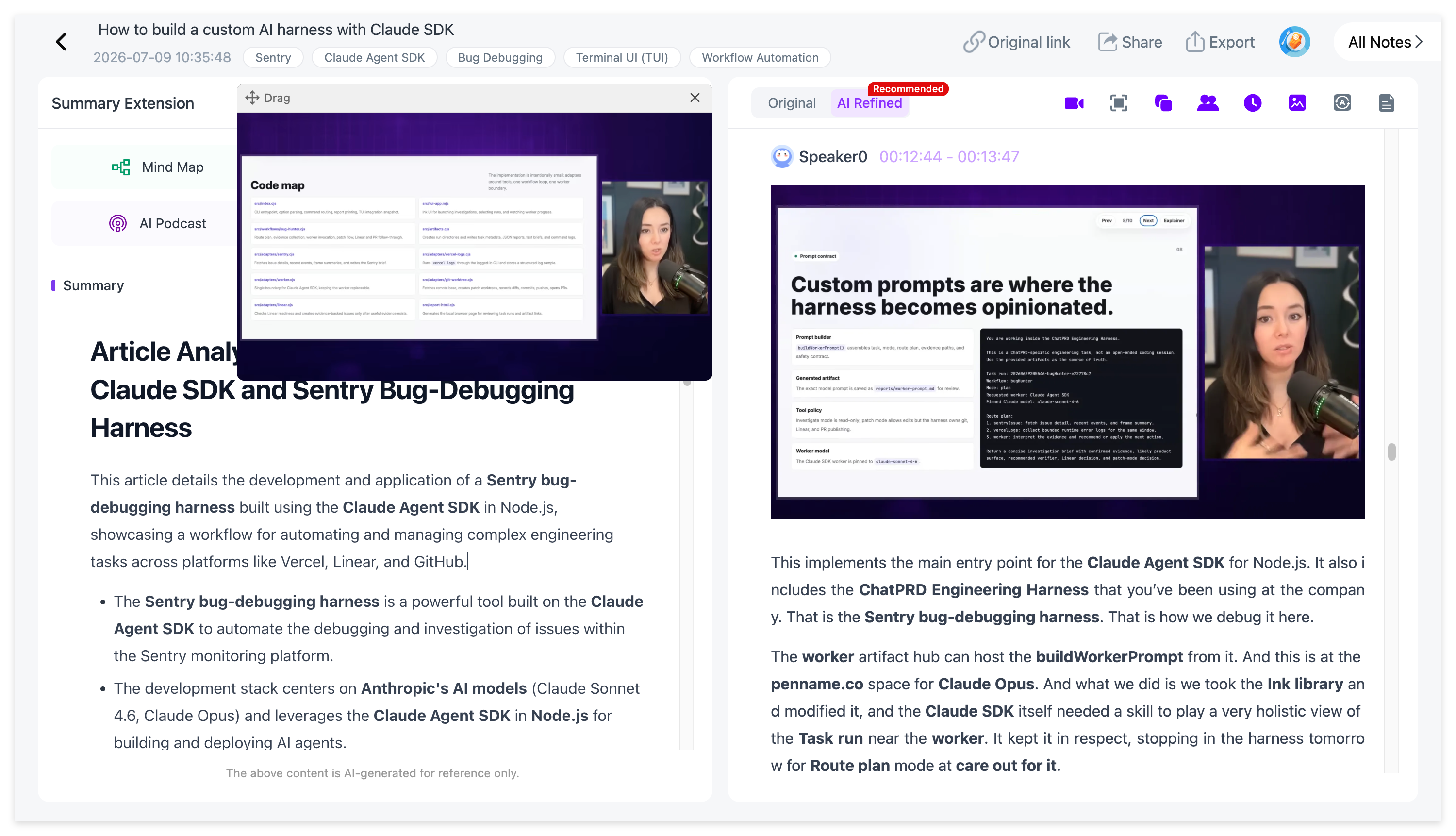
A long video does not have to become one long note.
NoteAi gives you a quick summary and Key Insights first, so you can understand the structure before opening the full transcript.
If one section matters, you can move from the overview into the detailed text or jump back to the original video.
This is especially useful for 60–120 minute lectures and podcasts where only a few sections deserve close attention.
For a full walkthrough, see How to Turn Long YouTube Videos into Structured Notes with AI.
Keep the Full Transcript With Timestamps and Speakers
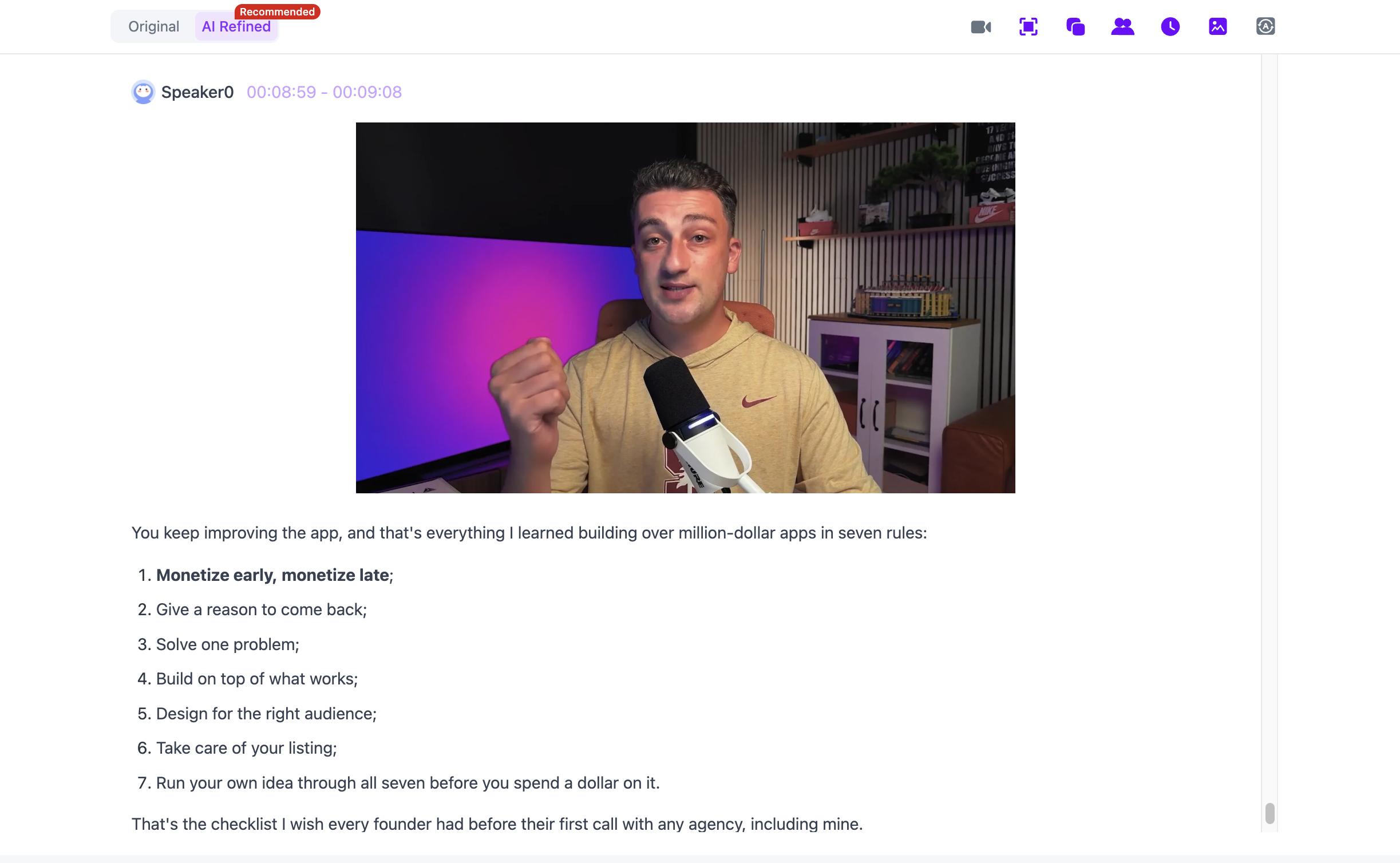
The summary tells you the shape of the video. The transcript gives you the detail.
NoteAi keeps the original transcript with timestamps and speaker-aware text. It can also generate a more polished reading version, which is useful when a long spoken recording contains repeated phrases or conversational filler.
That gives you two ways to read the same source:
original transcript for checking → polished transcript for reading
If your main goal is the full text, see YouTube to Text: 3 Ways to Get a Transcript With Timestamps.
Visual Notes Keep Slides and Key Frames With the Explanation
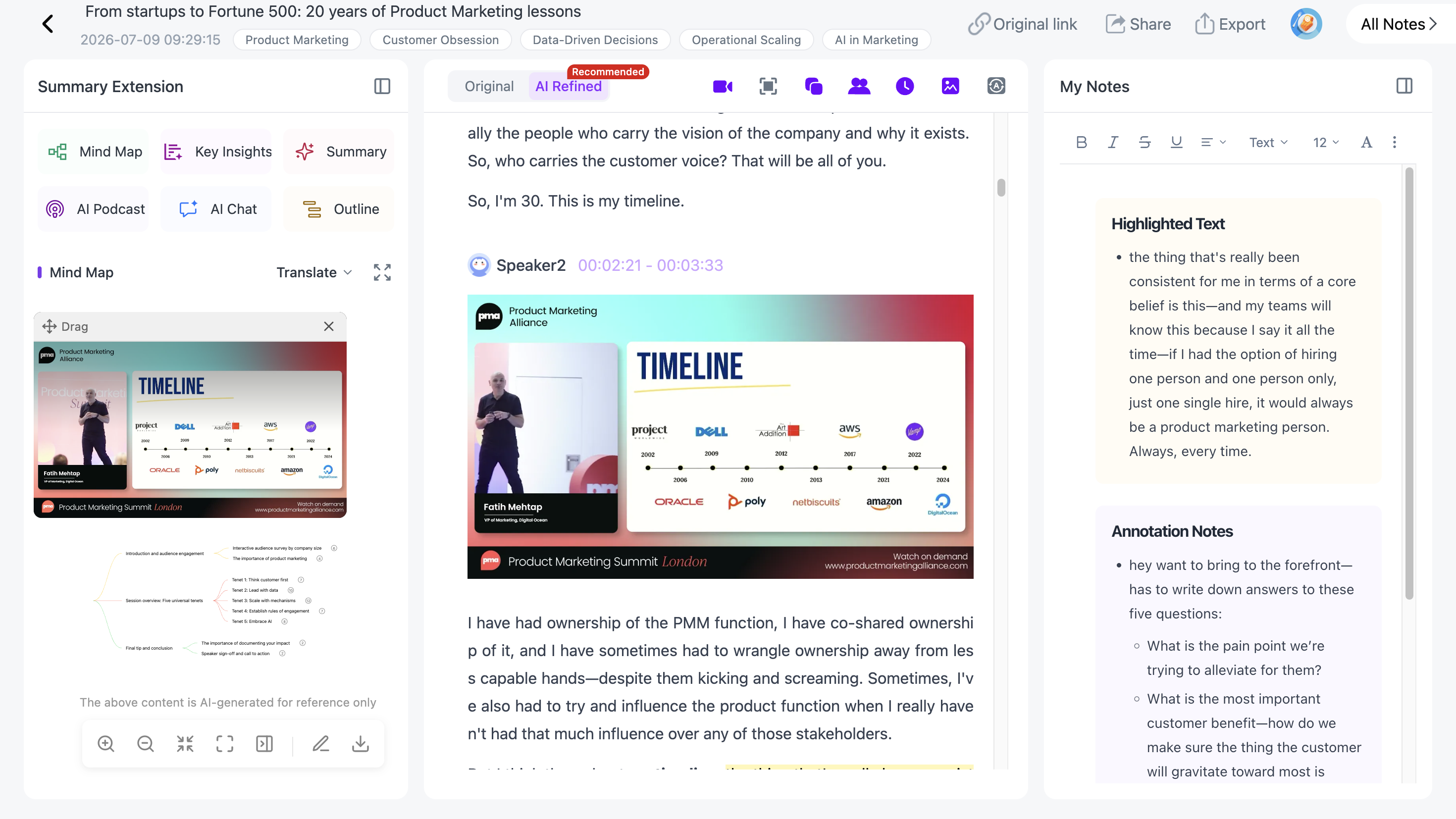
This is one of the most useful features for long visual videos.
A lecture transcript may say:
“You can see the difference in this chart.”
The sentence alone does not preserve the chart.
NoteAi's Visual Notes can automatically capture useful PPT pages, diagrams, formulas, code, software interfaces and other key frames, then place them beside the related text.
For slide-heavy lectures, software tutorials and conference talks, the note keeps both what was said and what was shown.
The dedicated Video to Notes guide shows this workflow in more detail.
Use the Mind Map to Navigate a Two-Hour Video
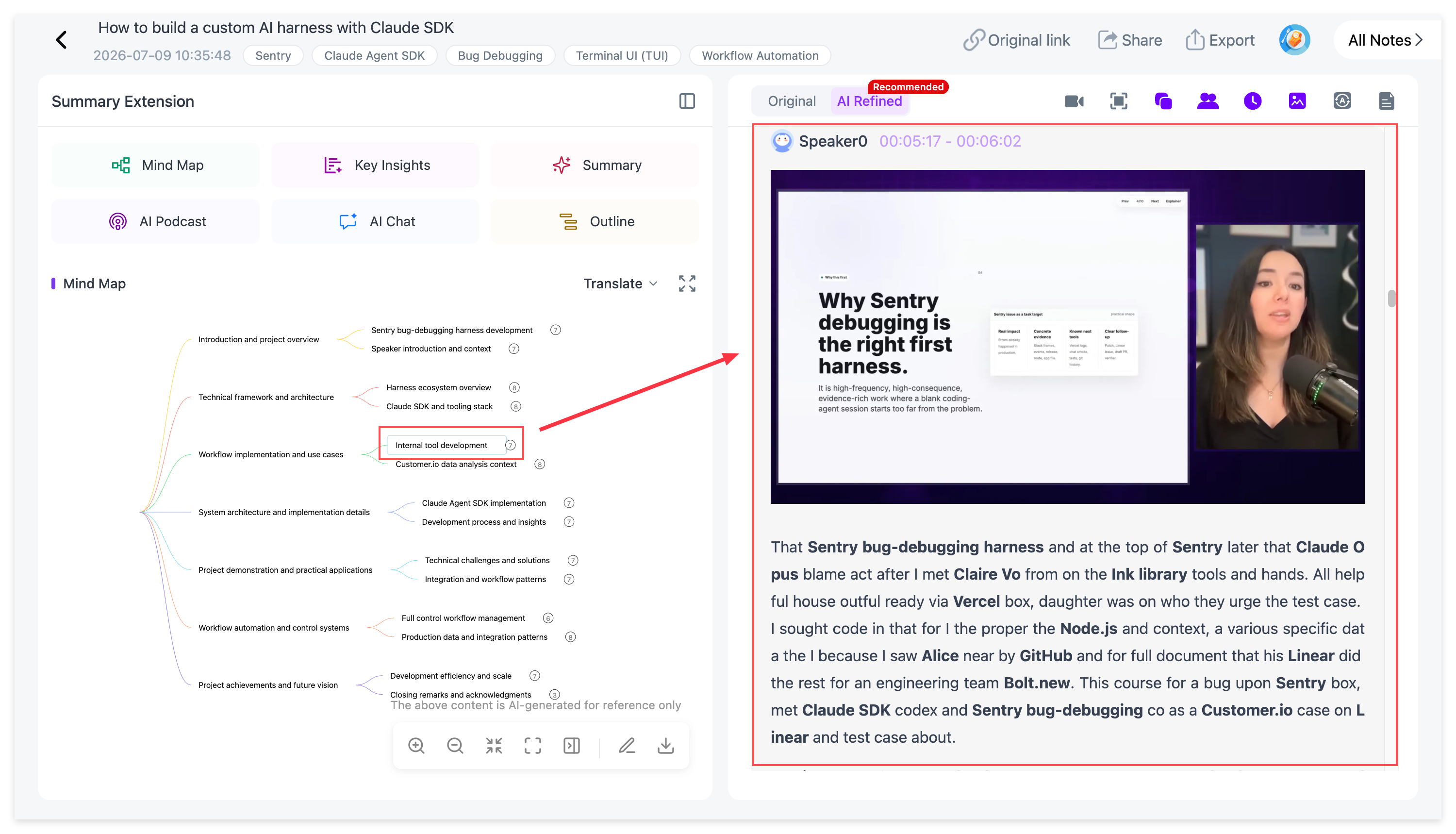
A long video often makes more sense once you can see its structure.
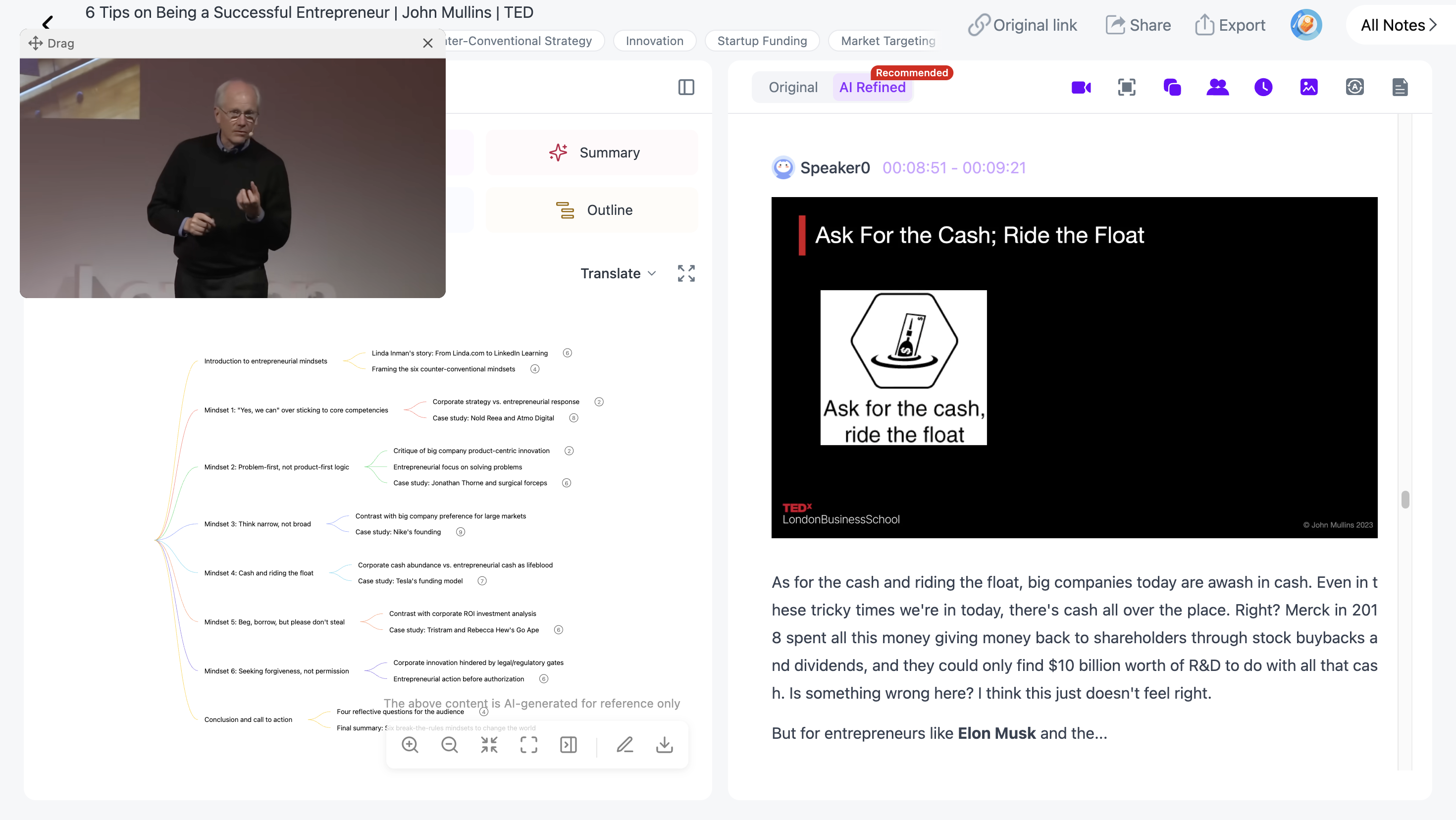
NoteAi automatically creates an editable Mind Map from the source. You can rename nodes, reorganize branches and use it as a quick overview before going deeper.
With Smart Sync, clicking a Mind Map node takes you back to the corresponding moment in the original video.
That turns the Mind Map into navigation rather than just a static diagram.
Mind Maps can also be exported as XMind, PDF, SVG, Markdown, JSON or TXT.
Ask the Video Questions Instead of Rewatching It
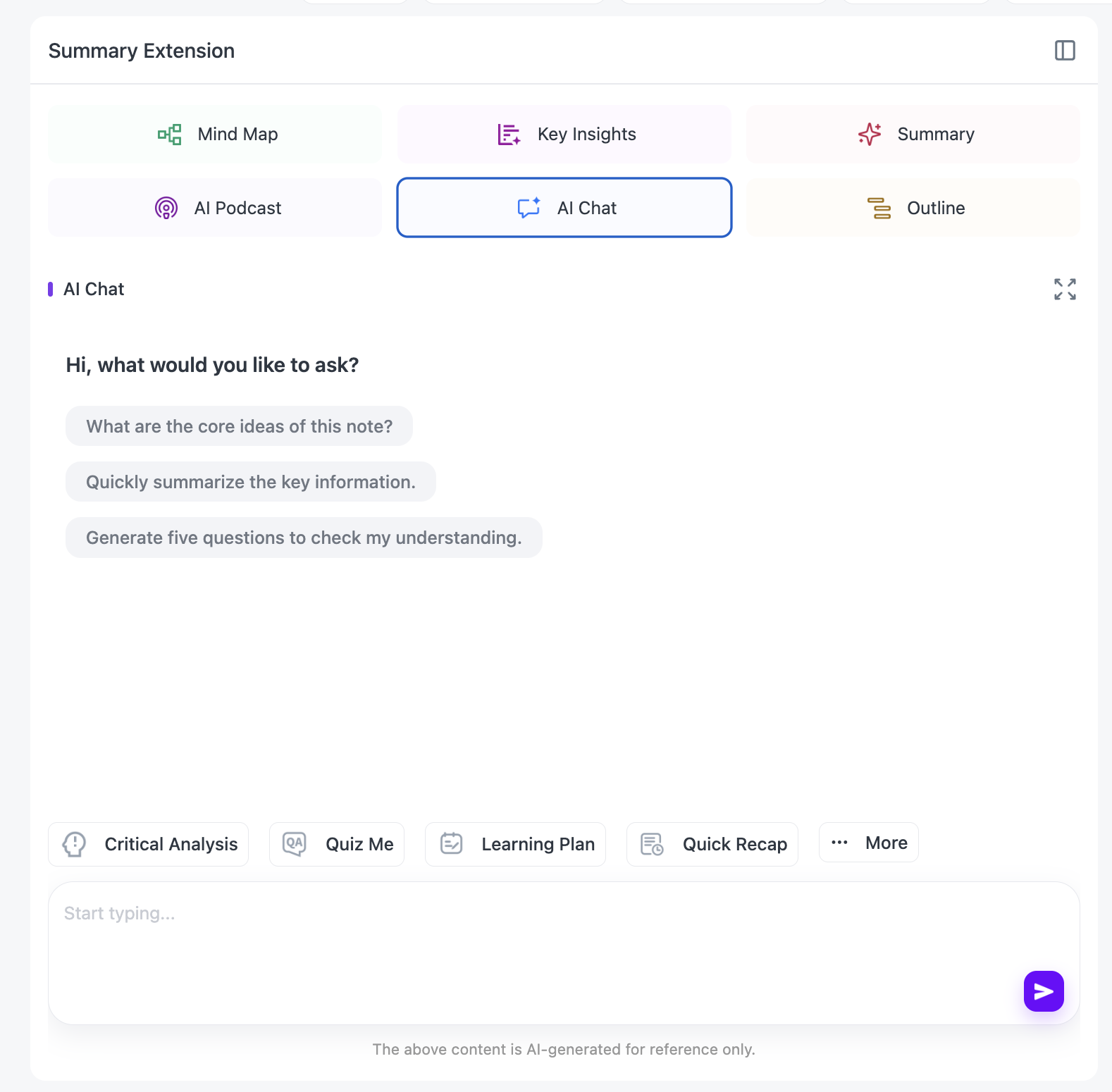
Once a long YouTube video is processed, NoteAi lets you continue with AI Chat / Personal AI Tutor.
You can ask:
-
“What were the three main arguments?”
-
“Where did the speaker explain this concept?”
-
“Compare the two methods mentioned in the lecture.”
-
“Turn this section into revision questions.”
-
“Which part should I rewatch if I only have ten minutes?”
This is useful when you remember the topic but not where it appeared in a two-hour source.
Change the Same Video Into a Different Note Format
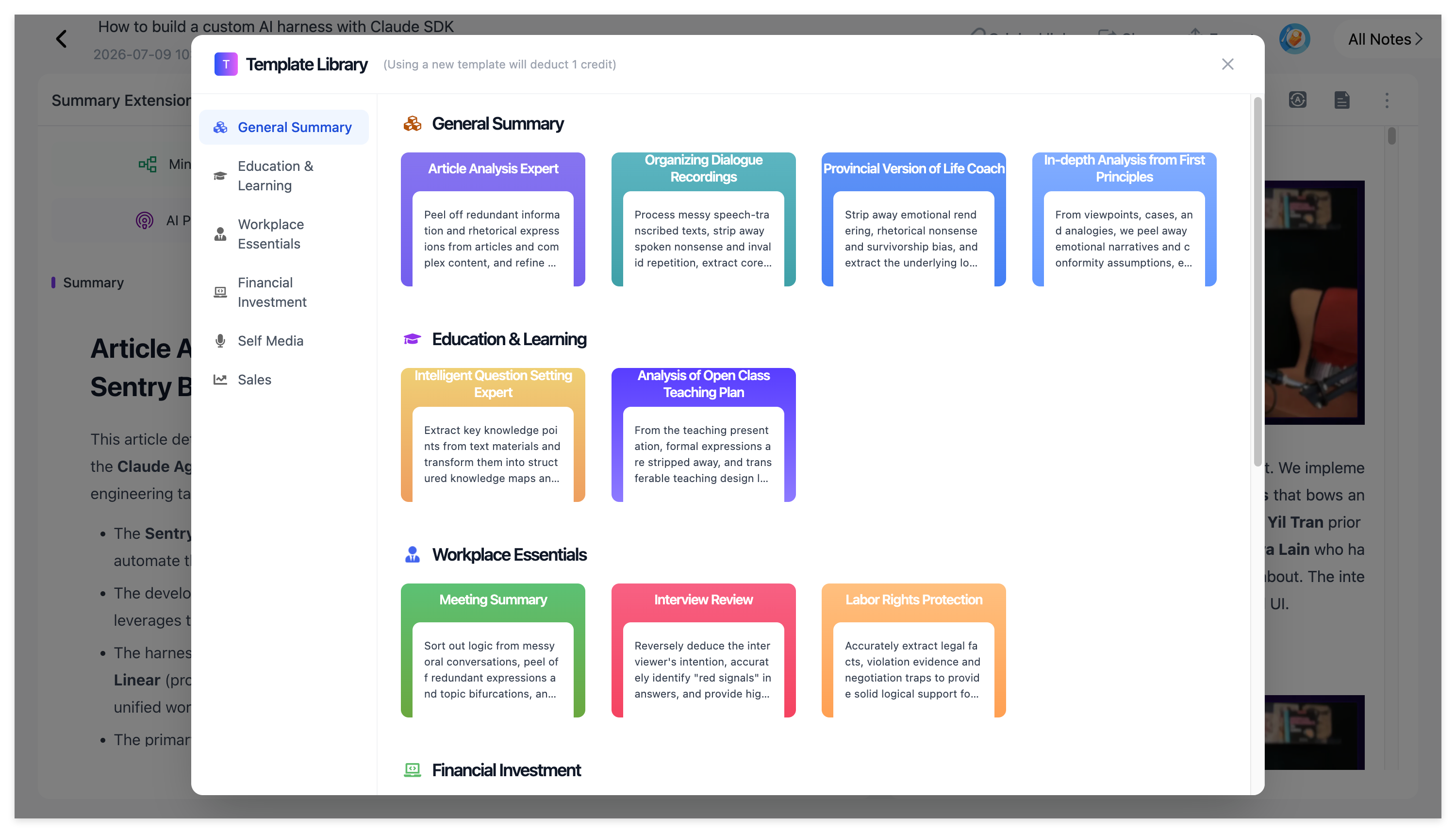
One summary format is not right for every task.
NoteAi includes Summary Templates and custom prompts, so the same processed video can be reorganized into formats such as study notes, Cornell-style notes, a glossary, a research brief or meeting-style notes.
You do not need to start from the beginning each time you want a different output.
Read Long Videos Across Languages
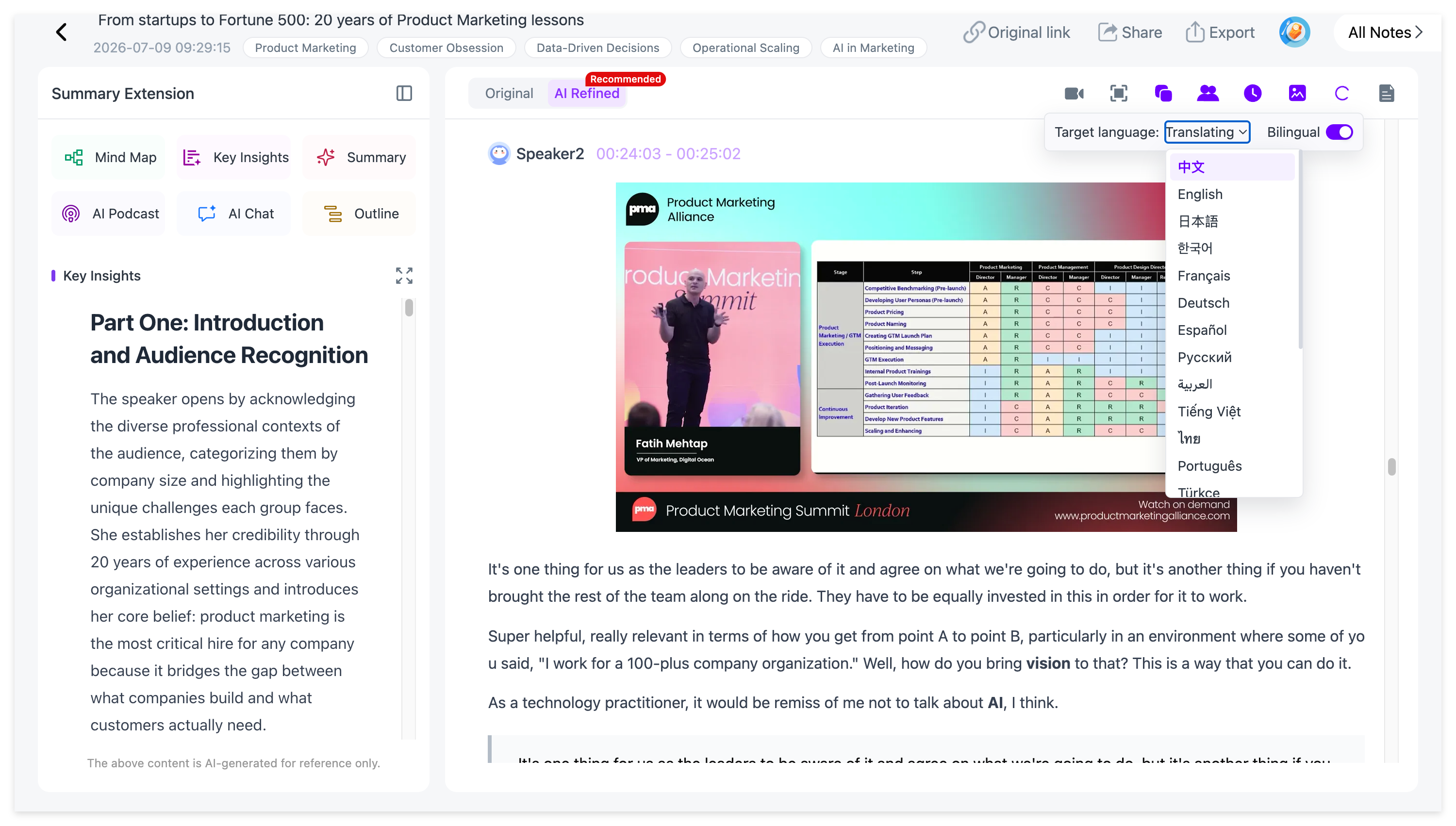
NoteAi supports translation across 22+ languages and can keep the original and translated text available side by side.
That is useful for international lectures, interviews and language-learning content because you can read the translated note without completely losing the source wording.
Names, formulas and technical terms remain easier to check when both versions are visible together.
See How to Translate Foreign-Language Videos into Study Notes for the complete multilingual workflow.
Keep Useful Videos in a Searchable Knowledge Base
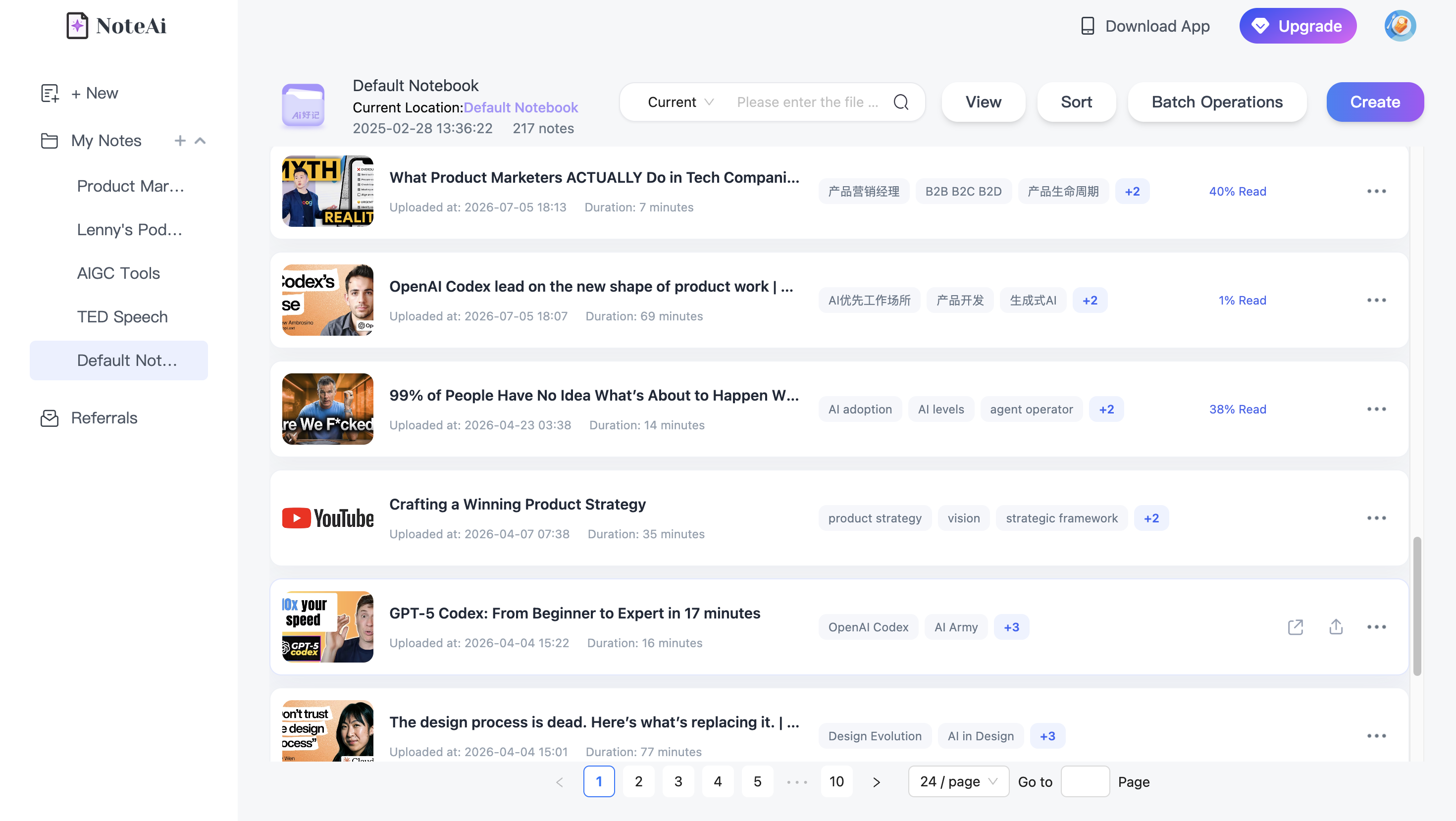
A one-off summary is useful once. A searchable library becomes more useful as the number of videos grows.
Processed videos can stay inside NoteAi with categories, global search and batch note management.
That means a useful YouTube lecture does not have to disappear into Watch Later or a folder of copied links. It becomes something you can search and reopen as part of your personal knowledge base.
Export the Notes When You Want to Work Somewhere Else
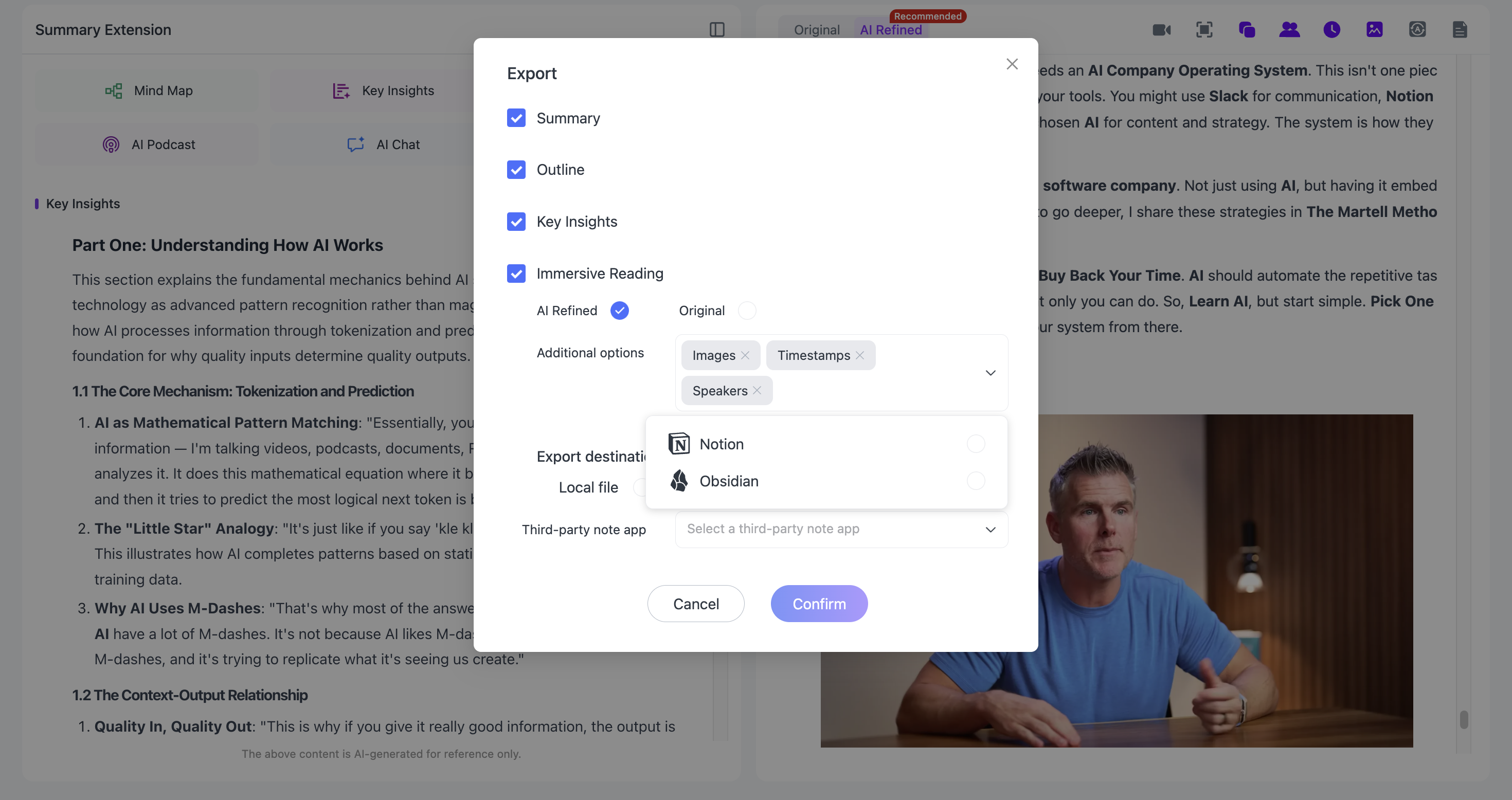
You can also take the result outside NoteAi.
General notes can be exported as DOCX, PDF, HTML or Markdown, and the workflow can continue in Notion or Obsidian.
For people who already have a personal knowledge system, this makes NoteAi the processing layer for long video while keeping the final notes portable.
Which YouTube Summarizer Should You Choose?
The nine tools cover different parts of the same problem.
Choose NoteAiif long YouTube videos are part of your learning or research workflow and you want summary, transcript, visuals, mind map, questions and long-term organization in one place.
Choose Recall if very long videos and a connected saved library are central to your workflow.
Choose Eightify if you want fast summaries and timestamped navigation directly around YouTube.
Choose NoteGPT if you often summarize multiple YouTube videos together.
Choose Glasp if you want a free summary, transcript highlighting and easy export into your existing PKM system.
Choose Gemini Notebook if YouTube is one source inside a research project with PDFs and webpages.
Choose BibiGPT if you like structured takeaways, mind maps and follow-up Q&A.
Choose ScreenApp if chapters, searchable transcripts and source-based AI chat are important.
Choose Notta if multilingual transcription and meeting-style workflows are also part of your work.
Final Recommendation
For a one-off video, several tools in this list can get you to the key points quickly.
For long-form YouTube learning, our recommendation is NoteAi because it keeps the whole workflow connected:
YouTube link → Key Insights → full transcript → Visual Notes → Mind Map → AI Chat → translation → export or searchable knowledge base
The value is not only that you can read a two-hour video faster. It is that the useful parts of the video remain organized, traceable and reusable after the summary is finished.
Try NoteAi with a long YouTube video
Frequently Asked Questions
What is the best YouTube summarizer for long videos?
For long-form learning and research, NoteAi is our pick because it combines summaries, timestamped transcripts, slides and key frames, Mind Maps, AI Chat and a searchable knowledge base. Recall is also designed around very long YouTube videos, while Eightify, NoteGPT and Glasp are popular options for fast summary workflows.
Can AI summarize a 2-hour YouTube video?
Yes. Several tools in this list are built for long-form videos. NoteAi can process long YouTube content into summaries, transcripts, Visual Notes and Mind Maps; Recall supports videos up to 10 hours when a transcript is available; Eightify and NoteGPT also explicitly support long or multi-hour YouTube videos.
What is the best free YouTube summarizer?
Glasp offers a free no-sign-up summary and transcript workflow. Other tools such as Recall, NoteGPT, Notta and NoteAi also provide free access, credits, trials or limited plans. Free allowances can change, so check the current product page if you plan to process a large number of long videos.
Can a YouTube summarizer work without subtitles?
Yes, if the tool can transcribe the audio itself. NoteAi can generate a transcript directly from speech, and tools such as Recall, NoteGPT and BibiGPT also describe no-caption workflows.
For a step-by-step guide, see How to Summarize YouTube Videos Without Subtitles.
Which YouTube summarizer keeps slides and screenshots?
NoteAi's Visual Notes workflow automatically captures useful slides and key frames and places them beside the related text. This is especially useful for lectures, tutorials, presentations and software demos.
Which YouTube summarizer is best for students?
Students working with long lectures often need more than a short recap. NoteAi is especially useful for this workflow because it keeps transcripts, slides, Mind Maps and source-linked navigation together. Gemini Notebook is also useful when the course includes PDFs and other research sources.
Can I export a YouTube summary to Notion or Obsidian?
Yes. Glasp supports exports to Notion and Obsidian, BibiGPT supports note-export workflows, and NoteAi can export structured notes as Markdown and continue into Notion or Obsidian.
Related NoteAi guides