

Not every video comes with a YouTube link. Sometimes it's an MP4 lecture on your computer, a recorded webinar, or a screen recording of a software tutorial.
The best AI video summarizer should work with the videos you actually have—not just videos with existing subtitles.
We compared six tools for YouTube links, local video uploads, and screen recordings. If you want one tool to handle all three and turn the results into reusable notes, NoteAi is our overall recommendation.
What Type of Video Do You Need to Summarize?
Before choosing a tool, consider the source:
- YouTube videos: Public lectures, tutorials, interviews, and educational content available through a URL.
- Local MP4 files: Downloaded classes, training recordings, webinars, and other videos stored on your device.
- Screen recordings: Software demonstrations, recorded presentations, and step-by-step tutorials where the visuals matter.
The distinction matters. Some tools mainly summarize existing captions, while others transcribe uploaded videos or analyze what appears on screen.
For YouTube-only recommendations, see our separate comparison of the 9 Best YouTube Summarizers for Long Videos.
6 Best AI Video Summarizers in 2026
1. NoteAi — Best All-in-One for YouTube, MP4 & Screen Recordings
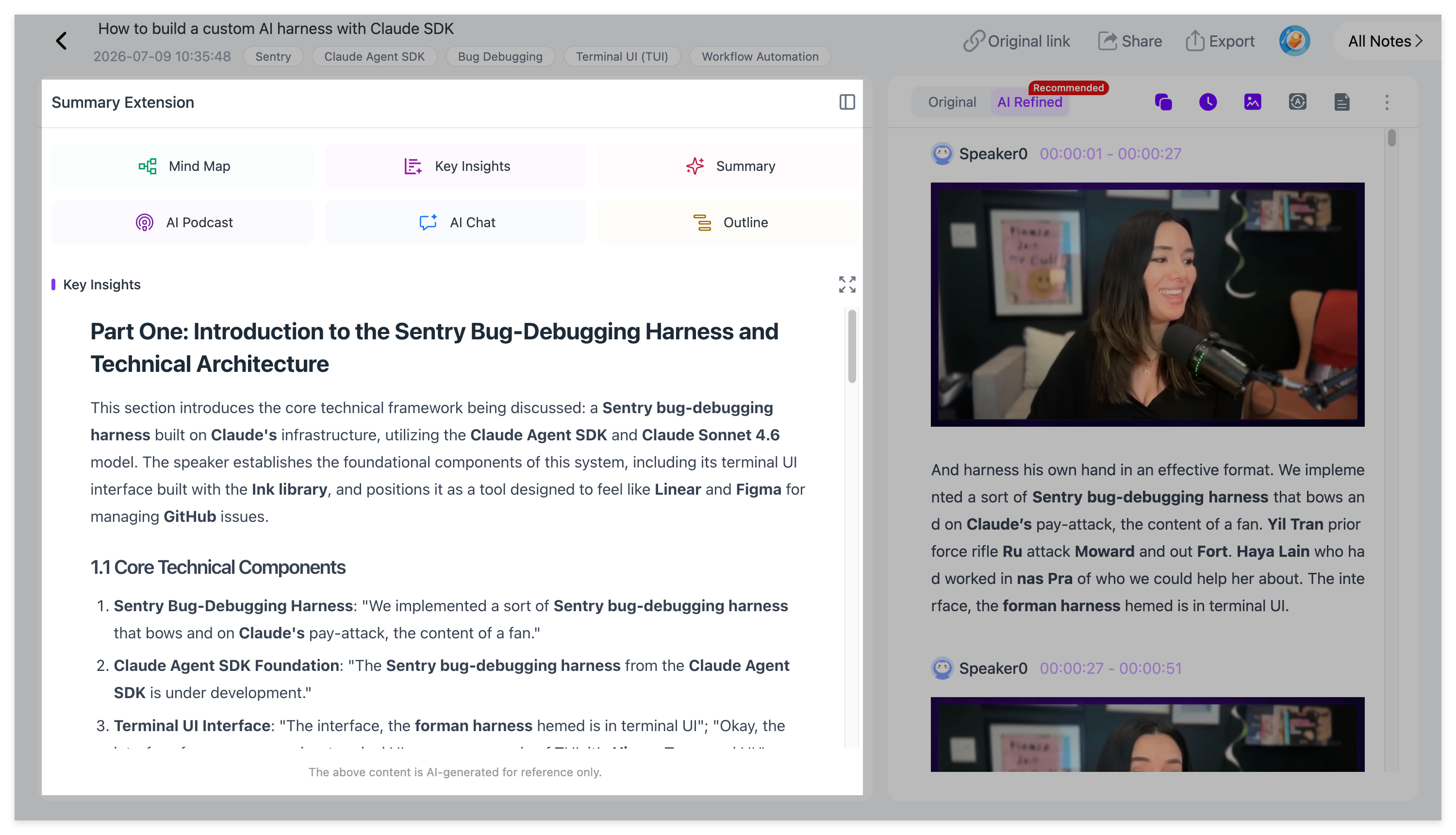
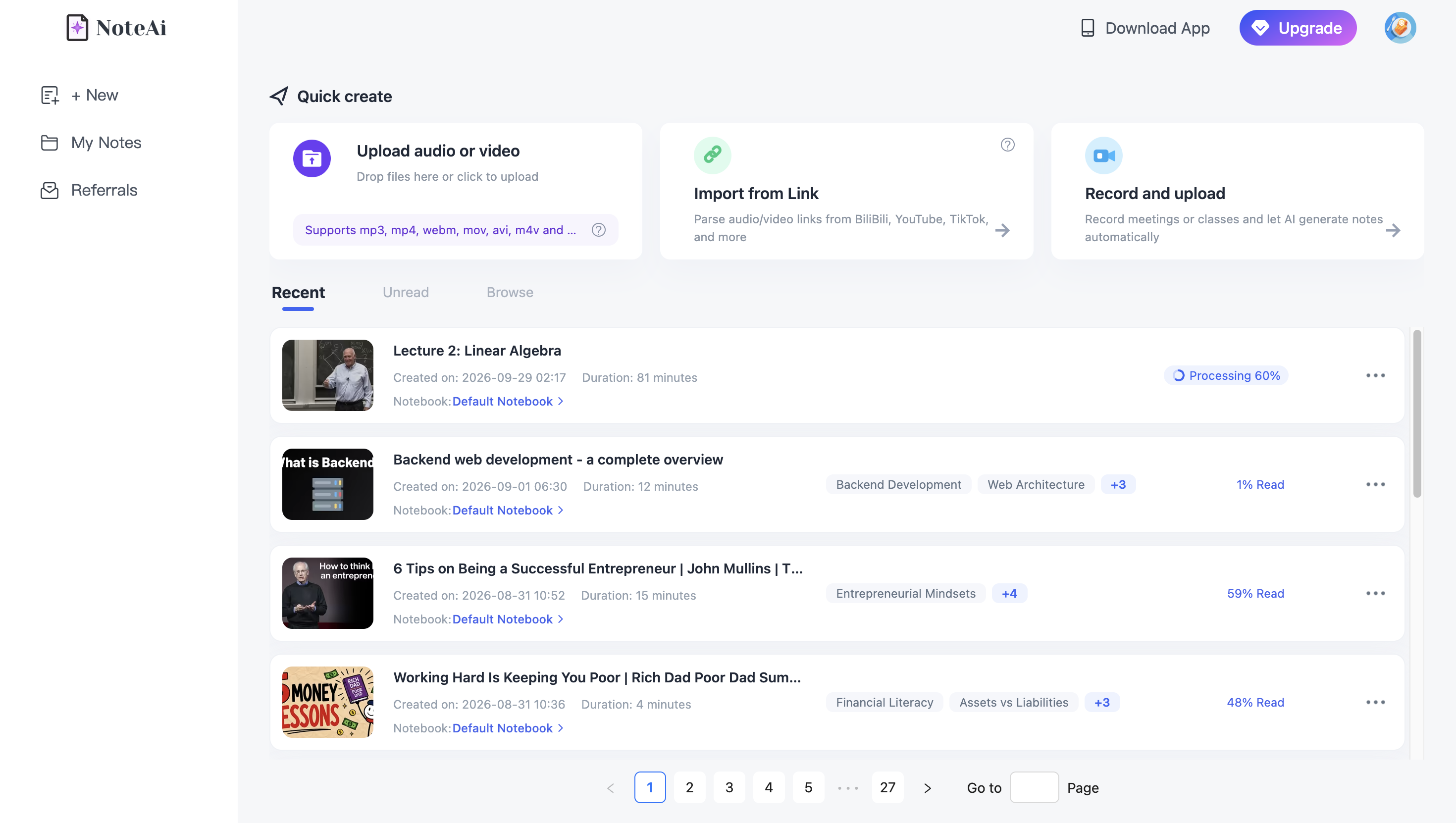
NoteAi is a comprehensive option for users who work with different types of video.
You can import supported YouTube links, upload local video files, or record your screen. NoteAi then generates Key Insights, structured AI Notes, timestamped transcripts, Visual Notes, mind maps, and AI Chat.
Its main advantage for lectures and screen recordings is keeping important video frames alongside the written explanations. That makes it easier to review a slide, software interface, or diagram without searching through the original recording.
Processed videos can also be organized in a searchable personal knowledge base or exported to Markdown, Word, PDF, and other supported formats.
Best for: People who regularly summarize online videos, downloaded courses, and screen-recorded tutorials.
Free access: NoteAi offers a free plan with limited Free Credits. Its standalone Video to Text tool also offers a first free transcription with separate file and duration limits.
Main limitation: Processing allowances and advanced features depend on your plan. Users who only need a short transcript may prefer a simpler tool.
For a practical walkthrough, see How to Turn a Screen Recording Into Step-by-Step Notes.
2. NoteGPT — Best for Large MP4 Files and Batch Processing
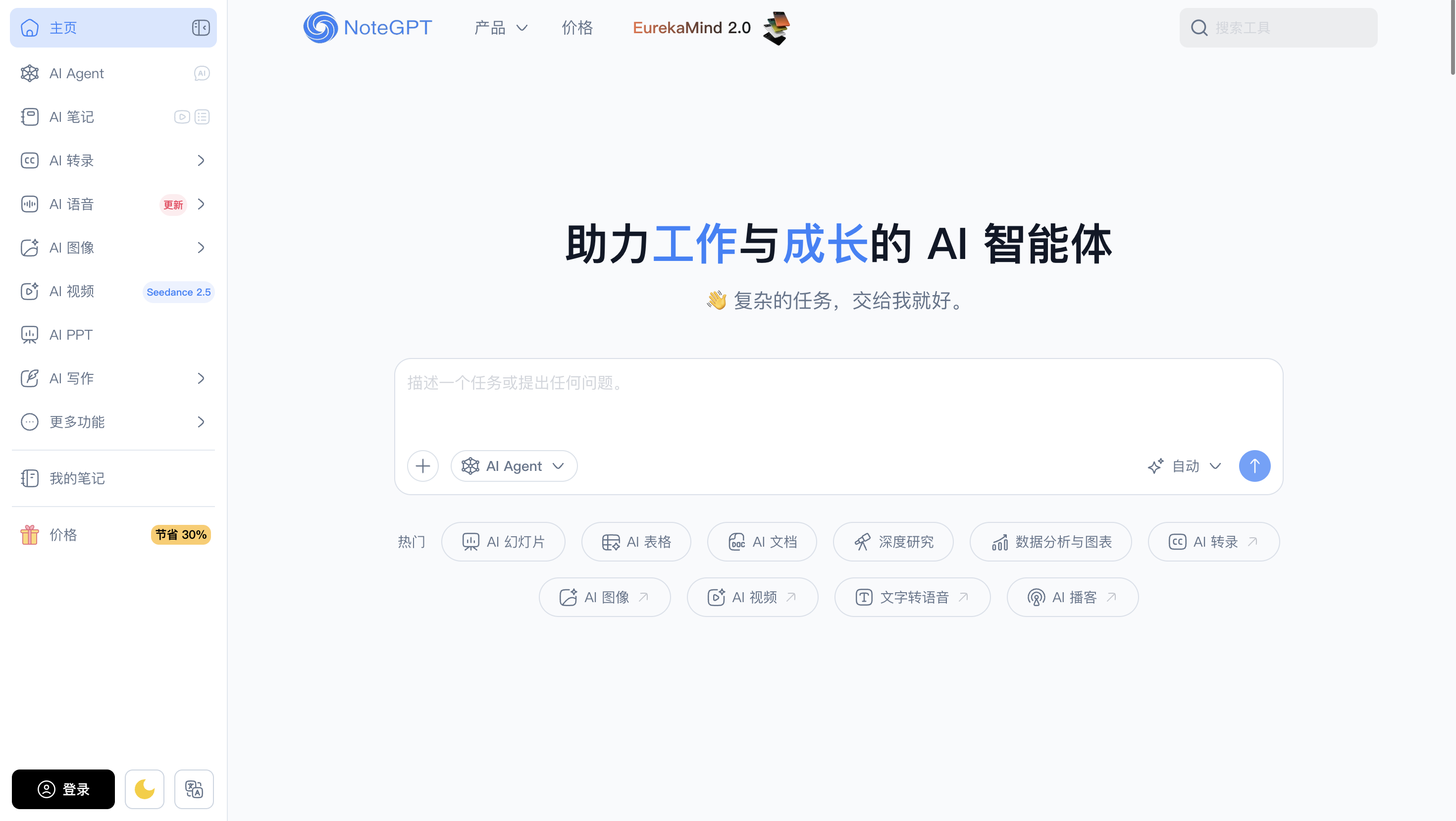
NoteGPT is worth considering if you regularly process large local video files.
Its Video Summarizer supports MP4, AVI, and MOV uploads, with advertised support for individual files up to 5 GB and up to 20 processing tasks in a queue.
NoteGPT can turn uploaded recordings into transcripts, summaries, mind maps, and AI conversations. This is useful when you have several recorded classes or tutorials to process together.
Best for: Large video uploads, recorded courses, and batch summaries.
Free access: NoteGPT advertises a free online Video Summarizer, although actual usage allowances and advanced features depend on the account.
Main limitation: Screen recordings generally need to be saved and uploaded as files. Batch and processing limits also vary by feature.
3. BibiGPT — Best for Multiplatform Videos and Visual Analysis
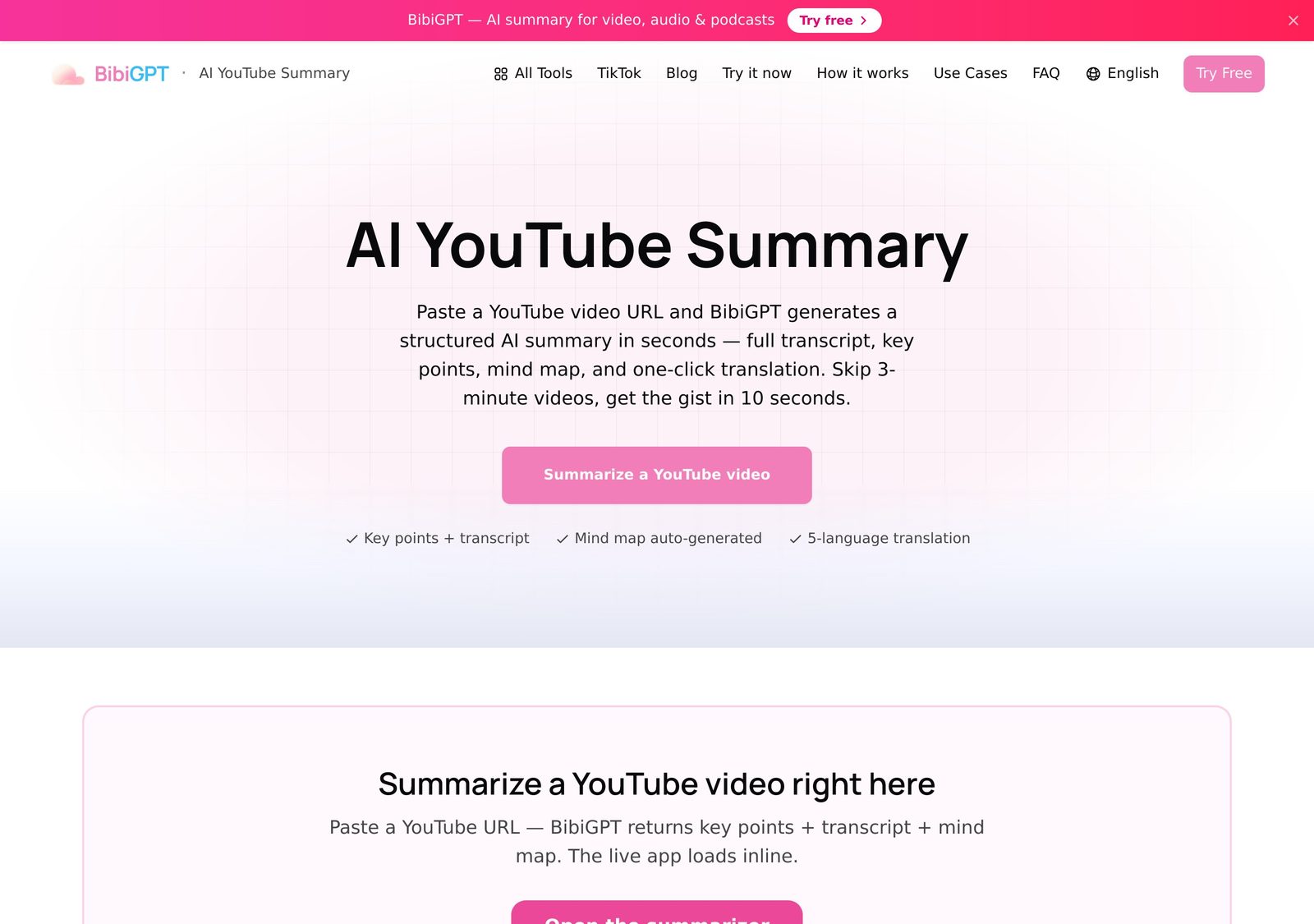
BibiGPT supports multiple online video platforms and local media processing.
Beyond standard transcription and summaries, BibiGPT provides visual analysis features, including PPT key-frame extraction, hard-subtitle OCR, and screenshot analysis.
This makes it a relevant alternative for videos containing diagrams, code, slides, and other important on-screen information.
Its desktop workflows also offer local processing options for users who want greater control over certain recordings.
Best for: Multiplatform video research, visual content analysis, and local media processing.
Free access: Limited free or trial usage is available for eligible functions.
Main limitation: Visual analysis, local processing, and advanced capabilities vary by feature, platform, and account.
For more details about its visual capabilities, see the official BibiGPT visual-analysis update.
4. ScreenApp — Best for Screen Recording and Video Chapters
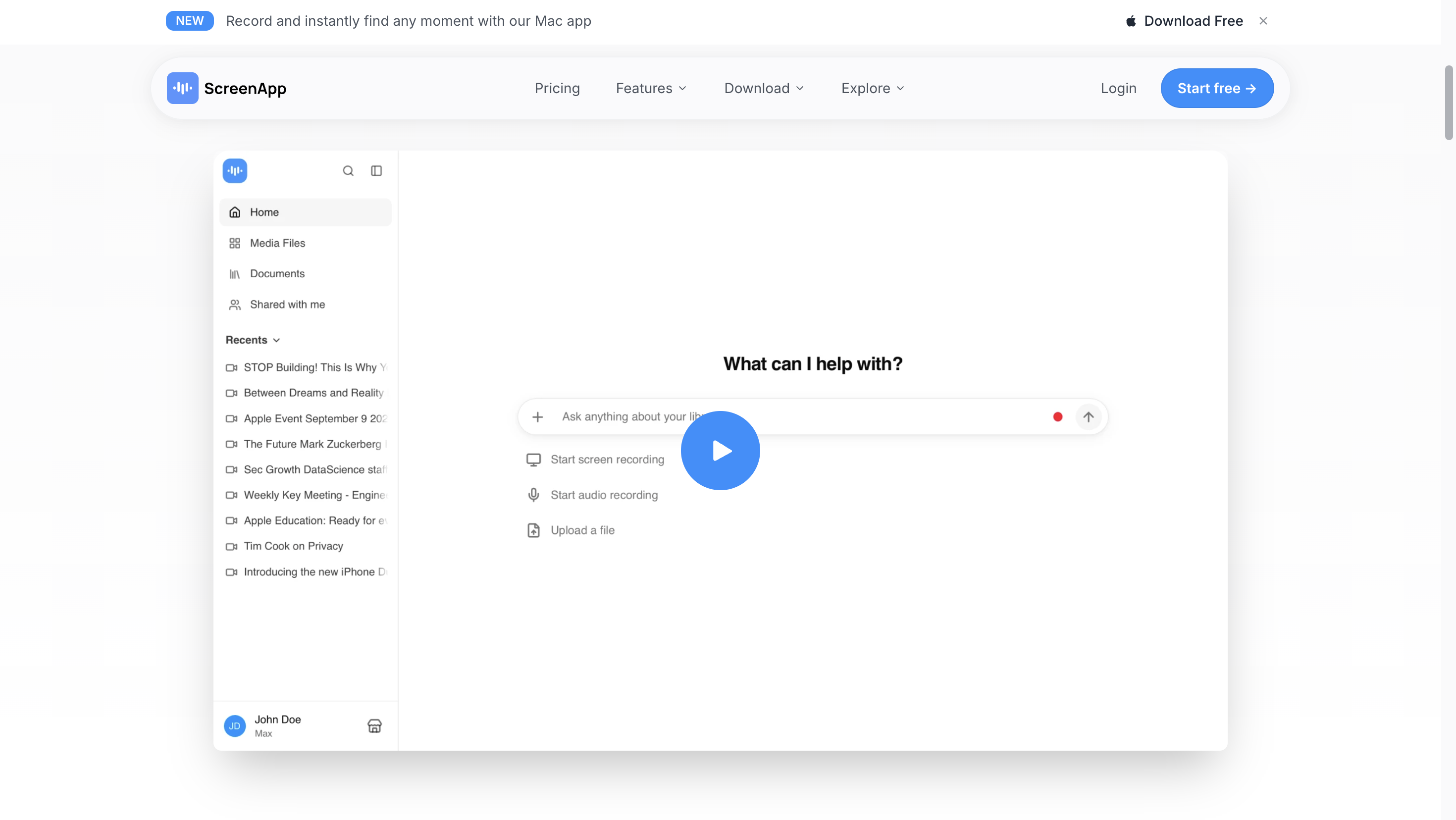
ScreenApp supports video links, uploaded files, and recording workflows.
After processing a recording, it generates a transcript, summary, and timestamped chapters. You can search the transcript or ask AI questions about specific parts of the recording.
ScreenApp can also analyze video frames when on-screen information is relevant, making it useful for software demonstrations as well as spoken presentations.
Best for: Screen recordings, training videos, interviews, and chapter-based review.
Free access: Its published free option includes two transcriptions, with recordings up to 45 minutes each.
Main limitation: Longer recordings and heavier usage require an appropriate paid plan.
5. Notta — Best for Meetings, Webinars and Multilingual Transcription
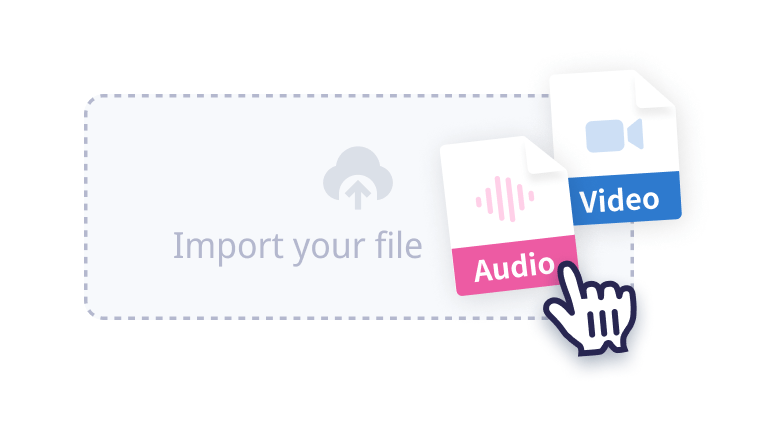
Notta is particularly useful when a recording contains spoken discussions.
It supports uploaded video files, YouTube links, and screen recording. Notta can transcribe the content, identify speakers, generate summaries, and organize important points into chapters or action items.
This makes it useful for recorded meetings, interviews, webinars, and training sessions where the spoken discussion is the main source of information.
Best for: Recorded meetings, webinars, multilingual transcription, and action-oriented summaries.
Free access: Free recording and transcription options are available with restrictions. The free screen recorder supports sessions up to 30 minutes, but access to the resulting transcript is limited.
Main limitation: For tutorials with complex diagrams or interface demonstrations, check whether the available visual-analysis workflow preserves everything you need.
6. Gemini Notebook — Best for Video Transcripts and Document Research
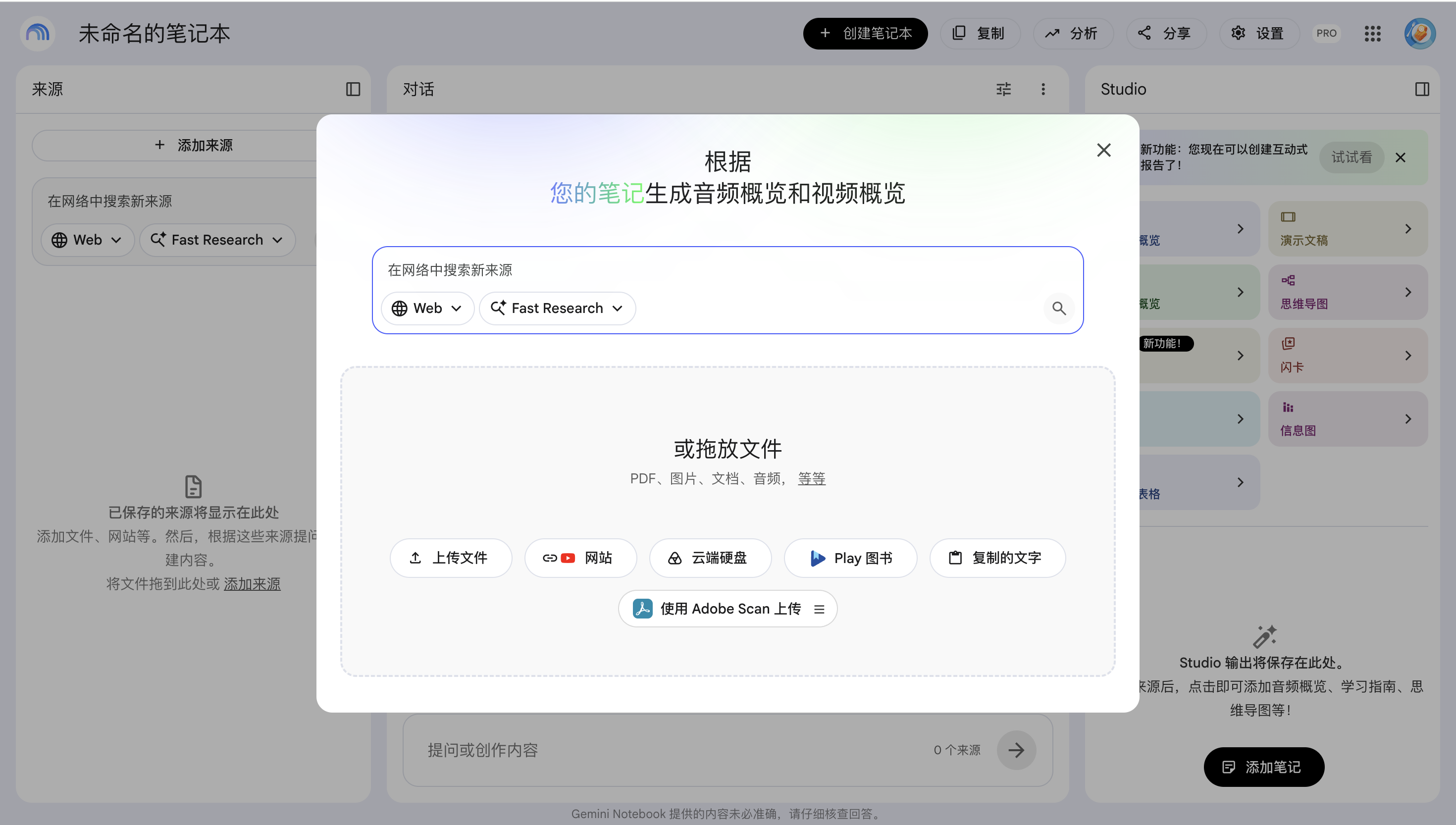
Gemini Notebook, formerly NotebookLM, is different from the other tools in this list.
It is designed to help users research information across multiple sources, including PDFs, webpages, documents, audio files, and supported YouTube videos.
You can combine a YouTube lecture with related papers or reports, then ask questions grounded in those sources.
There is an important limitation: for direct YouTube imports, Gemini Notebook uses the video's transcript, not its visual frames. It can also accept compatible local audio sources, including certain MP4 files, but this should not be confused with analyzing the actual video footage.
Best for: Research involving YouTube transcripts, PDFs, documents, and other written sources.
Free access: A free tier is available with source and usage limits.
Main limitation: It is not a dedicated screen-recording or visual MP4 summarizer. Direct YouTube imports require public videos with captions.
See Google's official source documentation for the current import requirements.
AI Video Summarizer Comparison: Supported Video Sources
The most important difference is how each tool accepts video content.
| Tool | YouTube Links | Local Video Files | Screen Recordings |
|---|---|---|---|
| NoteAi | ✅ | ✅ | ✅ Record or upload |
| NoteGPT | ✅ | ✅ | Upload saved files |
| BibiGPT | ✅ | ✅ | Upload saved files |
| ScreenApp | ✅ | ✅ | ✅ Recording and upload |
| Notta | ✅ | ✅ | ✅ Recording and upload |
| Gemini Notebook | Captioned public videos | Audio/transcript processing only | Compatible audio or transcript, not raw visual analysis |
Support depends on the file format, source accessibility, and available account features. A tool that accepts an MP4 as an audio source does not necessarily analyze its video frames.
For local video files, upload support matters. For screen recordings, also check whether the tool preserves the screens, diagrams, or demonstrations that are important to the explanation.
Which AI Video Summarizer Should You Choose?
For Downloaded Lectures and Local MP4 Files
If you already have a video saved on your computer, choose a tool that accepts the original file without requiring a public URL.
NoteGPT is useful for large files and processing queues. NoteAi is a good option when you also need structured notes, transcripts, visual frames, and a knowledge base.
If extracting spoken text is your main goal, try the Video to Text converter or read our guide to converting MP4 to text with timestamps.
For Screen-Recorded Tutorials
A software demonstration often contains details that aren't explained aloud. A transcript may tell you what the instructor said, but not which menu they clicked or what appeared on screen.
Look for tools that support recording or importing the video and can help you review important frames.
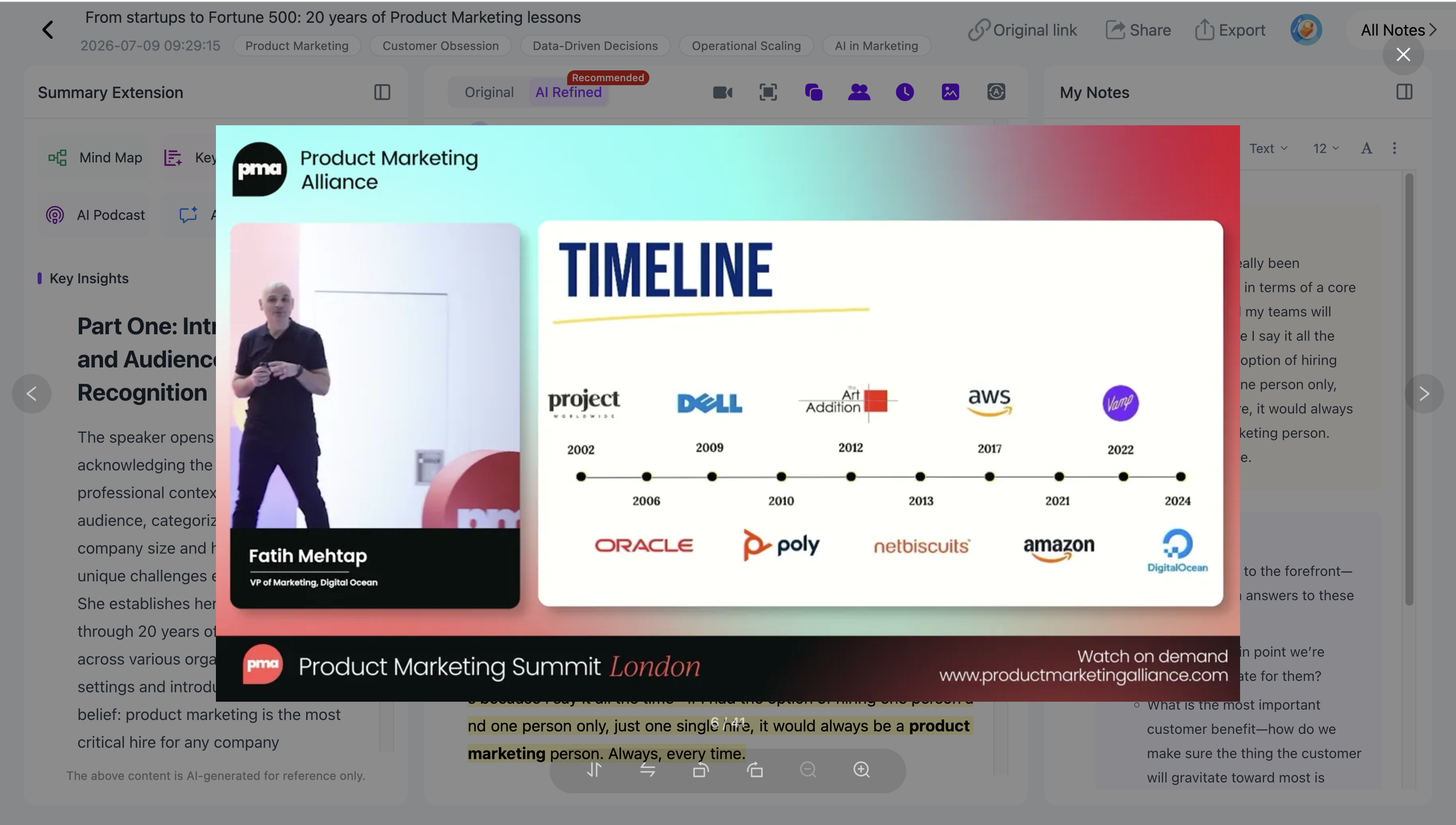
NoteAi and ScreenApp both offer relevant recording and visual-review workflows, while BibiGPT offers advanced visual analysis for eligible files.
For a more detailed explanation, read How to Turn Videos Into Visual Notes With AI.
For Recorded Meetings and Webinars
If your main priority is identifying speakers, decisions, and action items, Notta and ScreenApp are useful options.
NoteAi also supports recorded audio and video, including timestamps, speaker recognition, and AI summaries. It is particularly relevant when you want the result to become part of a broader collection of learning or research materials.
For audio-heavy recordings, our Audio to Text guide covers transcription and speaker identification in more detail.
If You Only Choose One AI Video Summarizer
Each tool has a clear advantage.
NoteGPT is well suited to large local files and batches. BibiGPT provides substantial visual-analysis features. ScreenApp and Notta support recording workflows, while Gemini Notebook is useful when videos are part of a larger document-based research project.
If you regularly work with YouTube links, downloaded videos, and screen recordings, NoteAi is our overall all-in-one recommendation.
Three capabilities make it particularly practical:
- Multiple input methods: Import online links, upload local media, or create a screen recording.
- Text and visual context together: Generate summaries and transcripts while preserving important slides and video frames.
- Reusable knowledge: Continue with mind maps, AI Chat, exports, and a searchable personal knowledge base.
The advantage isn't that NoteAi is the best at every individual feature. It is that these steps work together without requiring a different tool for every video source.
NoteAi also offers Free Credits, allowing users to try eligible processing workflows before deciding whether they need a paid plan.
Frequently Asked Questions
What is the best AI video summarizer for MP4 files?
NoteAi, NoteGPT, BibiGPT, ScreenApp, and Notta all offer local video processing options.
NoteGPT is worth considering for large files and batch processing. NoteAi is a good choice when you want the transcript, key video frames, structured notes, and knowledge management together.
Can AI summarize screen recordings?
Yes. Tools such as NoteAi, ScreenApp, and Notta support screen recording workflows. You can also upload an existing recording to compatible video summarizers.
For software tutorials, choose a tool that can preserve or analyze important on-screen information rather than relying only on speech transcription.
Can an AI video summarizer work without subtitles?
Yes. Tools that transcribe a video's audio can process eligible recordings without existing subtitles.
NoteAi, NoteGPT, ScreenApp, and Notta support audio transcription workflows. Results depend on audio quality, file access, and processing limits.
Gemini Notebook requires captions when importing YouTube videos directly by URL.
Which AI video summarizer supports long video files?
The limits depend on the tool and plan.
NoteAi supports individual media up to 7 hours and 4 GB on eligible plans. NoteGPT advertises uploads up to 5 GB per file, while ScreenApp has different recording-length limits for free and paid plans.
Check both the maximum file size and video duration before uploading a long recording.
Can AI extract slides and screenshots from a video?
Some tools offer visual processing in addition to audio transcription.
NoteAi's Visual Notes can preserve selected slides, diagrams, and important video frames alongside related written explanations. BibiGPT also provides PPT extraction and screenshot analysis, while ScreenApp offers video-frame analysis.
These features do not necessarily reconstruct an editable PowerPoint file.
Is there a free AI video summarizer for local files?
Yes, but free access varies.
NoteAi provides a free plan with limited Free Credits. Its standalone Video to Text tool offers a first free transcription for visitor uploads up to one hour and 1 GB, with sign-in required for further note features and export.
Other tools, including NoteGPT and ScreenApp, provide free or trial options with their own limits.
Final Verdict
The best AI video summarizer depends on the kind of content you need to process.
For large batches of local video files, NoteGPT is worth considering. For screen recordings, ScreenApp is useful. Notta is well suited to meeting and interview transcription, while BibiGPT offers advanced visual analysis and Gemini Notebook excels at multi-source research.
For one workflow that covers YouTube links, local MP4 files, and screen recordings, our recommendation is NoteAi.
It combines video summaries, transcripts, Visual Notes, mind maps, AI questions, and long-term knowledge management in one place.
You can start with NoteAi's Free Credits and choose the import or recording method that matches your video.