

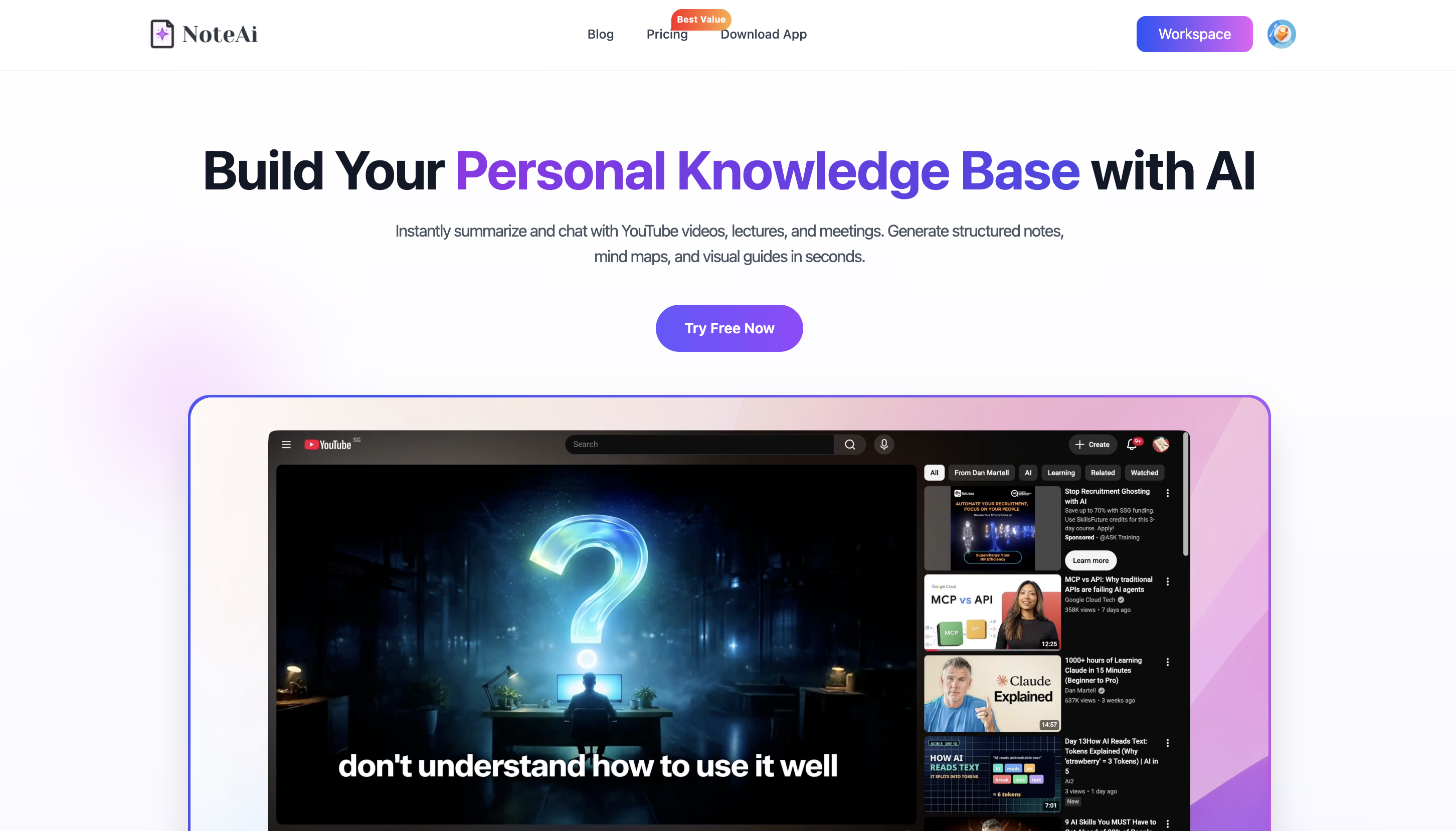
AI video summarizers now do much more than generate a few bullet points. Some focus on YouTube, some support uploaded MP4 files, and some can also keep transcripts, timestamps, slides and AI-generated notes.
This guide compares 8 popular free or free-to-try AI video summarizers for YouTube and video uploads, including NoteGPT, Glasp, Eightify, Gemini Notebook, Notta, ScreenApp, Descript and NoteAi.
If you only need a quick YouTube summary, Glasp or Eightify may be enough. NoteGPT is useful for batch processing, while Descript is better suited to video editing.
For users who want one workflow that covers both YouTube and uploaded videos, NoteAi stands out for combining summaries, transcripts, visual notes, Mind Maps, AI Q&A and a searchable knowledge base.
Note: “Free” may mean a free plan, limited credits or a trial. Limits can change over time.
What Makes a Good AI Video Summarizer in 2026?
Most tools can now turn speech into a short recap. The more useful comparison is what happens before and after that recap.
For a YouTube link, convenience matters: can you paste the URL and get something readable immediately? For an uploaded lecture or MP4, the tool also needs reliable transcription, speaker handling and enough file support to process the recording you already have.
Then there is the output.
A useful video summarizer may give you a transcript, timestamps, chapters, visual context, follow-up chat, exports or a place to keep the source for later. The right tool depends on which of those steps you actually need.
That is why this roundup does not treat “best” as a single accuracy ranking. Each tool below is better suited to a different workflow.
8 Free AI Video Summarizers Compared
| Tool | Best for | YouTube links | Video uploads | What stands out |
|---|---|---|---|---|
| NoteGPT | Batch processing and large files | Yes | Yes | Large-file support, batch queues, transcript, summary, mind map and chat |
| Glasp | Summarizing while browsing YouTube | Yes | More YouTube/audio focused | Summary, full transcript, timestamps, highlights and PKM export |
| Eightify | Fast YouTube skimming | Yes | No / not its main workflow | On-page key ideas and timestamped navigation |
| Gemini Notebook | Research across video, PDFs and webpages | Public captioned YouTube | Audio and document sources; not a normal MP4 workflow | Source-grounded Q&A, citations, study guides and mind maps |
| Notta | Transcript-first video and meeting workflows | Yes | Yes | Full transcript, AI summary, templates, speaker handling |
| ScreenApp | Link or file summarization with AI chat | Yes | Yes | Chapters, speaker labels, transcript, frame-aware analysis and Q&A |
| Descript | Creators who also need to edit the video | File/recording workflow | Yes | Transcript-based editing plus AI summaries |
| **NoteAi** | Turning video into reusable knowledge | Yes | Yes | Transcript, visual notes, key frames, Mind Map, Smart Sync, AI Chat and knowledge base |
A Quick Look at the 8 Tools
1. NoteGPT — Best for Batch Processing and Large Video Files
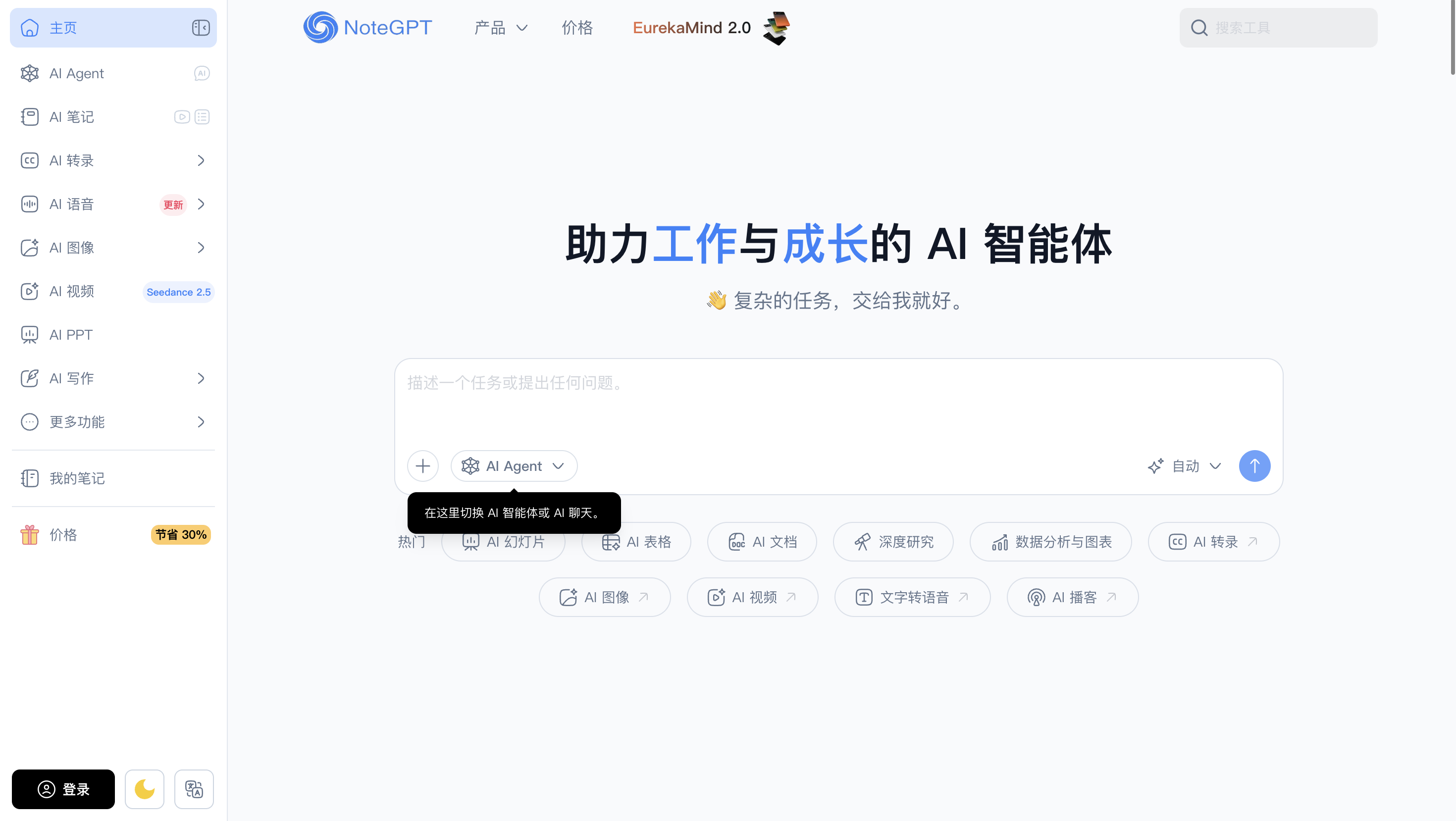
NoteGPT is one of the more flexible tools in this group if you regularly process a lot of media.
Its current Video Summarizer supports uploaded video as well as pasted links, with files up to 5GB and a batch queue of up to 20 tasks. After processing, it can generate a transcript, summary, mind map and follow-up AI chat.
That makes it useful for people who care less about a polished single-video reading experience and more about volume. If you have a folder of lectures, interviews or research clips to process, NoteGPT's batch-oriented workflow is practical.
Its strongest advantage is scale. The experience is broader than a simple YouTube summarizer, although users who care deeply about preserving slide context may still want a more video-first note workflow.
2. Glasp — Best for YouTube Summaries and Highlights in the Browser
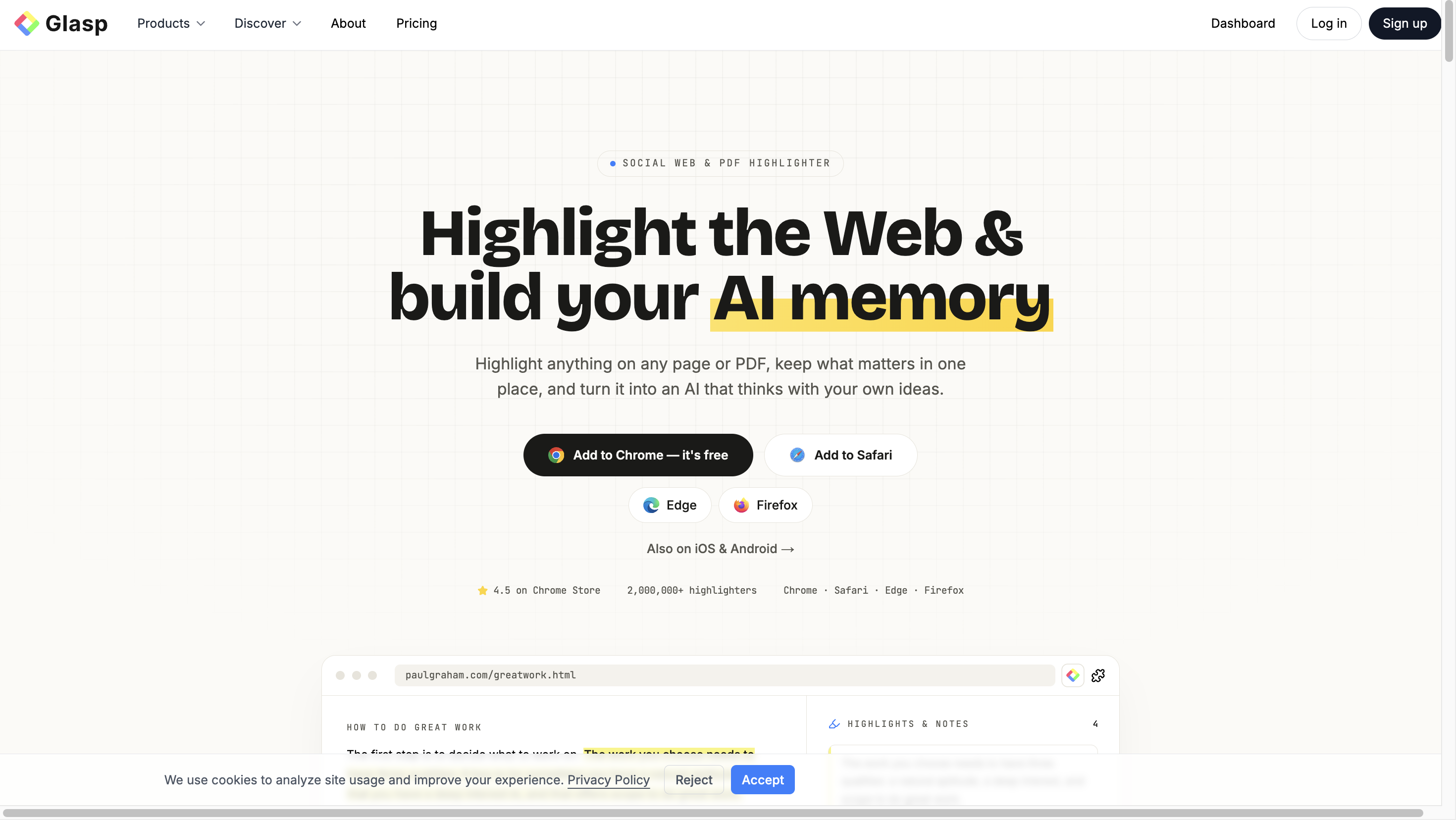
Glasp is a natural fit if most of your videos already live on YouTube.
Paste a link and you can get a summary and transcript without installing anything. With the browser extension, the transcript sits beside the video, timestamps are clickable, and useful lines can be highlighted and saved.
The interesting part is what happens to those highlights. Glasp can export them to Notion, Obsidian and Markdown, so it works well for people who already collect web articles, PDFs and video highlights in the same personal knowledge workflow.
For pure YouTube use, this can be simpler than a full video workspace. The trade-off is that Glasp remains much more YouTube- and highlighting-oriented than a general uploaded-video knowledge tool.
3. Eightify — Best for Quickly Deciding Whether a YouTube Video Is Worth Watching
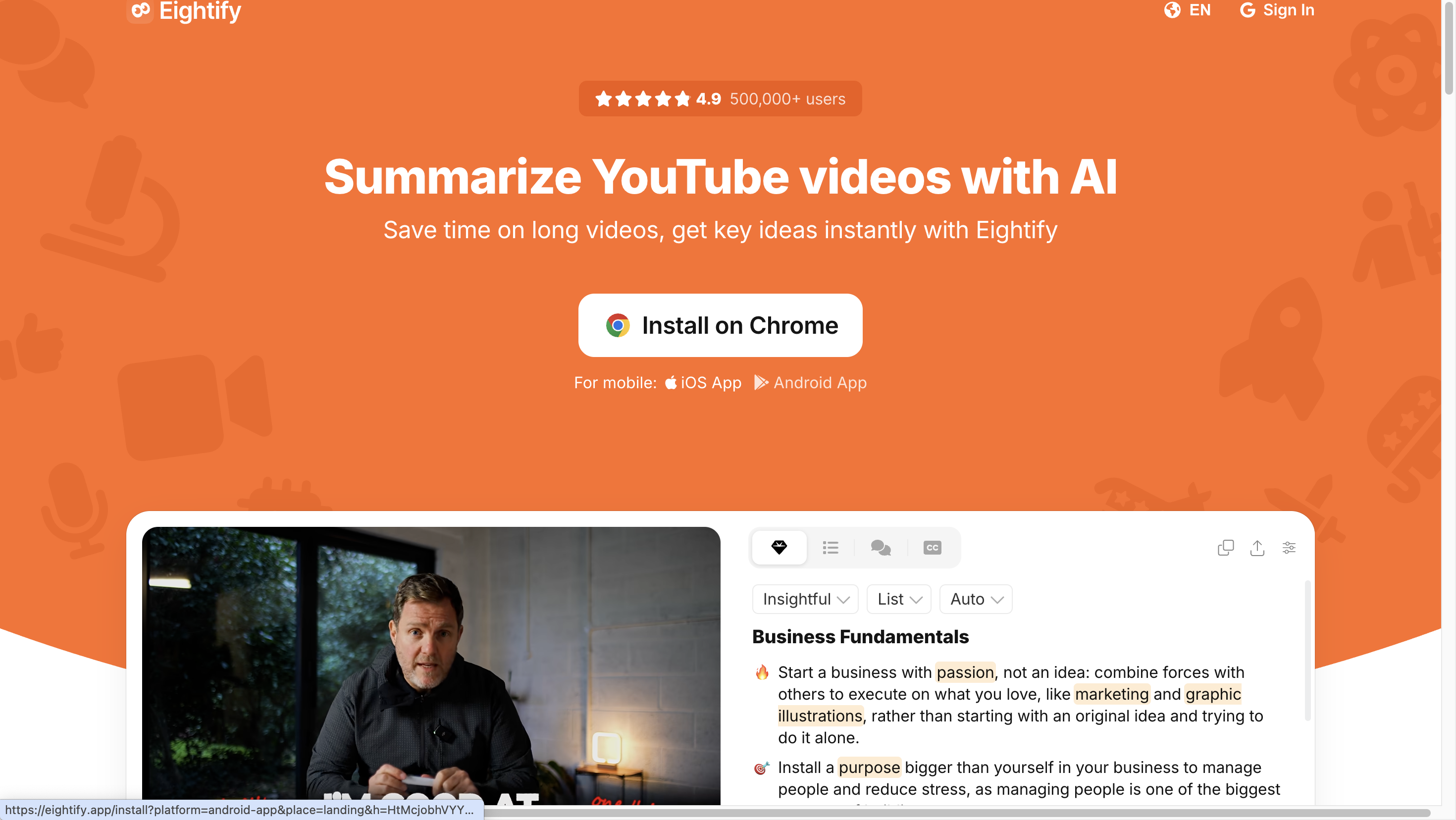
Eightify is built for a very specific moment: you open a YouTube video, see that it is 45 minutes long, and want the main ideas before deciding whether to watch it.
Its summary experience stays close to the YouTube page and focuses on key insights with timestamped navigation. That makes it fast and low-friction.
For someone trying to clear a Watch Later list, that is often enough.
It is less suitable when you need to upload local recordings, keep detailed visual notes or build a searchable library of videos over time. Eightify is strongest when the job is skim this YouTube video now, not turn this video into a reusable knowledge asset.
4. Gemini Notebook — Best When Video Is Only One Part of the Research
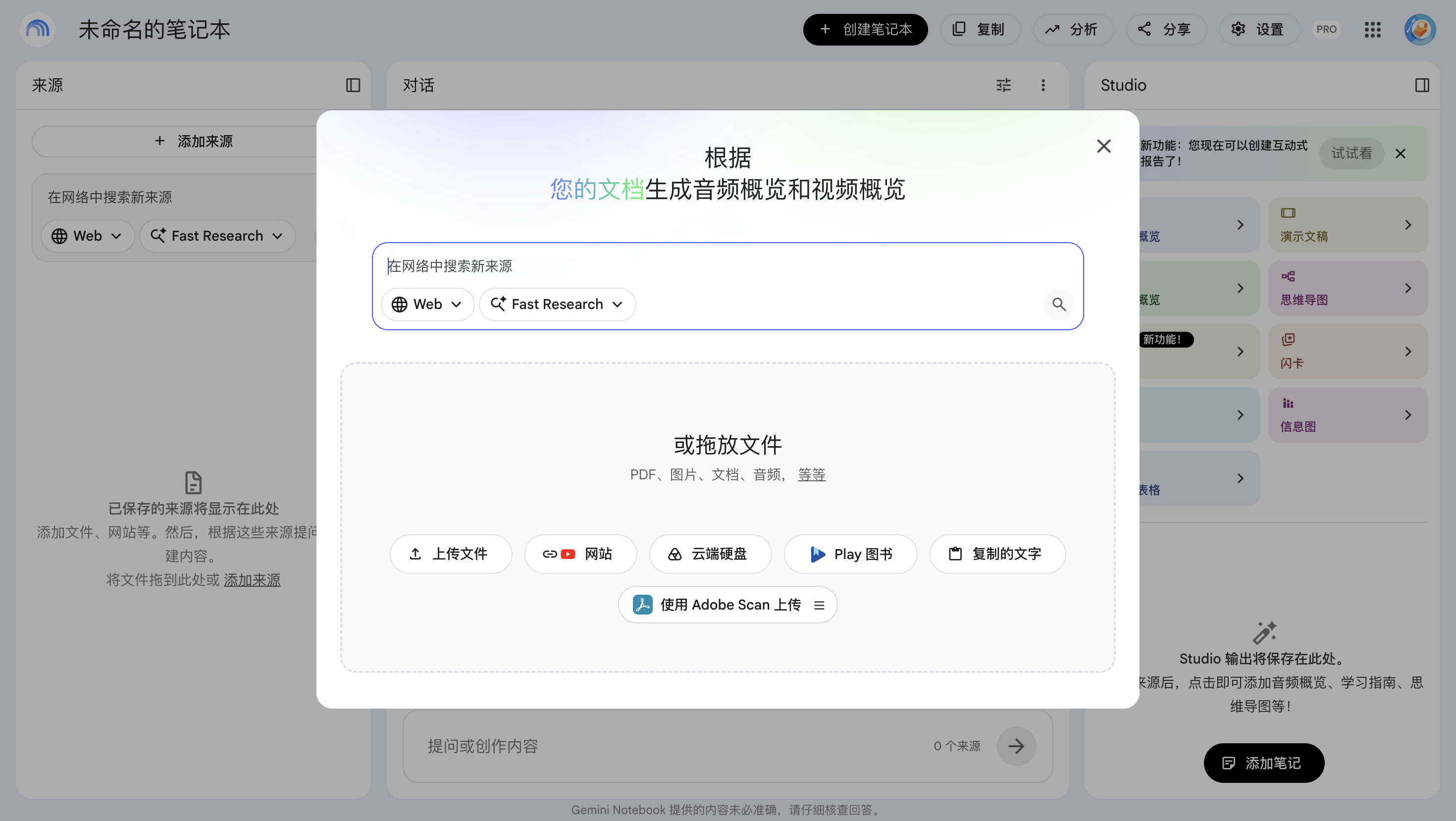
Gemini Notebook, formerly known as NotebookLM, solves a different problem from most video summarizers.
You can add supported public YouTube videos alongside PDFs, websites, Google Docs, slides, audio and other research sources. The notebook can then answer questions based on those sources, provide citations and generate formats such as study guides and mind maps.
For YouTube, there is an important limitation: Google states that it imports the video's transcript as the source. It does not treat the visual track of the YouTube video as a full visual note.
That makes Gemini Notebook excellent for research that mixes many source types. If you are studying a topic from a lecture, three papers and several webpages, it can be more useful than a standalone summarizer.
If the important information is on the slide itself, however, transcript-only ingestion leaves part of the video behind.
5. Notta — Best for Transcript-First Video and Meeting Workflows
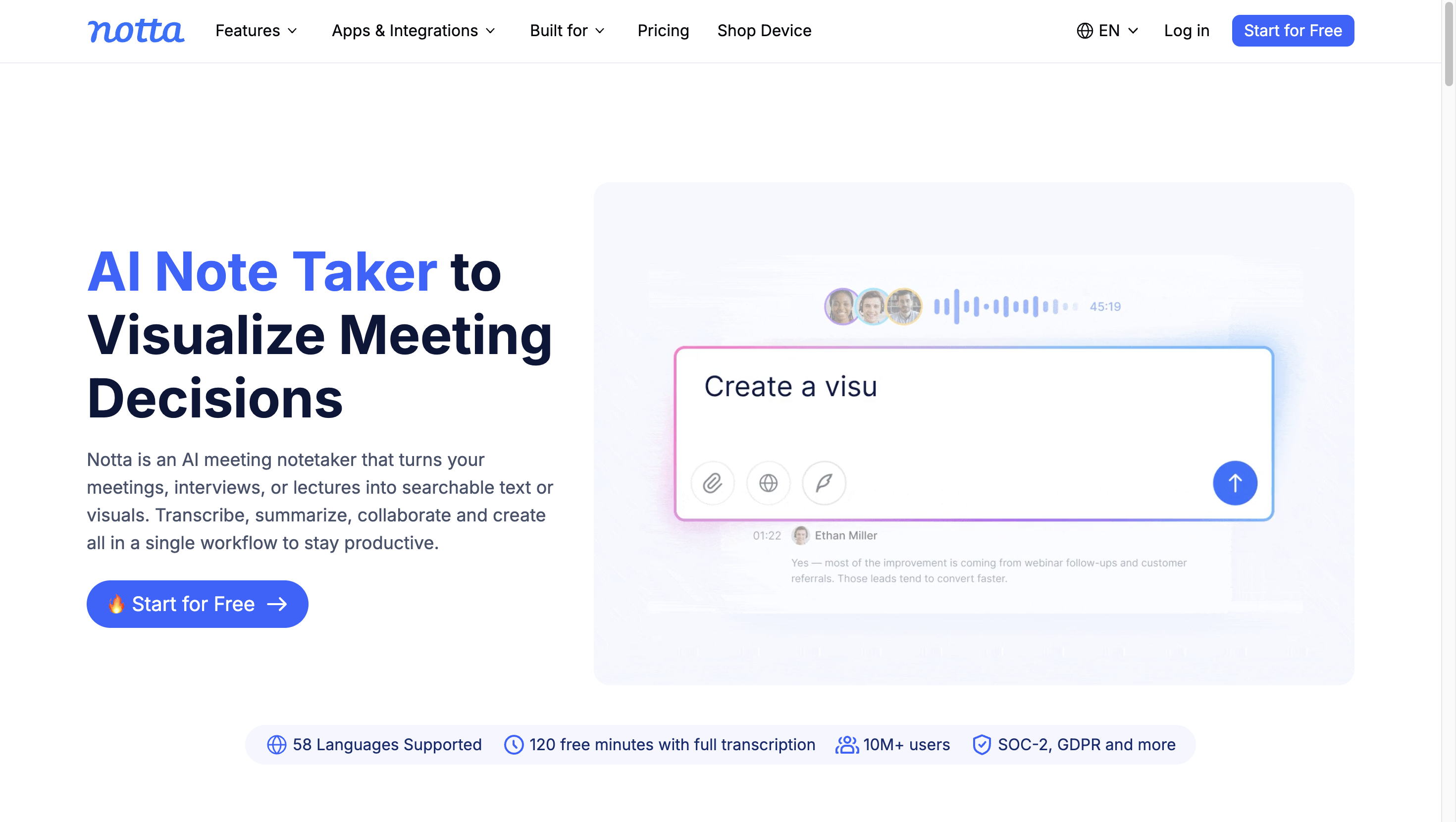
Notta starts from transcription.
You can upload video directly or bring in supported links such as YouTube. Notta first creates the transcript, then uses AI templates and prompts to produce summaries, chapters, action items or other structured notes.
This is useful when the written record matters as much as the summary. Meetings, interviews and lectures are a good fit because you can review the full transcript and the condensed notes side by side.
Notta also sits close to meeting and recording workflows, so it makes more sense than a browser-only YouTube tool if you regularly work with recorded conversations.
6. ScreenApp — Best for Summaries, Chapters and Questions From a Link or File
ScreenApp accepts uploaded video and a wide range of public video links.
After processing, it can return a transcript, speaker labels, an overview, topic chapters and timestamps. The AI chat can answer questions about the recording, and ScreenApp also describes frame-aware analysis when on-screen content matters.
That combination makes ScreenApp one of the broader tools in this list. It is useful for lectures, presentations, interviews and public videos where you may want to move from summary to transcript and then ask a specific question.
Its product is also broader than summarization alone, with recording and meeting features built around the same media workspace.
7. Descript — Best When Summarizing Is Part of Editing
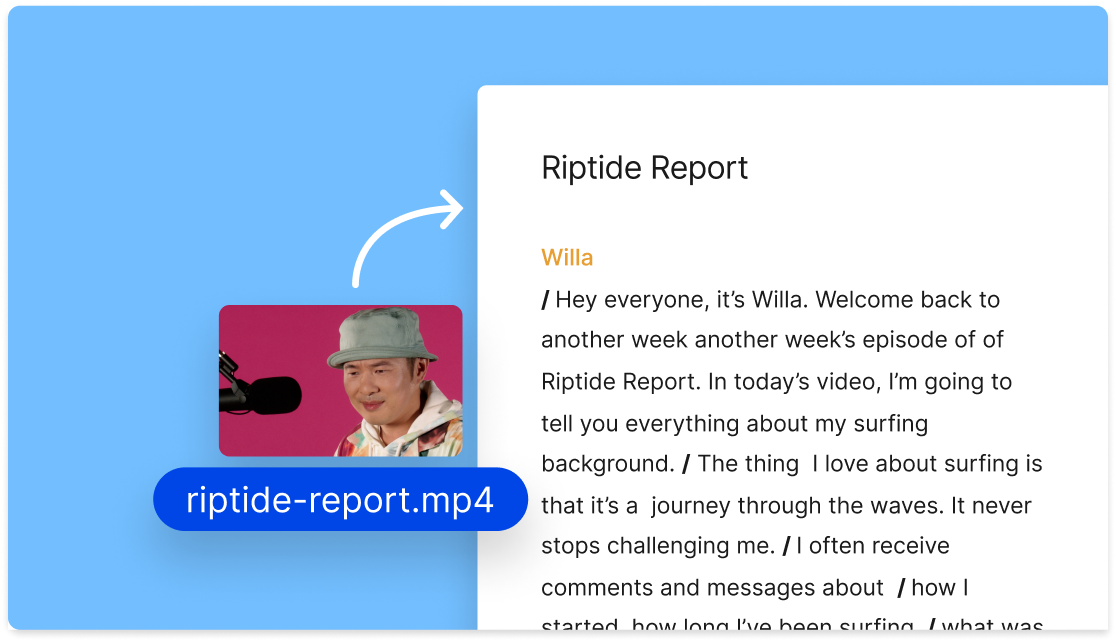
Descript is the odd one out in a useful way.
It is primarily an audio and video editor. When you upload a recording, Descript creates a transcript, and that transcript becomes part of the editing workflow. You can then use Ask AI to generate a summary, request bullet points or reshape the result for descriptions, newsletters or other content.
If your next step is to cut the video, clean the audio, add captions or repurpose the recording, this is more practical than sending the file through a separate summarizer.
For students or researchers who mainly want to study and organize the source, the editing layer may be unnecessary. For creators, it is the reason to choose Descript.
8. NoteAi — Best for Turning Video Into Something You Can Keep Using
At first glance, NoteAi overlaps with several tools above: paste a YouTube link or upload a video, get a transcript and summary, then ask questions.
The difference is that the workflow keeps going.
NoteAi is built around the idea that a useful video is not finished once you have read five bullet points. A lecture may need its slides.
A tutorial may need screenshots or code frames. A research video may need a full transcript for checking claims. And if the material is worth keeping, you should be able to find it again next month without reopening the original video.
That broader video → notes → questions → knowledge base workflow is why NoteAi is the tool I would pick if I had to choose only one for the use case in this article.
If You Only Choose One, NoteAi Is the Best Fit for This Workflow
This recommendation needs one qualifier.
If all you want is the fastest YouTube TL;DR, you do not necessarily need NoteAi. Eightify or Glasp may feel lighter. If your main job is editing finished media, Descript is the more obvious choice. If your project starts with a stack of PDFs and only one YouTube link, Gemini Notebook is excellent.
But for the specific problem this article is about — summarizing both YouTube videos and uploaded video files, then continuing to work with what you learned — NoteAi covers more of the workflow without forcing you to move between several tools.
Here is why.
One Workflow for YouTube Links and Uploaded Video Files
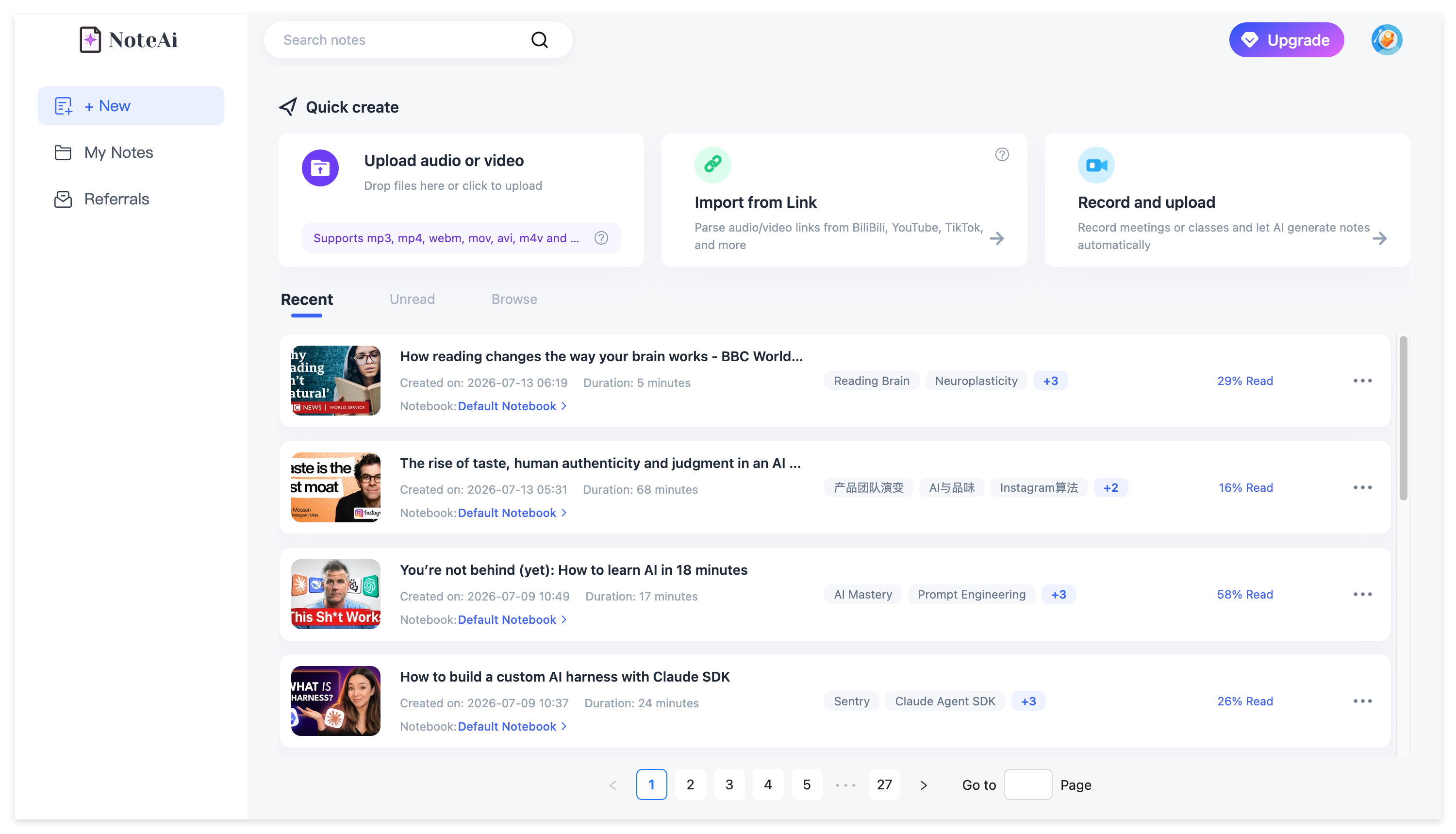
A lot of summarizers work well until the source changes.
One tool handles YouTube. Another wants an MP4. Another is built around meetings. That is manageable when you process one video a month, but it becomes annoying once video is part of your normal study or research routine.
NoteAi supports YouTube links, local video/audio and recorded content in the same workspace. It can also work with supported TikTok and Bilibili links.
For larger workloads, you can add up to 15 supported links or files in one batch. Local media can be up to 7 hours or 4GB.
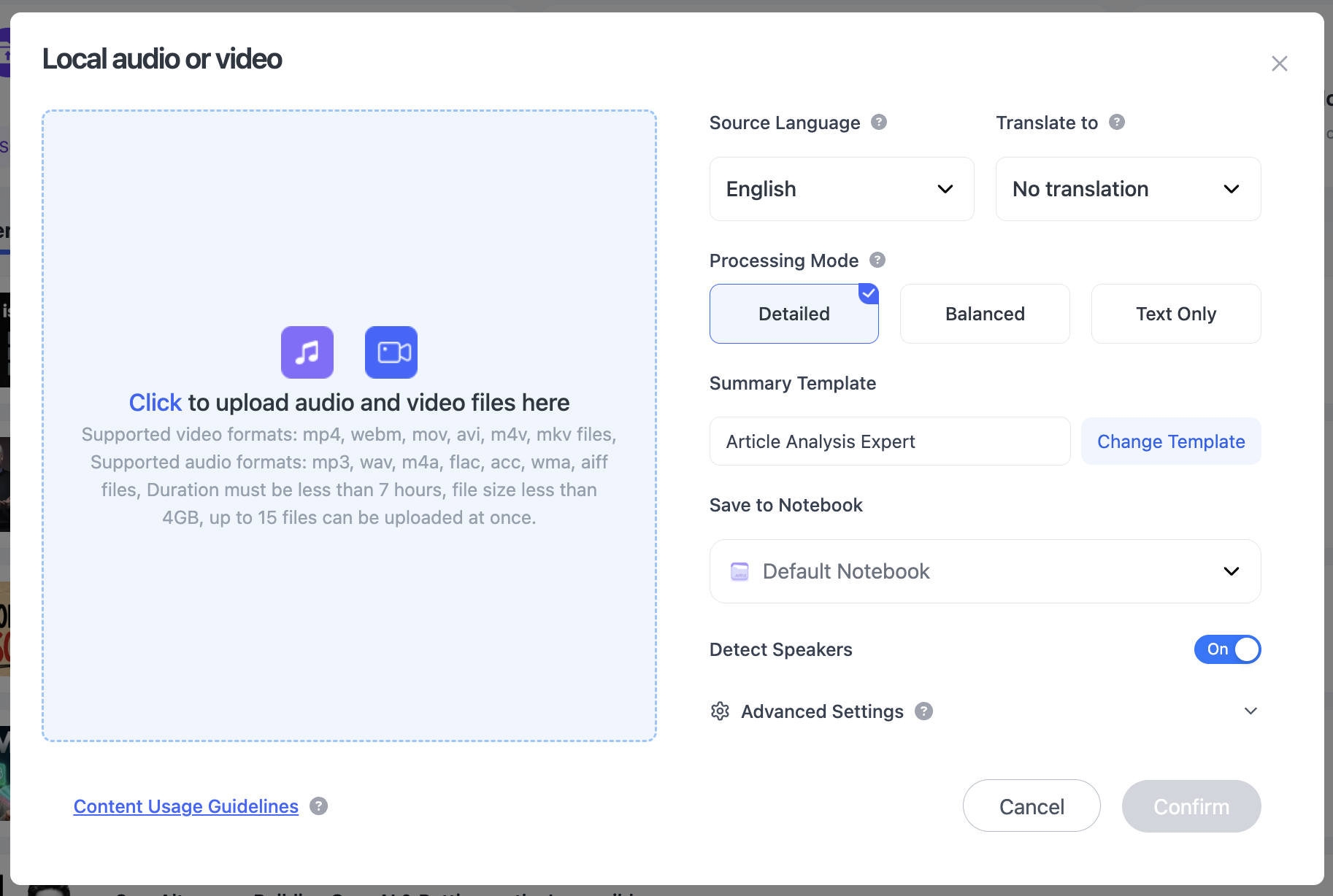
That means a YouTube lecture, a downloaded interview and a screen recording can all move through essentially the same workflow.
The free plan uses limited credits, so the technical upload limit is not the same thing as unlimited free processing. But you can evaluate the complete workflow before deciding whether you need more usage.
The Summary Is Only the First Layer
A summary is useful for orientation.
It tells you what the video covers, which sections matter and whether the source deserves more attention. But once you need an exact quote, a definition or the explanation behind one point, a short recap becomes too compressed.
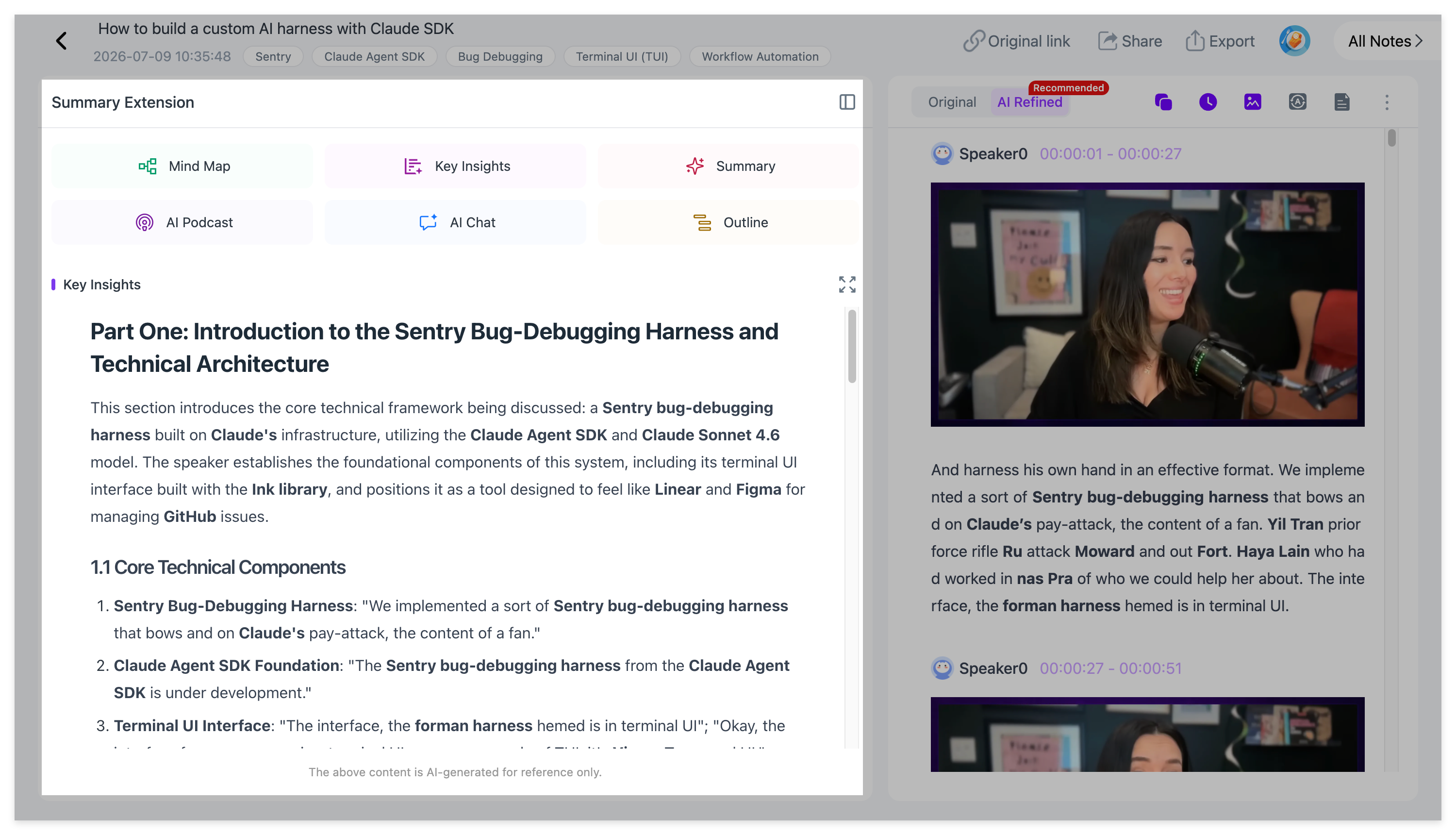
NoteAi keeps the full transcript available with timestamps and speaker-aware text. It can also provide an AI-polished reading version, so a long spoken recording is easier to read without removing access to the original transcript.
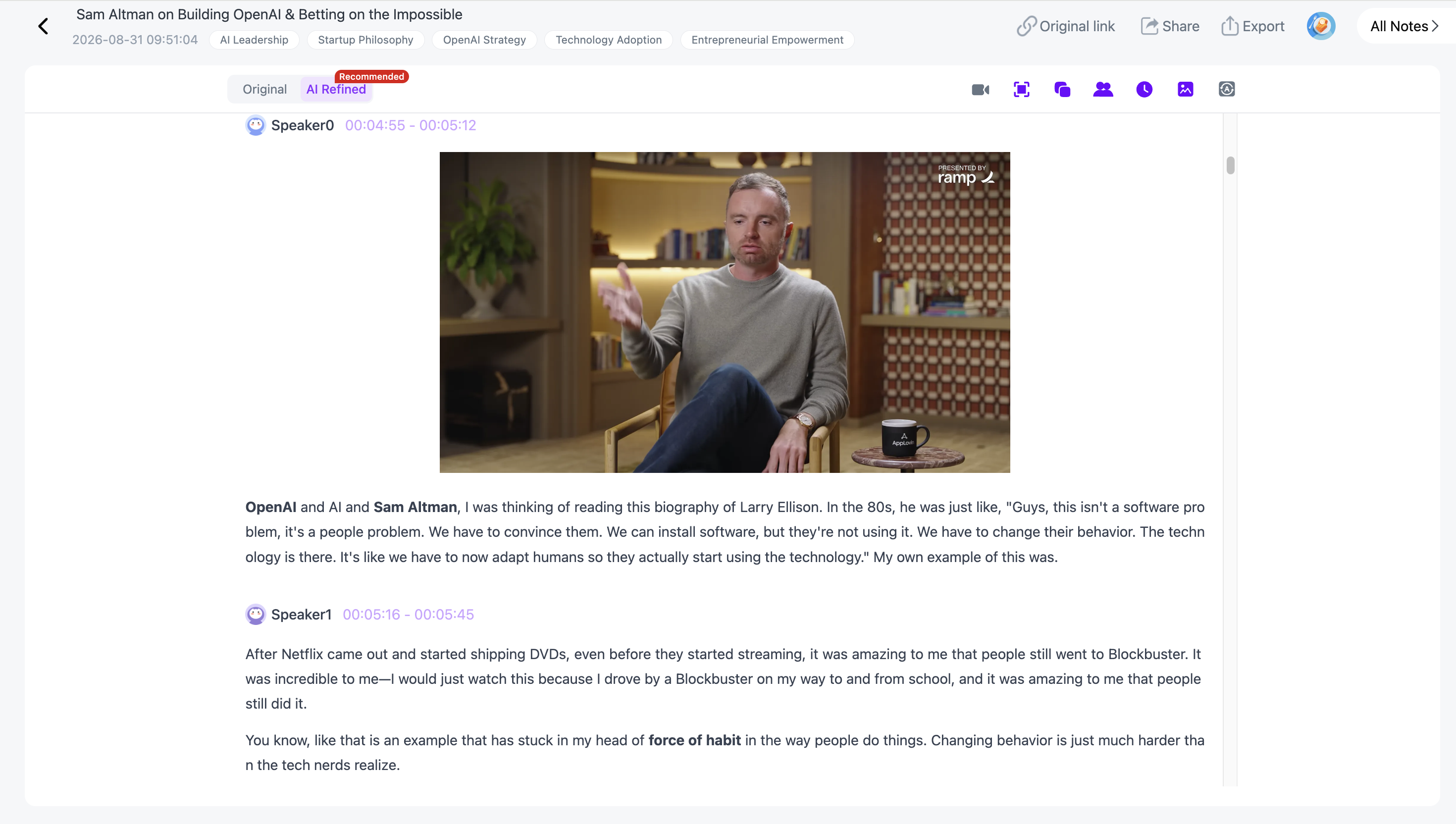
That creates a useful two-level reading pattern:
read the summary to understand the structure → open the transcript when the detail matters
If the full text is your main goal, the YouTube-to-text guide goes deeper into transcript-first workflows.
Visual Notes Keep the Part Most Summarizers Lose
This is the feature that changes the comparison most for lectures and tutorials.
Imagine a speaker says:
“This is the architecture we used.”
A normal transcript preserves the sentence. A normal summary may tell you that the speaker discussed system architecture.
Neither one preserves the diagram that made the sentence useful.
NoteAi's Visual Notes can automatically capture useful PPT slides, charts, diagrams, formulas, code, software interfaces and other key frames, then keep those visuals beside the related text.
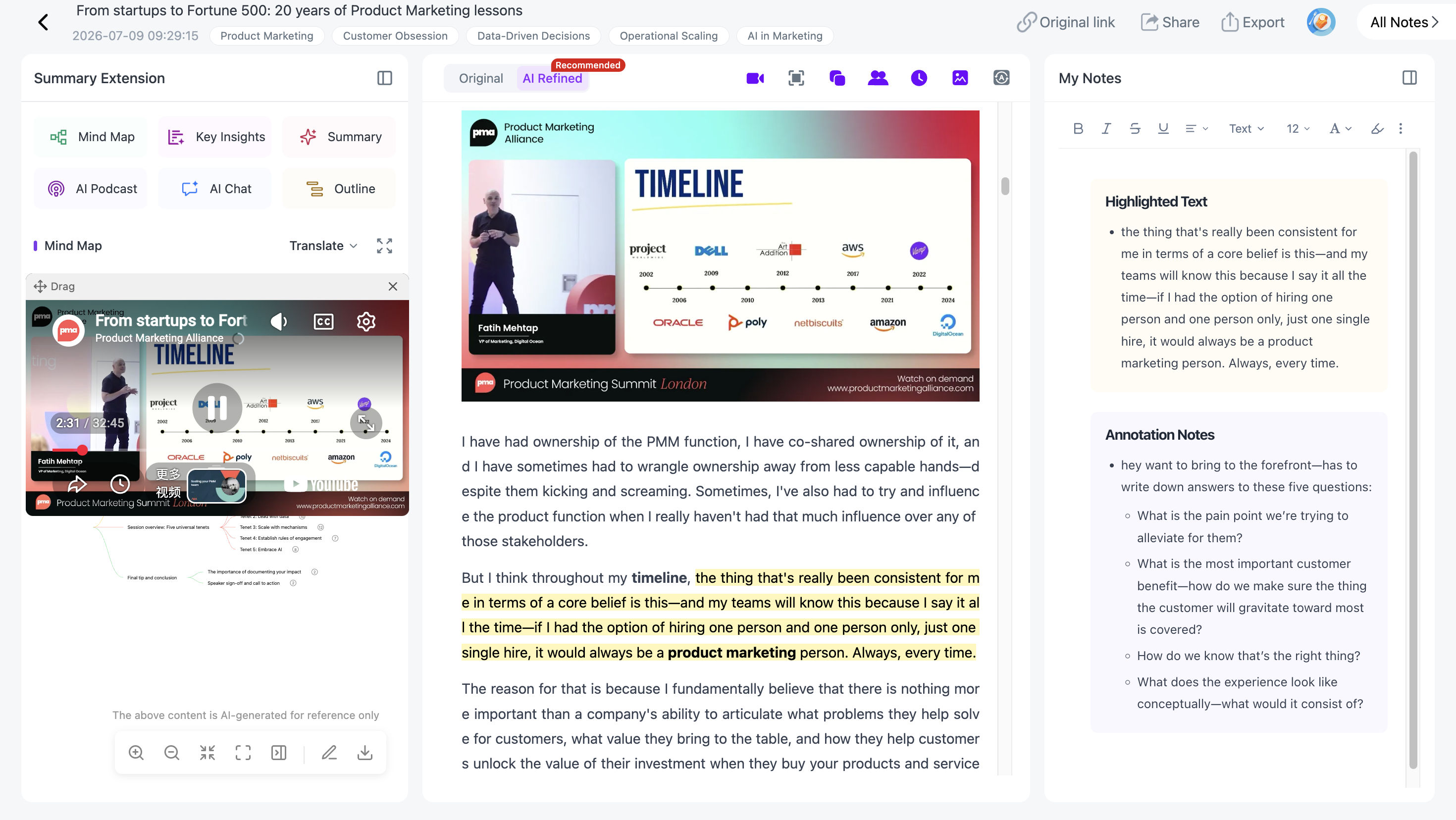
For a podcast, this may not matter much.
For a lecture, product demo, coding tutorial, conference talk or presentation, it often matters a lot.
That is why I would choose NoteAi over a transcript-only summarizer when the screen carries part of the knowledge.
You can see this workflow in more detail in Video to Notes: Turn Videos Into Visual Notes With AI.
The Mind Map Is Connected Back to the Video
A generated mind map is useful when it gives you the structure of a long source.
It becomes much more useful when it is not a dead image.
NoteAi creates an editable Mind Map that can be reorganized, renamed and exported. With Smart Sync, clicking a node takes you back to the corresponding moment in the original video or recording.
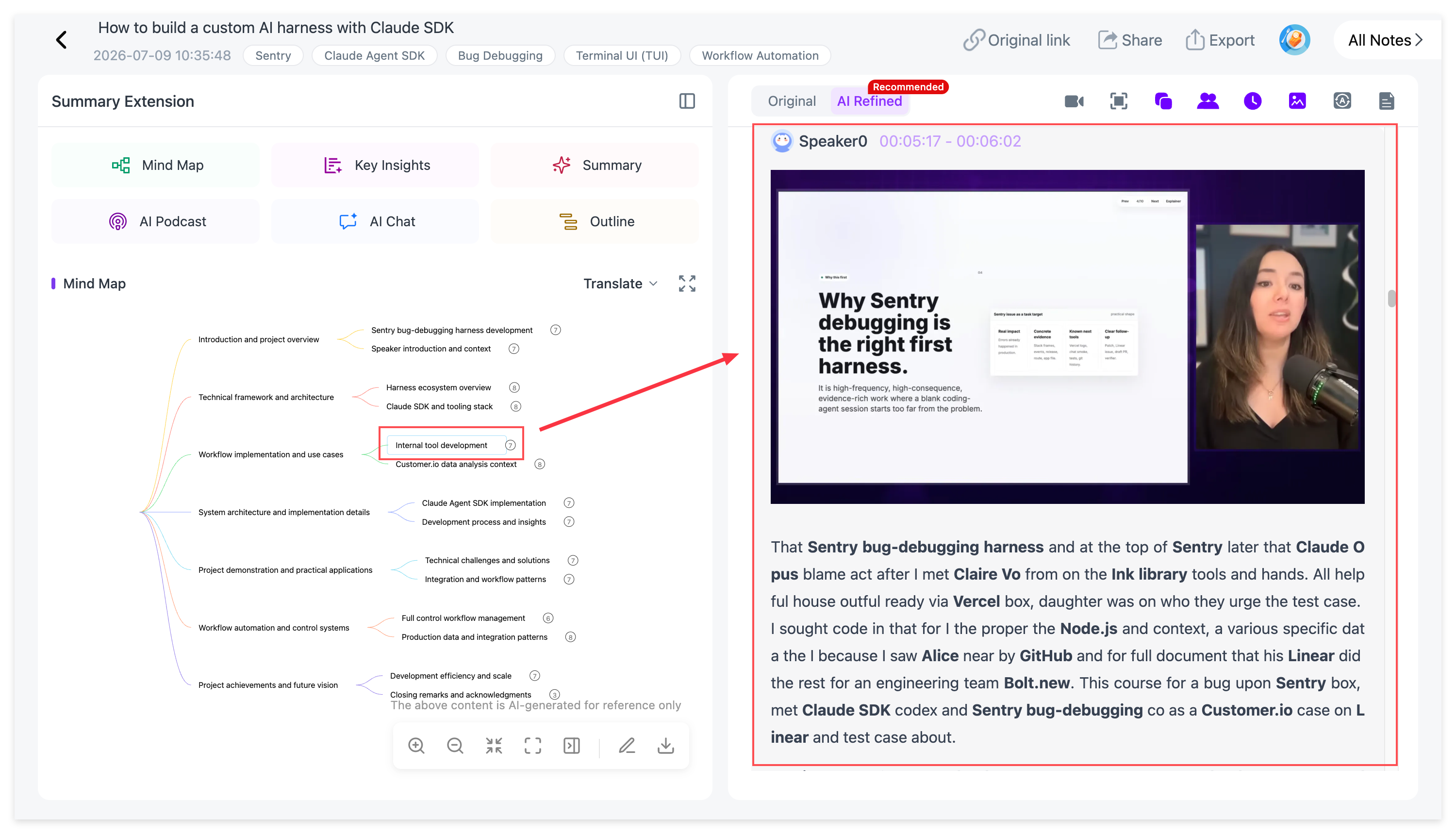
That changes how you use a two-hour lecture.
Instead of dragging the playback bar and trying to remember where one topic appeared, you can scan the structure, choose the concept and return directly to the source.
For students, it is useful for revision. For researchers, it makes source checking easier. For creators, it can help break a long interview or talk into reusable themes.
There is a separate guide on why mind maps work well for video learning if this is the part of the workflow you care about most.
AI Chat Turns the Video Into Something You Can Query
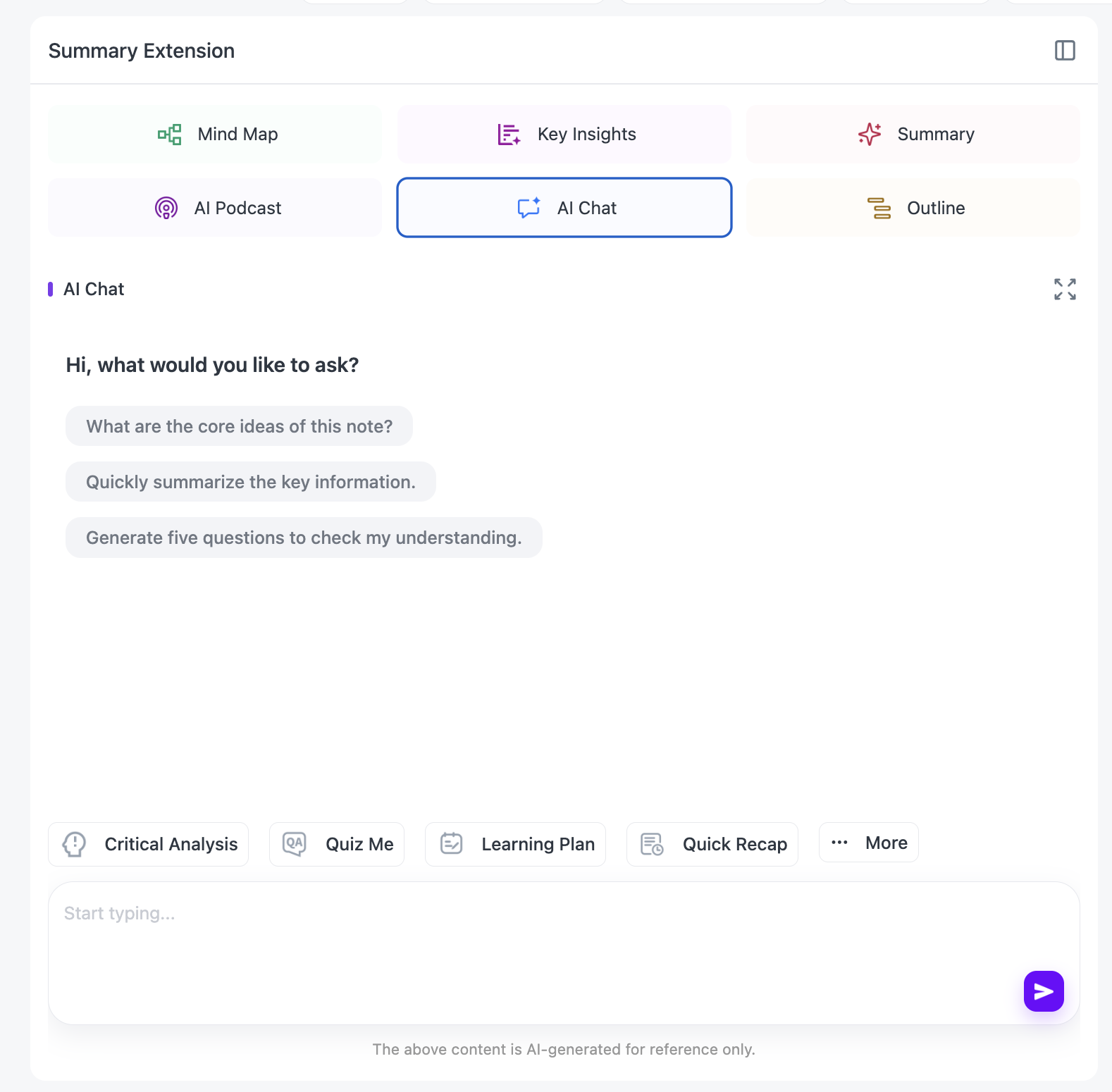
Once the source has been processed, NoteAi lets you ask questions about it.
That can be simple:
“Where did the speaker define this term?”
Or more useful:
“Compare the two methods discussed in the lecture.”
“Turn this section into review questions.”
“Which part should I rewatch if I only have ten minutes?”
“Summarize the arguments and the evidence used for each.”
This is where a video stops behaving like something you have to consume from beginning to end and starts behaving more like a reference.
NoteAi also includes Summary Templates and custom prompts, so the same source can be reorganized into a study guide, Cornell-style notes, a glossary, meeting notes or another structure without processing the video again.

Translation Stays Beside the Original Content
For foreign-language videos, a summary in your own language is helpful, but sometimes you still need the source wording.
Names, formulas, technical terms and quotes are easy places for meaning to drift.
NoteAi supports translation across 22+ languages and can keep the original and translated content available side by side.
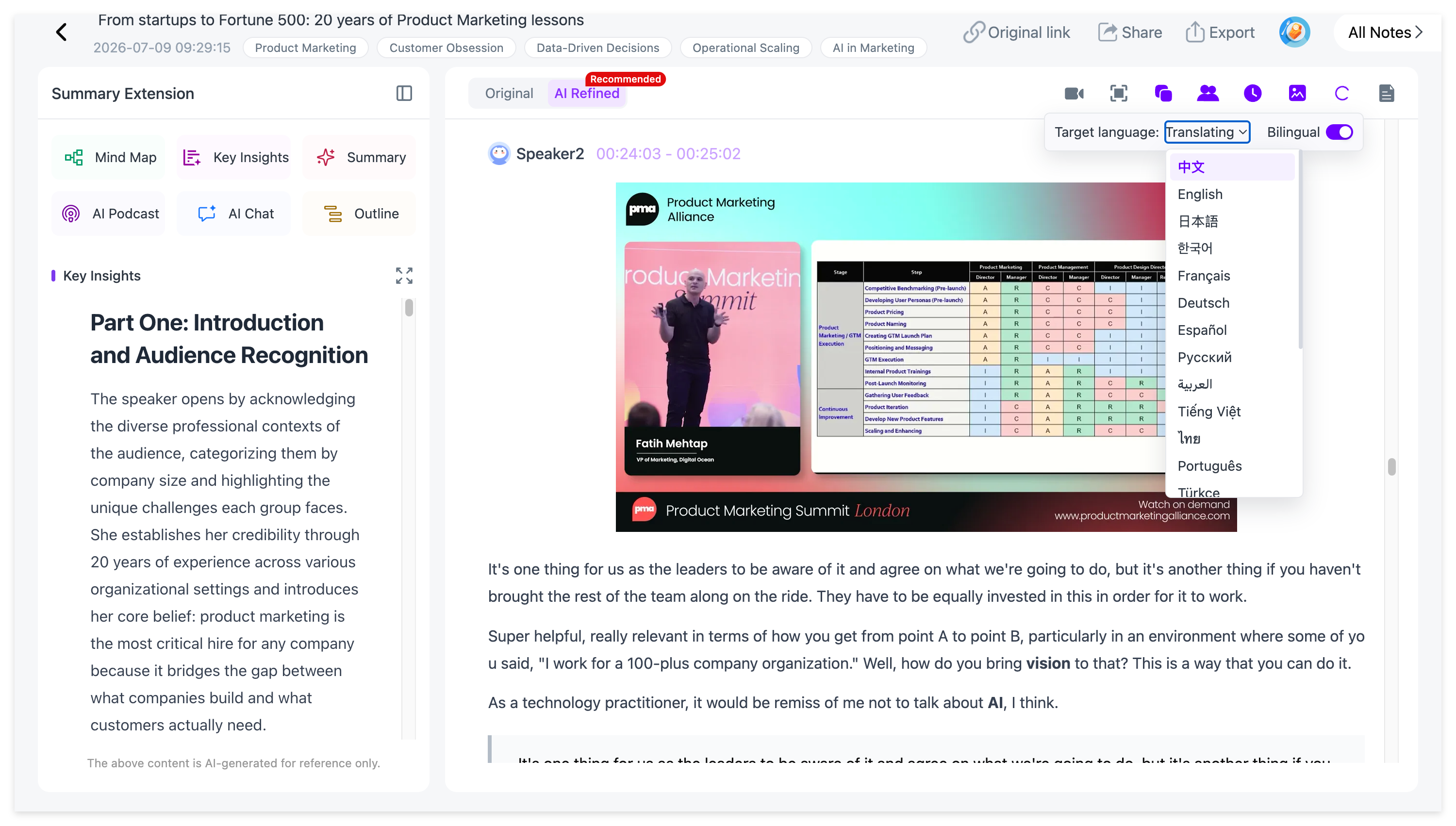
That is useful for language learning, international lectures and research where you want the convenience of translation without completely separating it from the source.
For a full workflow, see How to Translate Foreign-Language Videos into Study Notes.
The Useful Part Does Not Have to End When the Summary Is Finished
The last reason I would choose NoteAi is less flashy, but it matters more over time.
A summarizer saves you an hour today.
A knowledge workflow should also help you find that information six weeks later.
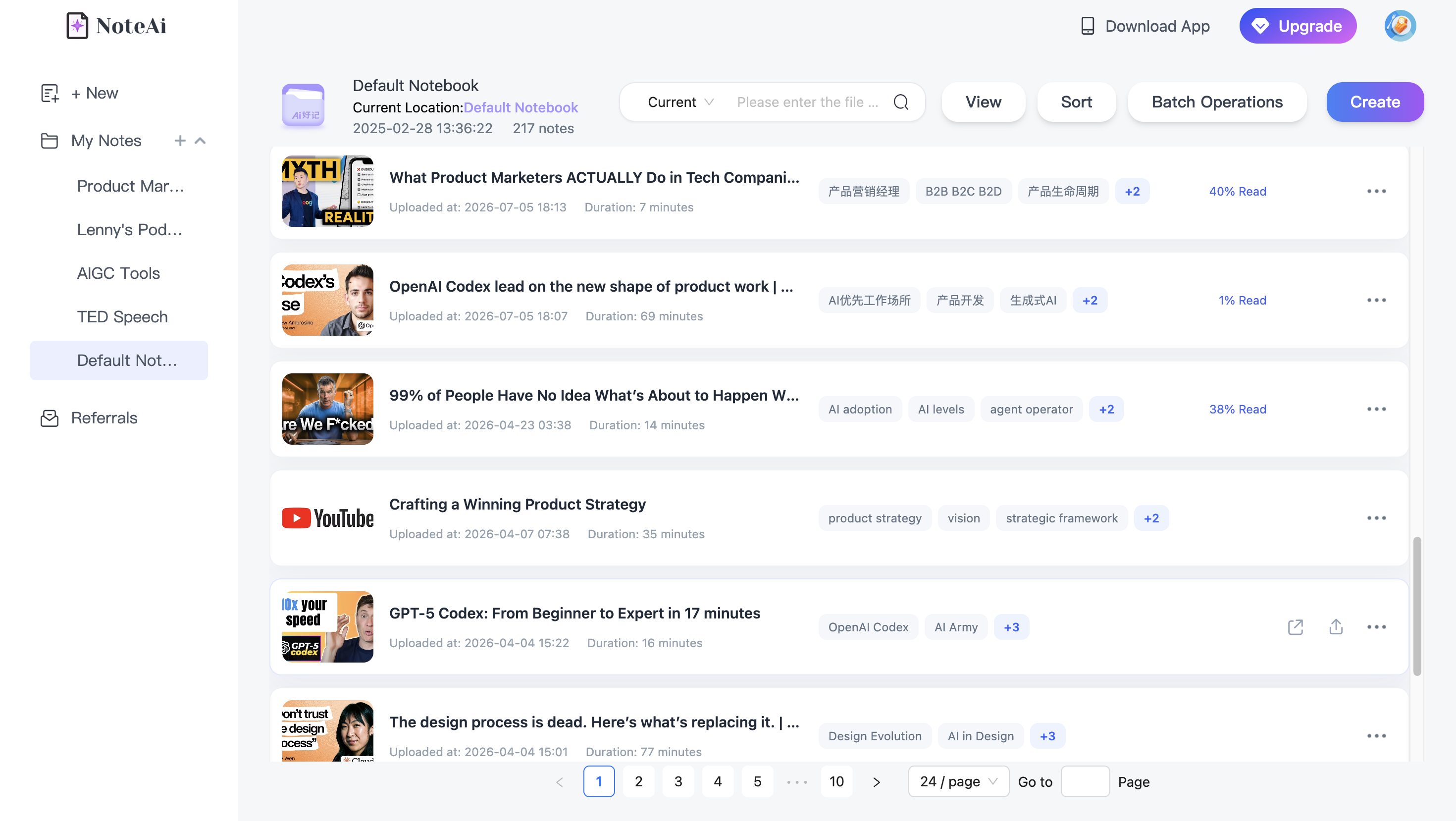
Processed videos can stay inside NoteAi's personal knowledge base, with categories, global search and batch note management. That makes more sense once you have dozens of lectures, interviews or research videos rather than one isolated file.
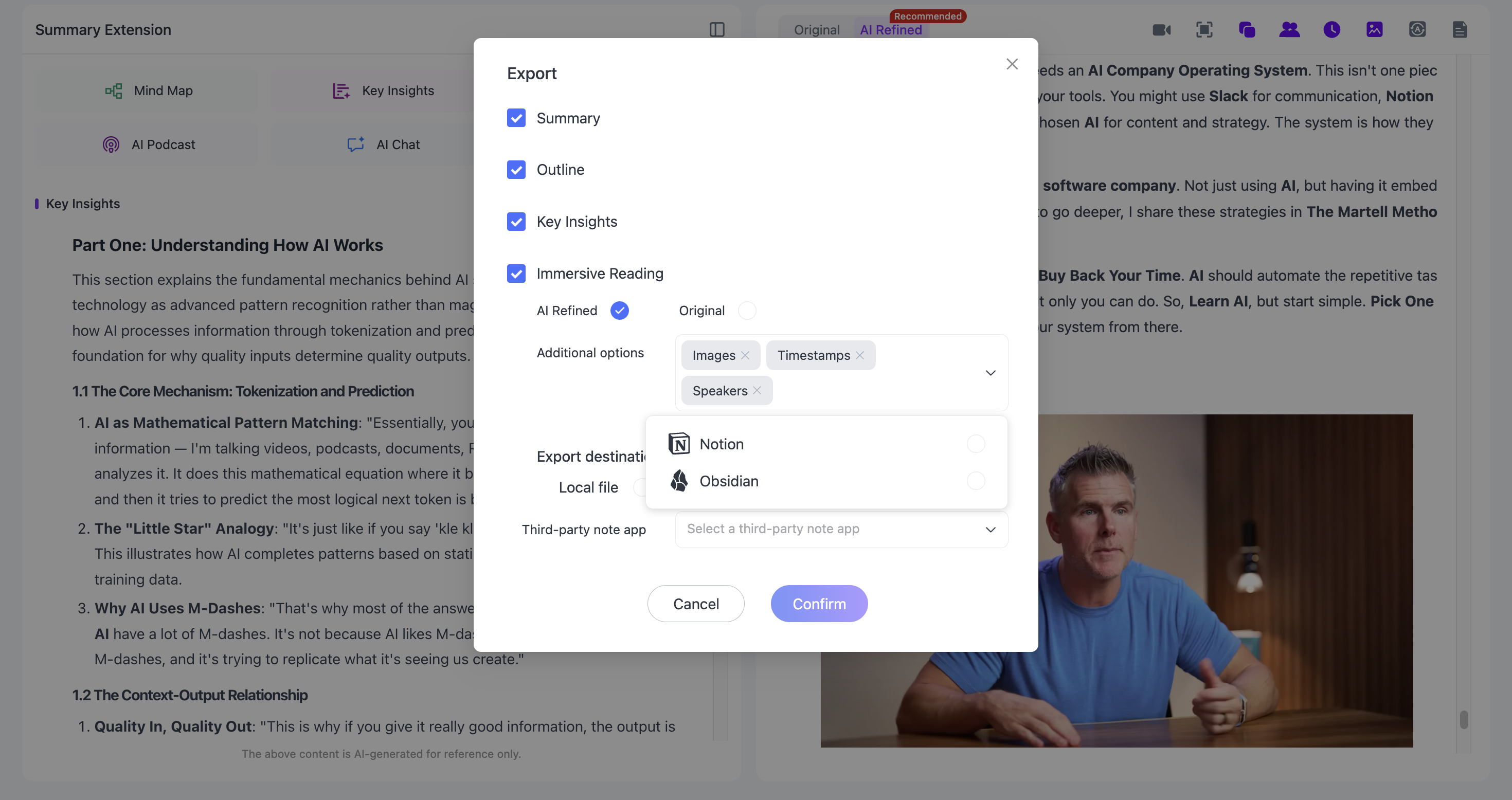
If you prefer an external note system, general notes can be exported as DOCX, PDF, HTML or Markdown, while Mind Maps can be exported as XMind, PDF, SVG, Markdown, JSON or TXT. The Markdown workflow also makes it practical to continue in Notion or Obsidian.
So the finish line is not “AI wrote five bullets.”
It can be:
video → transcript → visual notes → structure → questions → export or searchable knowledge
That is the part of NoteAi that makes it more useful to me than a one-purpose summarizer.
When Another Tool May Be a Better Fit
NoteAi is not automatically the right answer for every video.
If you want a lightweight summary directly beside a YouTube player, Eightify or Glasp may feel faster.
If you need to process a large queue of files and your priority is batch scale, NoteGPT is worth a close look.
If the video is only one source in a research project full of PDFs, documents and webpages, Gemini Notebook has a strong source-grounded research workflow.
If your work is mainly meetings and transcripts, Notta or ScreenApp may fit better.
And if the final job is editing the video itself, Descript is the obvious specialist.
The reason NoteAi becomes my single pick is narrower and more practical: it covers the most complete path from a YouTube link or uploaded video to something you can actually study, question, organize and reuse.
Final Verdict
There is no shortage of free AI video summarizers in 2026.
The real choice is what you want the video to become.
For quick YouTube skimming, a browser-focused tool may be enough. For batch uploads, look at tools built for volume. For meetings, prioritize transcripts and speaker handling. For creator work, editing matters.
But if I had to choose one tool from this list for both YouTube videos and uploaded files, especially for lectures, tutorials, research and long-form learning, I would choose NoteAi.
Not because it creates the shortest summary.
Because the summary is only the beginning.
It keeps the transcript, preserves useful visual context, connects the structure back to the source, lets you ask questions, supports multilingual review and gives the finished material somewhere useful to live afterward.
**Try NoteAi with a real video**
Frequently Asked Questions
What is the best free AI video summarizer?
There is no universal best tool for every source. NoteGPT is strong for batch processing, Glasp and Eightify are convenient for YouTube, Notta and ScreenApp are transcript-focused, Descript is strong for editing, and Gemini Notebook works well for mixed-source research. For users who want one workflow across YouTube and uploaded video with transcripts, visual notes, Mind Maps, AI Chat and long-term organization, NoteAi is the strongest all-around fit in this comparison.
Can AI summarize an uploaded MP4 video?
Yes. Tools such as NoteGPT, Notta, ScreenApp, Descript and NoteAi can work with uploaded video files. The exact size, duration and free-plan limits vary by product.
Can I summarize a YouTube video without subtitles?
It depends on the tool. Some YouTube summarizers rely on an existing caption track. Tools with their own speech-to-text workflow can transcribe the audio first and then summarize it. NoteAi can generate a transcript from the video's audio rather than relying only on existing subtitles.
Which AI video summarizer is best for students?
Students usually need more than a short recap. A timestamped transcript, slides or key frames, a study structure and follow-up questions are useful for revision. That is why NoteAi is particularly well suited to recorded lectures and tutorial videos, while Gemini Notebook is useful when the course also includes PDFs and other documents.
Is NoteAi free?
NoteAi has a free plan with limited credits. It is enough to test the core workflow before deciding whether you need a higher-usage plan.
How long can an uploaded video be in NoteAi?
A local video or audio file can be up to 7 hours or 4GB, and up to 15 supported links or files can be added in one batch. The amount available on the free plan still depends on your remaining credits.